Description
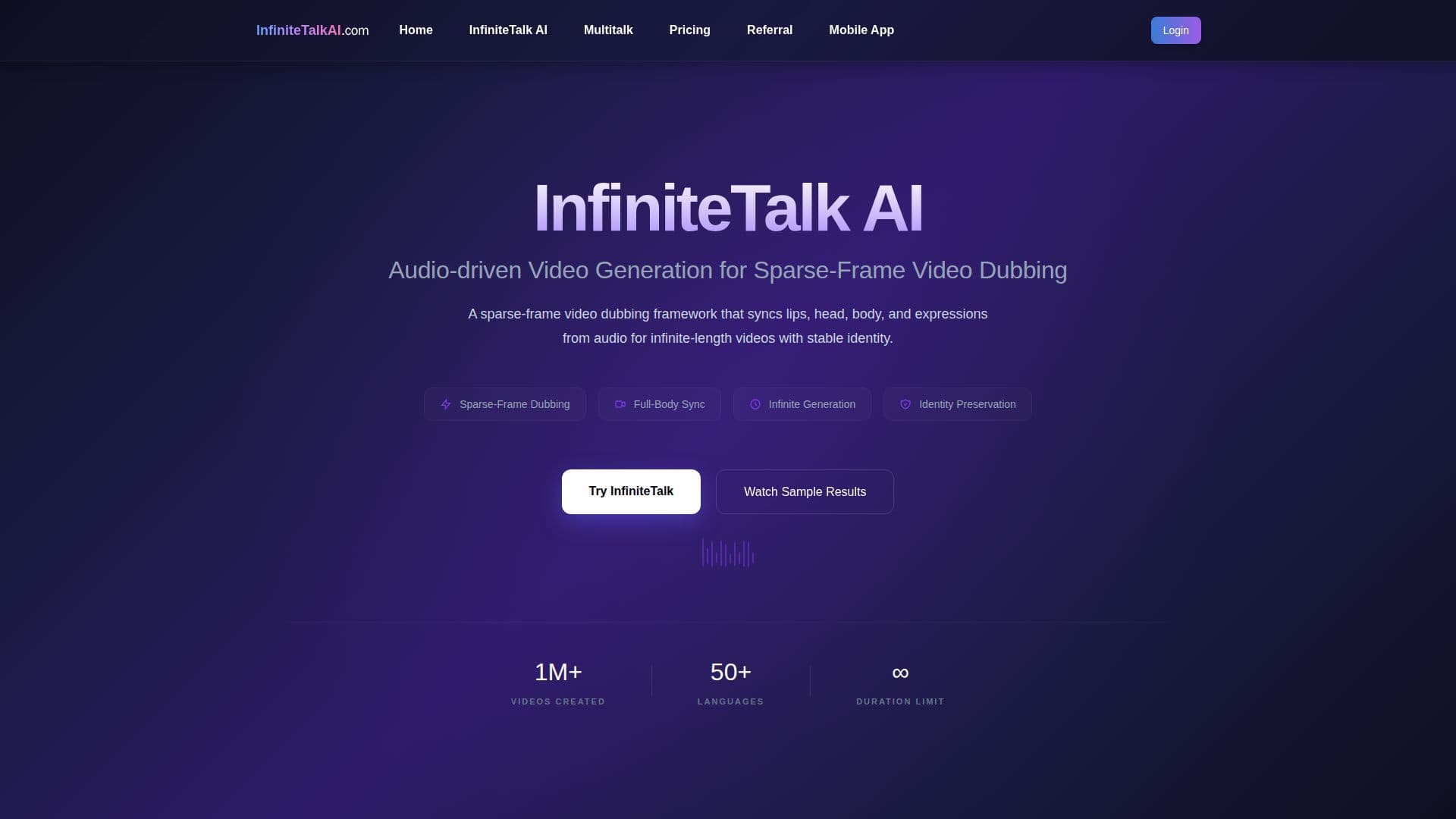
InfiniteTalk AI is an audio-driven video generation tool that creates lifelike talking-avatar videos. Using audio as the core driver, it synchronizes not just lip movements but also head position, body posture, and facial expressions, and works in both image-to-video and video-to-video modes, so you can create a talking portrait from a single image or dub existing footage.
Read More
It is built on a sparse-frame video-dubbing framework that supports infinite-length generation with stable identity preservation, avoiding the few-second limits of many tools. Its memory-based processing overlaps frame chunks (around 81 frames each, carrying the last 25 into the next) to keep motion smooth and prevent glitches across long recordings. Text prompts can guide expressions, emotions, and gestures, and output is available in 480p and 720p (with 1080p noted for some workflows).
Users upload a source image or video and speech, podcast, or dialogue audio, optionally choose resolution and add a prompt, then generate. Technical features include TeaCache acceleration, adaptive parameter grouping, and quantization options so it can run on a range of hardware, including systems with limited VRAM, and there is a ComfyUI integration guide for local workflows.
InfiniteTalk AI is pay-as-you-go: credits are purchased in one-time packs, never expire, and are consumed by video length and resolution (1 credit per second at 480p, 2 at 720p), with no subscription. Failed generations are refunded, outputs can be used commercially, payments run through Stripe, and there is a 7-day refund window and 24/7 support.
- CategoryAI Video Generators
- Pricing ModelUsage-based
- DeploymentCloud
- PlatformsWeb
InfiniteTalk AI's Core Features
Audio-driven lip sync with synced head, body, and facial expressions
Image-to-video and video-to-video dubbing modes
Infinite-length generation with stable identity preservation
Memory-based frame-chunk processing for smooth long videos
Prompt control for expressions, emotions, and gestures
Resolution options (480p and 720p) with commercial-use license
Runs on a range of hardware via quantization and acceleration options
Pay-as-you-go credits that never expire, with no subscription
How to use InfiniteTalk AI?
Upload source and audio: Choose a video or image and upload speech, podcast, or dialogue audio.
Adjust settings: Select 480p or 720p and optionally add a prompt to guide expressions.
Generate: Click Generate Video to spend credits and process the clip.
Download: Save the finished lip-synced talking video.
InfiniteTalk AI's Use Cases
- Talking portraits
- Video dubbing
- Long-form content
- Corporate communication
- Multilingual and education videos