Description
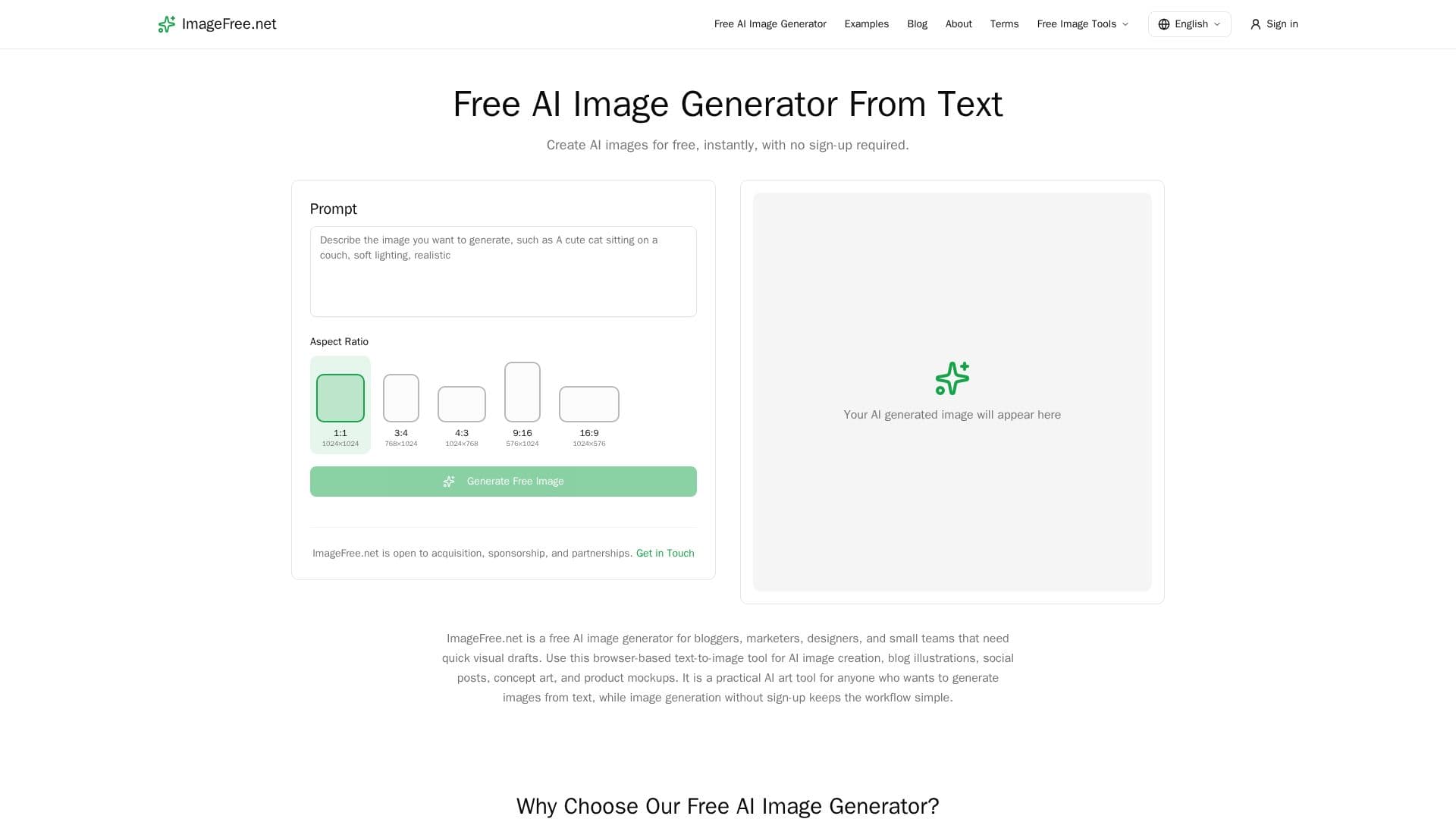
ImageFree.net is a browser-based, free AI image generator that turns text descriptions into images with no sign-up, no credits, and no account required. Users write a prompt, choose an aspect ratio, and generate an image in seconds. It is aimed at bloggers, marketers, designers, and small teams that need quick visual drafts for blog illustrations, social posts, concept art, and product mockups.
Read More
The tool supports a broad range of styles, from photorealistic portraits to stylized illustrations such as watercolor, anime, and 3D render, guided by style references in the prompt. Users can choose square, portrait, or landscape orientations, and generated images come without watermarks and can be used for commercial, editorial, or personal purposes. The site also references an AI photo editor, a background remover, and an image upscaler.
ImageFree.net emphasizes accessibility and no artificial scarcity: there are no daily limits, token systems, or paywalls, and the project is funded by unobtrusive advertising rather than usage caps. It is built on open-source foundation models, specifically Z-Image-Turbo, running on self-operated GPU infrastructure with a queue system that handles traffic spikes.
Privacy is handled with a no-account architecture: no login, email, or personal gallery is required, and prompts, task records, and generated images are permanently deleted after 24 hours. Standard output is PNG, with square images rendering at 1024x1024 and other orientations up to 1024 pixels on the longest side. Users are advised not to submit confidential or sensitive information.
- CategoryAI Image Generators
- Pricing ModelFree
- DeploymentCloud
- PlatformsWeb
ImageFree.net's Core Features
Free text-to-image generation with no sign-up or credits
No watermarks and no daily generation limits
Broad style range from photorealistic to illustration
Aspect ratio control for square, portrait, and landscape
Additional tools: photo editor, background remover, and upscaler
Built on the open-source Z-Image-Turbo model
Commercial-use output owned by the user
Privacy-focused with images deleted after 24 hours
How to use ImageFree.net?
Describe your vision: Type a prompt with subject, setting, style, and mood.
Choose dimensions: Select square, portrait, or landscape to fit your project.
Generate: Click generate and wait a few seconds for the image.
Refine or download: Adjust the description if needed, then download the result.
Use anywhere: Add the image to blogs, social media, or any project.
ImageFree.net's Use Cases
- Blog illustrations
- Social media posts
- Concept art
- Product mockups