
Description
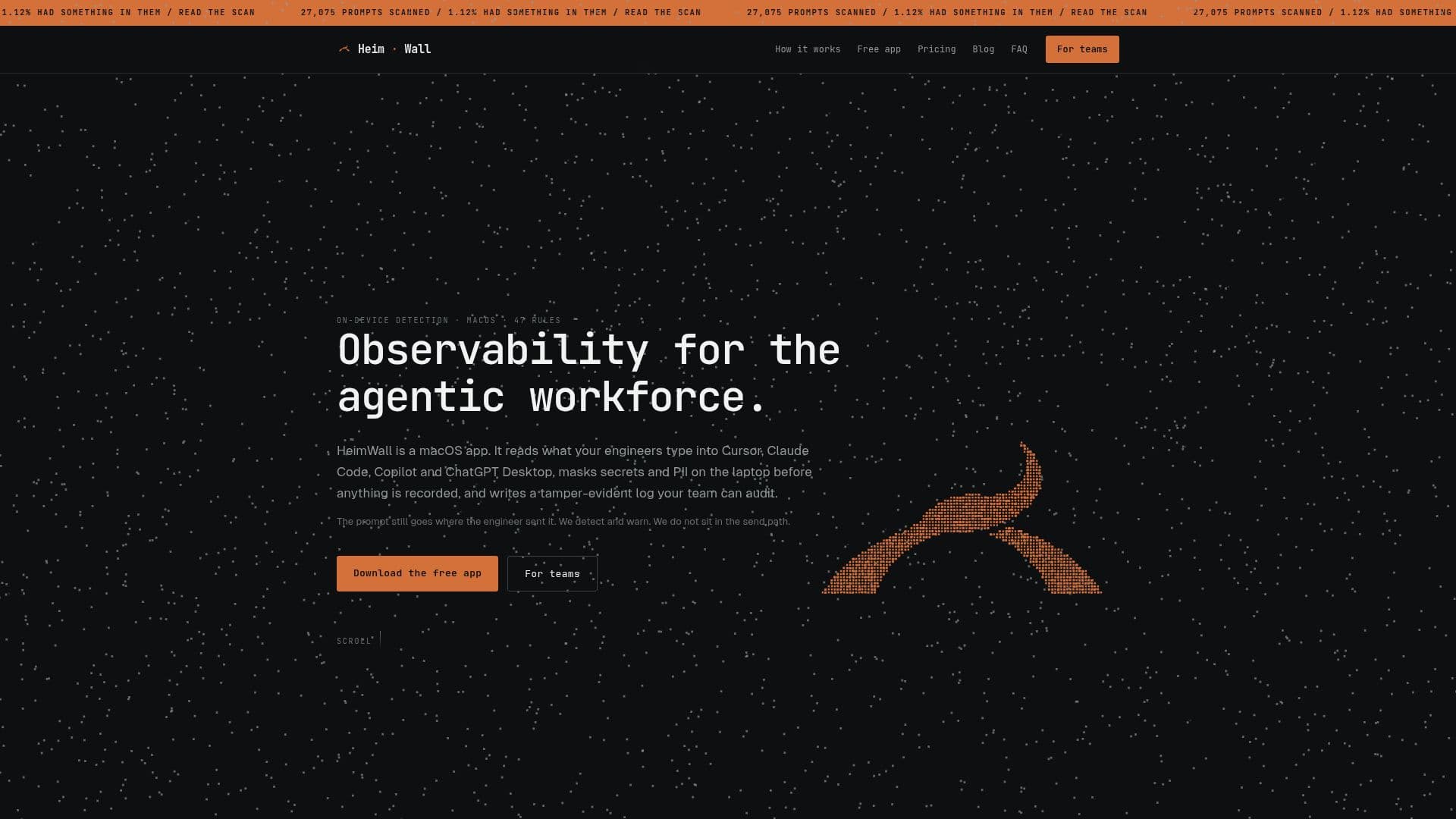
HeimWall is a macOS application designed to provide an audit trail for AI coding tools such as Cursor, Claude Code, Copilot, and ChatGPT Desktop. It operates by detecting and masking secrets and personally identifiable information (PII) on the user's device before any data is recorded. This ensures that sensitive information is protected without interfering with the engineer's workflow or reading their prompts.
Read More
The application functions by observing what engineers type into these tools and masking any detected secrets or PII on the laptop. It then writes a tamper-evident log that can be audited by the team. HeimWall does not sit in the send path, meaning the prompt still goes where the engineer intends, but with added security.
HeimWall offers several pricing tiers, including a free Solo version for individual engineers and paid Team, Business, and Enterprise plans. The Solo version is free forever, while the Team plan costs $50 per seat per month or $600 per seat annually. The Business plan is priced at $99 per seat per month, and the Enterprise plan offers custom pricing.
The application is particularly useful for organizations that need to monitor the use of AI coding tools without compromising the privacy of their engineers. It provides managers with visibility into the categories and counts of detected issues, without exposing the actual text. HeimWall's detection engine is deterministic and runs on-device, ensuring no network calls are made and no models are used.
HeimWall is designed for macOS 13+ on Apple Silicon and is not currently available for Windows or Linux. The application is built to integrate seamlessly into existing workflows, providing real-time warnings and ensuring that the engineer's prompt reaches the tool untouched. This makes HeimWall an ideal solution for teams looking to enhance their security posture while maintaining productivity.
- CategoryAI Cybersecurity Tools
- Pricing ModelFreemium
- DeploymentOn-device
- PlatformsmacOS
HeimWall's Core Features
On-device detection
47 hand-written rules
Tamper-evident log
Real-time warnings
macOS 13+ compatibility
No network calls
Deterministic engine
Free Solo version
How to use HeimWall?
Install: Download and install the macOS app
Configure: Grant Accessibility permissions
Use: Type into supported AI coding tools
Monitor: Review tamper-evident logs
HeimWall's Use Cases
- Code Security
- Team Monitoring
- Data Privacy
- Compliance
- Workflow Integration