
Description
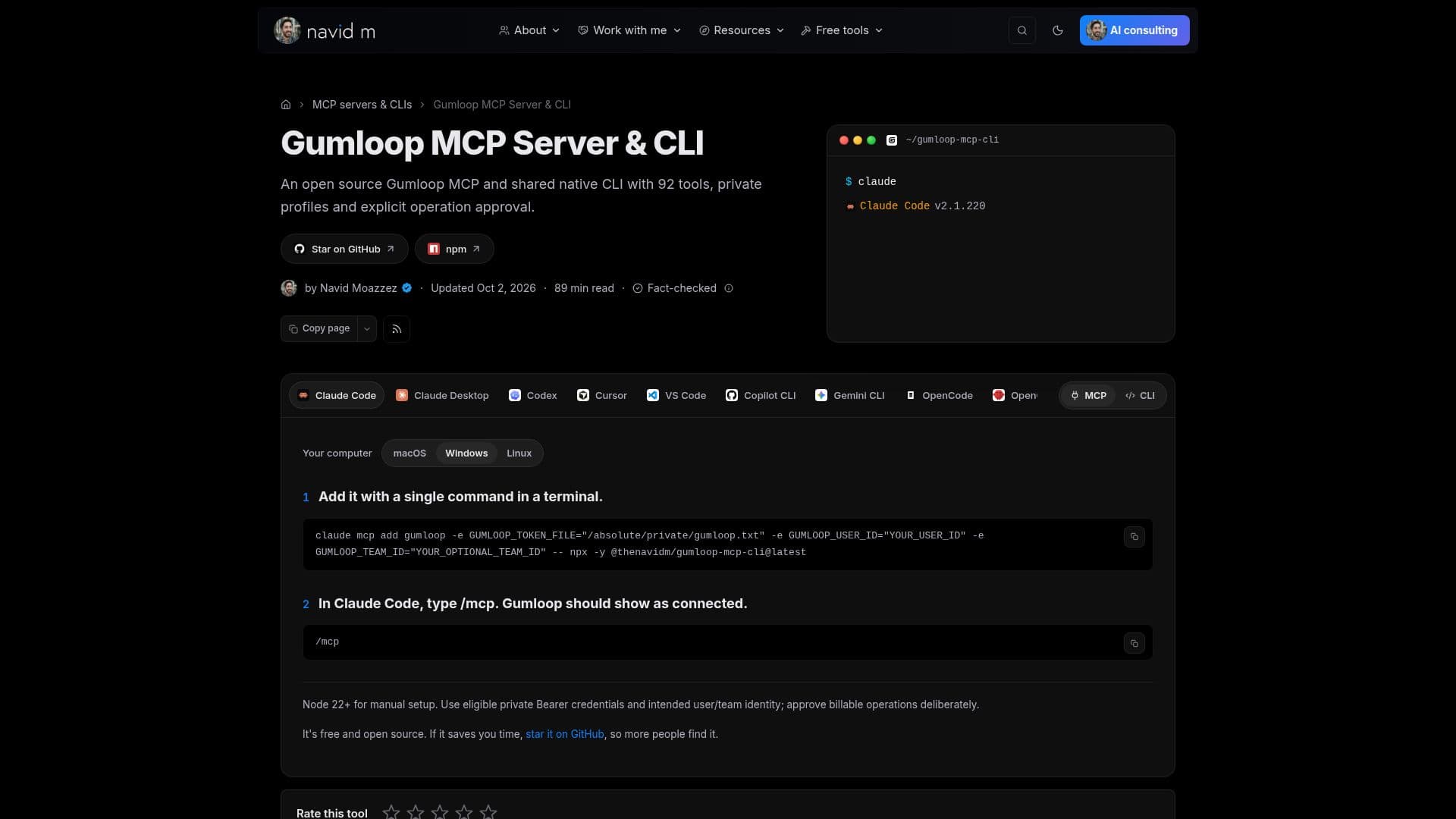
Gumloop MCP Server & CLI is a versatile, open-source solution designed to facilitate AI agents in managing automation tasks. It provides a secure environment where AI applications like Claude, Codex, or Cursor can connect through the Model Context Protocol (MCP) to execute approved operations. This tool is essential for inspecting automation flows, sessions, and account operations, ensuring that only authorized tasks are performed.
Read More
The server and CLI offer a range of functionalities, including the ability to inspect schemas and resources before confirming operations. This feature is crucial for managing credits and invoking connected downstream services responsibly. The tool supports OAuth and rotation, with credit documentation detailing variable charges for model work, connector calls, compute, and orchestration.
Gumloop MCP Server & CLI is free under the AGPL license, but Gumloop account access and processing are billed separately. The tool provides local read-only mode as an operation policy, although it does not guarantee zero provider charges. It also includes agent concurrency limits, with Pro and Enterprise plans offering different levels of support.
The CLI supports various flags for structured JSON output, compact JSON, and agent-specific configurations. It also includes exit codes for different operation outcomes, ensuring users can troubleshoot effectively. The tool's comprehensive suite of features makes it ideal for organizations looking to streamline their AI-driven automation processes while maintaining control over resource usage and permissions.
- CategoryAI Agent Builders
- Pricing ModelOpen Source
- DeploymentCloud
- PlatformsWindows
Gumloop MCP Server & CLI's Core Features
Free and open-source
Supports Model Context Protocol
Secure automation flow management
OAuth and rotation support
Local read-only mode
Agent concurrency limits
Structured JSON output
Comprehensive CLI flags
How to use Gumloop MCP Server & CLI?
Install: Set up the Gumloop MCP server
Configure: Set private credentials and permissions
Inspect: Review schemas and resources before operations
Execute: Run approved flows and sessions
Gumloop MCP Server & CLI's Use Cases
- Automation Management
- Resource Inspection
- Secure AI Operations
- Credit Management
- Agent Concurrency