
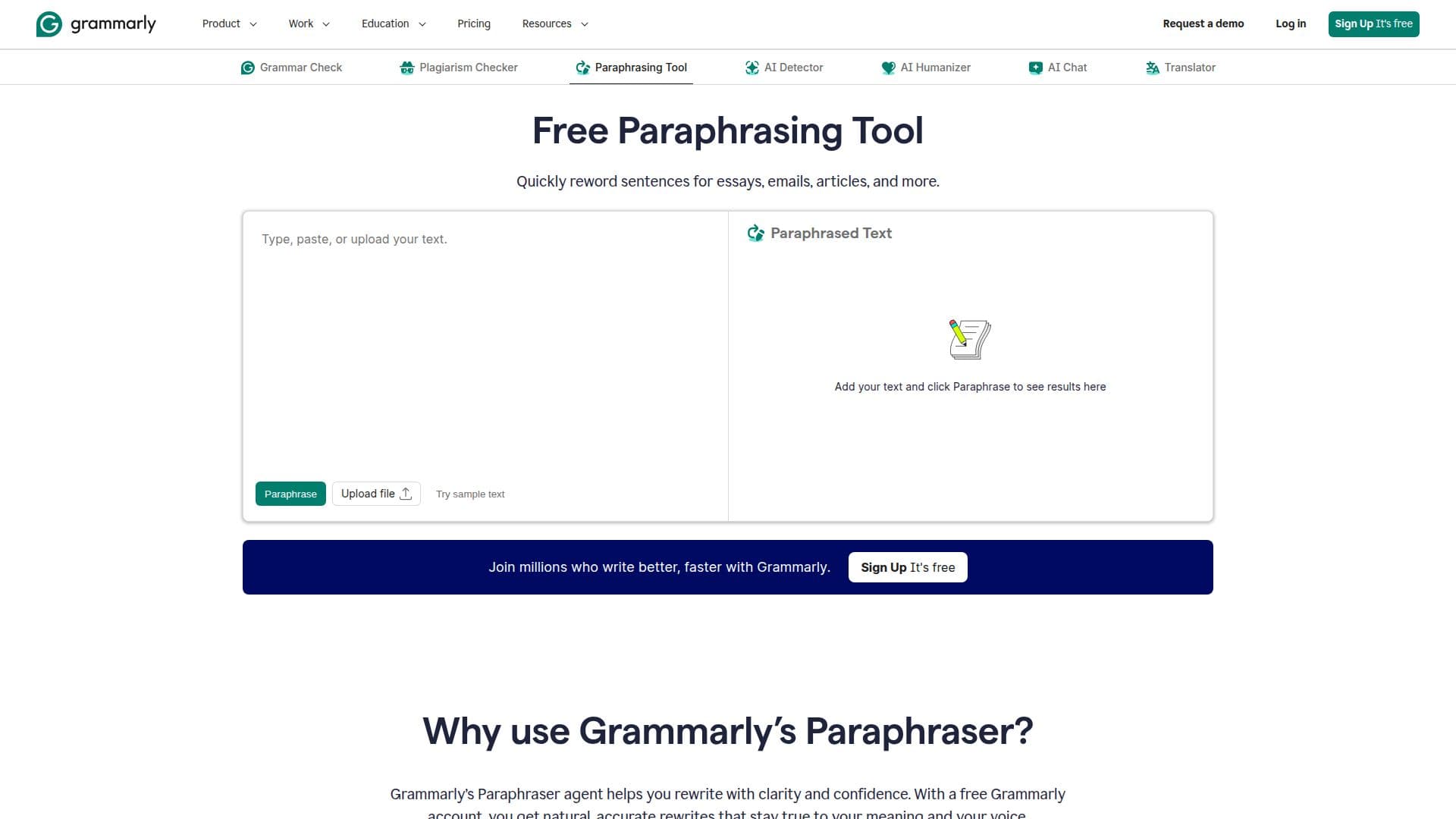
Description
Grammarly Paraphrasing Tool is a free AI-driven application designed to assist users in rewriting text while preserving its original meaning. This tool is particularly beneficial for students, professionals, and writers who need to enhance the clarity, tone, and flow of their content. By using advanced AI algorithms, the tool suggests alternative phrasing that aligns with the user's style, tone, and audience, ensuring that the rewritten text remains authentic and original.
Read More
The tool is accessible without requiring any sign-up, making it convenient for users who need quick and efficient paraphrasing solutions. It supports multiple languages, including English, Spanish, French, German, Portuguese, and Italian, allowing users to paraphrase text in their preferred language. This multilingual capability broadens its usability across different linguistic contexts.
Grammarly Paraphrasing Tool is particularly useful for a wide range of users, including professionals who need to summarize reports, students who need to rephrase research for assignments, researchers simplifying complex language, and marketers repurposing content for different audiences. The tool helps users save time by instantly rewriting text, improving clarity and readability, and expanding vocabulary.
Despite its powerful capabilities, the tool has certain limitations. It may miss subtle nuances or context from the original text and sometimes produce phrasing that sounds less natural without light editing. Users are encouraged to review AI-generated paraphrases to ensure accuracy and authenticity.
Overall, Grammarly Paraphrasing Tool is a valuable resource for anyone looking to express ideas in their own words while maintaining professional and academic integrity. It supports responsible paraphrasing by encouraging users to cite original sources properly.
- CategoryParaphrasing Tools
- Pricing ModelFree
- DeploymentCloud
- PlatformsWeb
Grammarly Paraphrasing Tool's Core Features
Instant text rewriting
Maintains original meaning
Improves clarity and tone
Multilingual support
No sign-up required
AI-driven suggestions
Supports multiple audiences
Helps avoid plagiarism
How to use Grammarly Paraphrasing Tool?
Type or paste text: Enter your text into the input box.
Select Paraphrase: Click the Paraphrase button to generate suggestions.
Review suggestions: Evaluate the rewritten text for accuracy.
Refine results: Make adjustments to fit your voice and style.
Grammarly Paraphrasing Tool's Use Cases
- Academic Writing
- Professional Reports
- Content Marketing
- Research Simplification
- Teaching Materials