Description
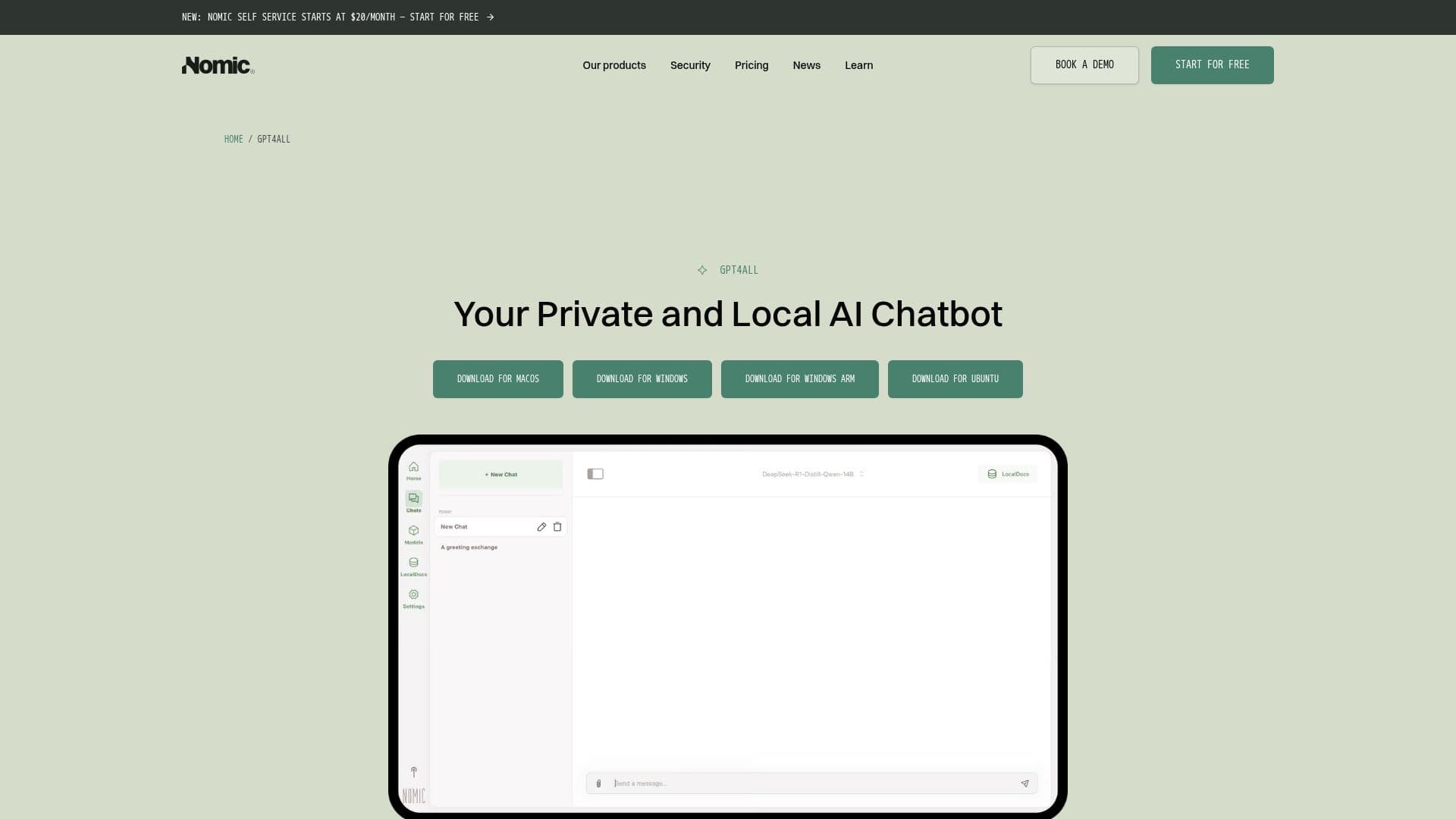
GPT4All is an innovative AI chatbot designed to operate entirely on your local device, providing a private and high-performance AI experience without the need for cloud connectivity. This ensures that your data remains secure and private, as it never leaves your machine. GPT4All is free and open-source, allowing users to download and run it at no cost, with no subscription fees or API charges. It is compatible with Windows, macOS, and Linux, supporting various hardware configurations including CPU-only machines and systems with NVIDIA or AMD GPUs for enhanced performance.
Unlike cloud-based solutions like ChatGPT, GPT4All offers the advantage of offline usage, making it ideal for privacy-sensitive tasks and environments where internet connectivity is limited or unavailable. This local operation ensures that there are no usage limits, and users have complete control over their data and interactions.
GPT4All is designed for developers, teams, and AI power-users, enabling them to run open-source language models with full customization. It supports local document chat through its LocalDocs feature and offers compatibility with thousands of models, empowering users to build assistants and workflows with maximum control, security, and speed.
The platform is particularly beneficial for architecture, engineering, and construction (AEC) firms, as it integrates with existing project management tools like Autodesk Construction Cloud, Bentley ProjectWise, and SharePoint. This integration allows for AI-powered workflows that accelerate project delivery and enhance decision-making processes.
Overall, GPT4All provides a robust solution for those seeking a private, customizable, and high-performance AI chatbot that operates independently of cloud services, ensuring data privacy and security.
GPT4All's Core Features
Runs locally on your device
Free and open-source
Supports Windows, macOS, and Linux
Offline functionality
Customizable AI models
Local document chat (LocalDocs)
Supports thousands of models
No cloud dependency
Privacy-focused
High-performance AI
Compatible with CPU and GPU
Ideal for privacy-sensitive work
Integrates with AEC tools
No subscription fees
Full control over data
How to use GPT4All?
Download: Get GPT4All from the official website
Install: Set up on your Windows, macOS, or Linux device
Configure: Customize settings and models as needed
Use: Run AI models locally for private interactions
Optimize: Adjust configurations for better performance
GPT4All's Use Cases
- Privacy-sensitive tasks
- Offline AI interactions
- Custom AI workflows
- AEC industry integration
- Local document chat