Description
GPT Driven i18n is an AI-powered tool designed to simplify and accelerate the internationalization (i18n) process for software products. By integrating with ChatGPT, it transforms how developers and localization teams handle language support, making products accessible to a worldwide audience more efficiently.
Read More
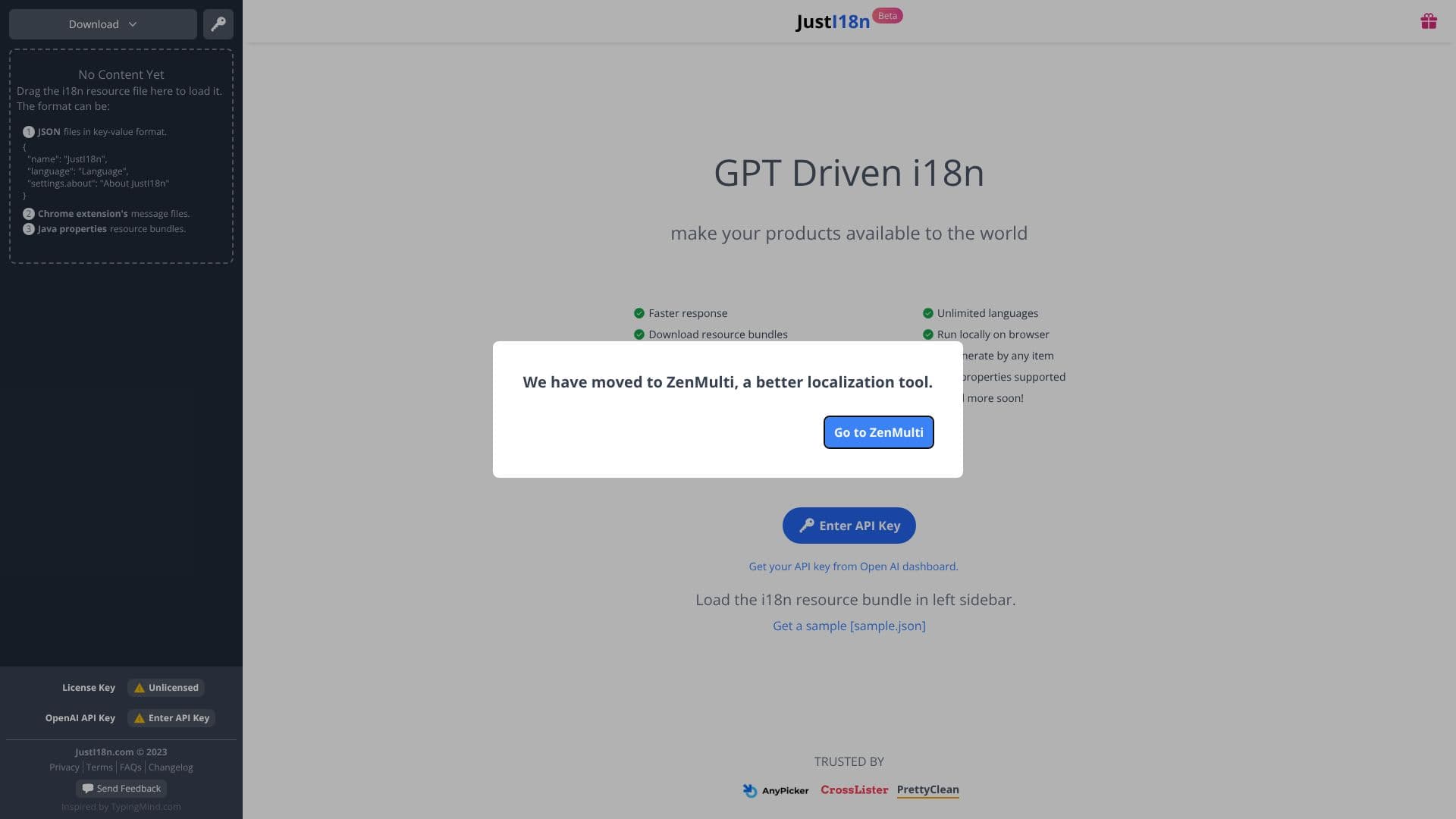
The tool supports various common i18n resource file formats, including JSON key-value pairs, Chrome extension message files, and Java properties resource bundles. Users can simply drag and drop their existing resource files into the application to begin the process. This flexibility ensures compatibility with a wide range of projects and development stacks.
Key capabilities of GPT Driven i18n include faster response times compared to traditional methods, enabling quicker iteration cycles. It supports an unlimited number of languages, removing barriers to global market entry. The application can run locally within the browser, offering a secure and convenient user experience. Additionally, it provides compatibility checks and the ability to regenerate translations for any item, ensuring accuracy and consistency across all supported languages.
The target audience for GPT Driven i18n includes software developers, product managers, localization specialists, and businesses looking to expand their reach into international markets. It is particularly beneficial for projects that require extensive language support or frequent updates to their localization files.
The value proposition of GPT Driven i18n lies in its ability to significantly reduce the time and effort associated with i18n. By harnessing the power of AI, it automates complex tasks, improves translation quality, and allows teams to focus on core product development rather than the intricacies of localization management. The option to use one's own OpenAI API key provides an added layer of control and cost management for users.
- CategoryAI Translators
- Pricing ModelBeta (requires OpenAI API key)
- DeploymentLocal Browser
- PlatformsWeb
GPT Driven i18n's Core Features
Utilizes ChatGPT for i18n tasks
Supports JSON, Chrome extension message, and Java properties file formats
Drag-and-drop file upload functionality
Faster response times for translations
Unlimited language support
Local browser execution for privacy and convenience
Compatibility checks for resource files
Regeneration of translations for individual items
Option to use personal OpenAI API key
Beta version available
Downloadable resource bundles
How to use GPT Driven i18n?
Load i18n resource file: Drag your i18n resource file (JSON, Chrome extension messages, or Java properties) into the application.
Enter OpenAI API Key: Input your OpenAI API key in the designated field to enable AI-driven features.
Review Translations: Examine the generated or processed translations within the left sidebar.
Download Bundles: Download the localized resource bundles for integration into your project.
Run Locally: Utilize the application directly in your browser for local processing.
GPT Driven i18n's Use Cases
- Translate App Resources
- Localize Software
- Manage i18n Files
- Global Product Launch
- AI-Assisted Localization