Description
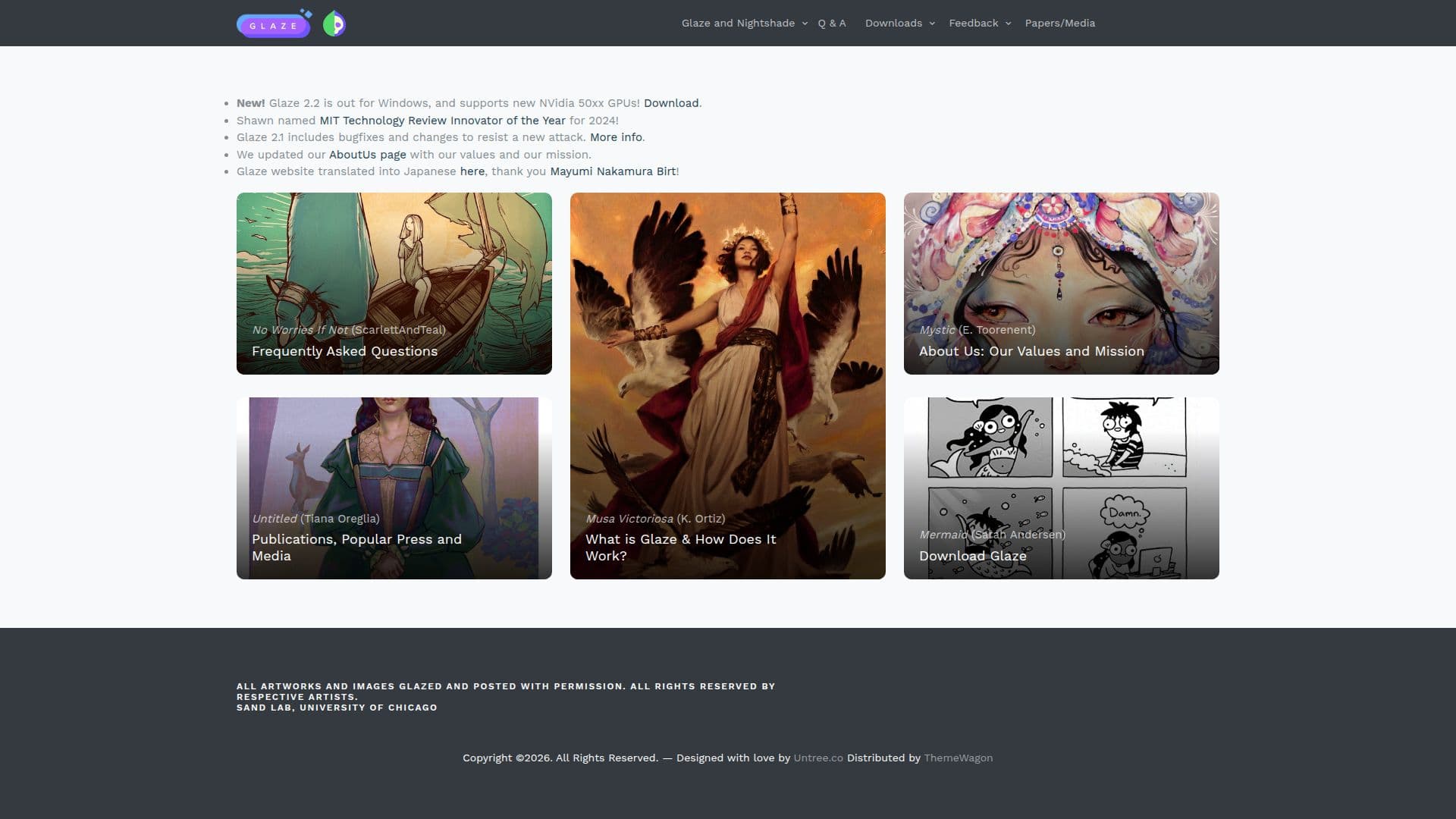
Glaze is a tool developed by the University of Chicago's Glaze Project to protect artists from the invasive uses of generative AI, particularly style mimicry. Generative AI models, such as MidJourney and Stable Diffusion, often use large datasets of images, many of which are copyrighted or sensitive, to train their systems. This has led to unauthorized style replication, where AI models can mimic an artist's unique style without consent, affecting their income and reputation.
Glaze works by applying minimal changes to artworks that are invisible to the human eye but significantly alter how AI models perceive the art. This process, known as cloaking, ensures that when AI models attempt to replicate an artist's style, the results are distorted and do not match the original style. The tool is effective against various AI models and is robust against attempts to remove the cloaking effects through common image manipulations.
Since its release in March 2023, Glaze has been downloaded over 8.5 million times by artists worldwide. It is part of a broader initiative that includes other tools like Nightshade and WebGlaze, all aimed at protecting human creativity. The project is funded by research grants and donations, ensuring that the tools remain free for artists.
Glaze is not a permanent solution, as AI technology continues to evolve, but it represents a crucial step in safeguarding artists' rights. The tool is designed to be as robust as possible, with ongoing updates to counter new threats. While Glaze is effective against style mimicry, it is less effective against styles already embedded in base models like SDXL or SD3.
WebGlaze, a web-based version of Glaze, offers accessibility for artists without powerful computing resources. It runs on GPU servers and is free for artists who do not use AI tools. The Glaze Project continues to advocate for ethical AI use and supports artists through research and technological solutions.
Glaze's Core Features
Protects against style mimicry
Invisible changes to human eyes
Effective against multiple AI models
Robust against image manipulations
Free for artists
Web-based version available
Funded by research grants
Regular updates for new threats
How to use Glaze?
Download: Get the latest version of Glaze
Install: Set up Glaze on your computer
Configure: Choose the intensity of cloaking
Use: Apply cloaking to your artworks
Optimize: Adjust settings for better protection
Glaze's Use Cases
- Art Protection
- Style Preservation
- Unauthorized Use Prevention
- Reputation Management
- Educational Use