Description
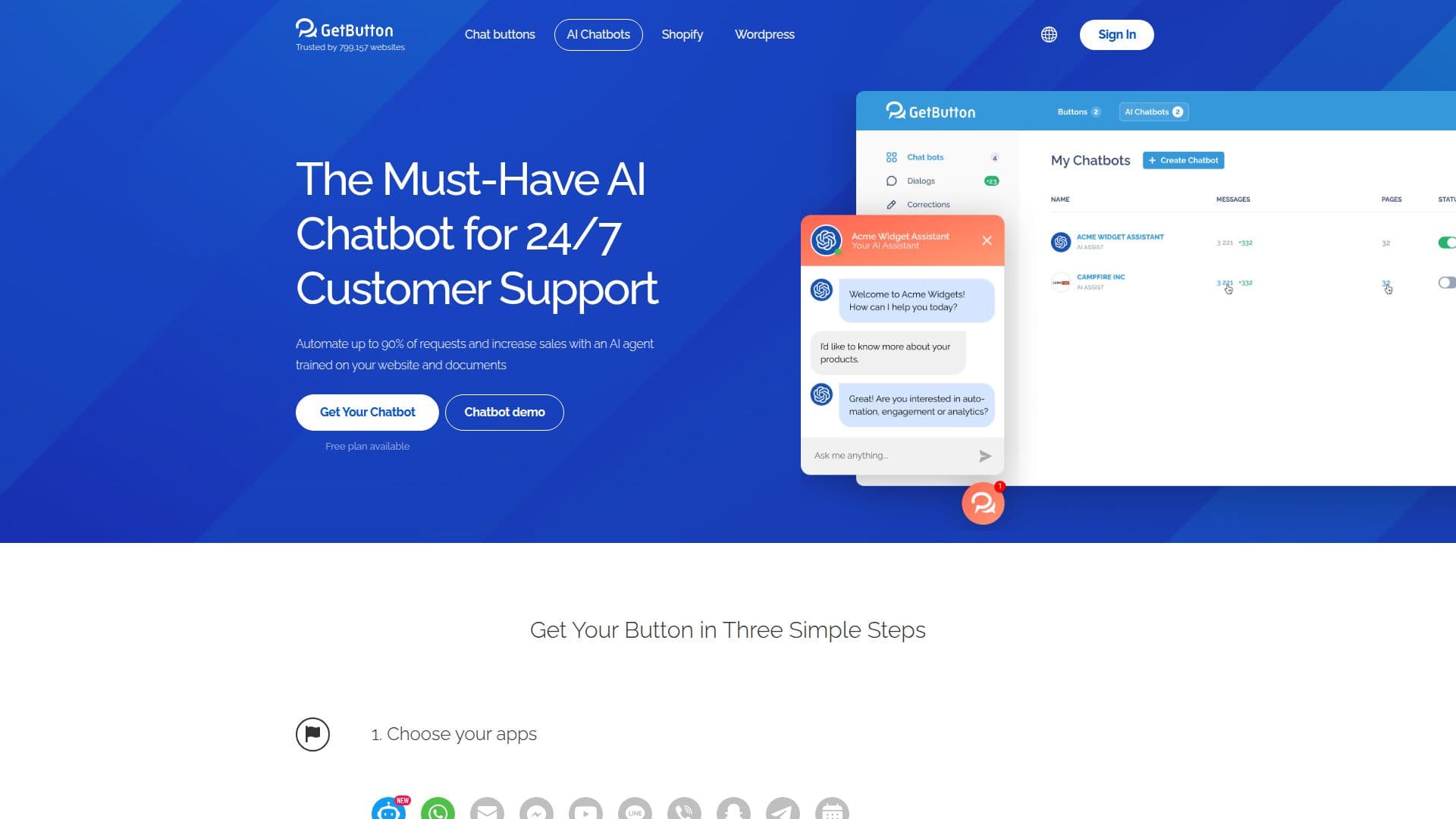
GetButton is a website chat widget and AI chatbot platform. It lets you add a ChatGPT-style bot trained on your own website content and uploaded files, so it can automate customer support, collect leads, and engage visitors 24/7 through an on-site chat widget. Alongside the AI chatbot, GetButton offers a customizable button that links to messengers such as WhatsApp, Facebook, Discord, and more.
Read More
Creating a chatbot is a guided process: choose your apps and data source, customize the button's color, style, position, and greeting message, then activate it by copying a snippet before the closing body tag on your site. The bot is trained from a website URL or uploaded files and can be previewed and tested before going live, and analytics can be connected through Google Analytics.
GetButton is highly customizable, with options for button image, icon, animation, notifications, call-to-action greetings, and display rules for where the button appears. It supports many interface languages, is used by businesses across a range of industries, offers a free plan, and has paid plans starting at $4.99 per month.
- CategoryAI Chatbot Builders
- Pricing ModelFreemium
- DeploymentCloud
- PlatformsWeb
GetButton's Core Features
AI chatbot trained on your website content and files
On-site chat widget for 24/7 support and lead capture
Buttons linking to WhatsApp, Facebook, Discord, and more
Customizable button color, style, position, and animation
Greeting messages and call-to-action prompts
Display rules for where the button shows on your site
Google Analytics integration
Multi-language interface and a free plan
How to use GetButton?
Choose your apps: Select the AI chatbot and any messenger buttons you want.
Add a data source: Point the bot to your website URL or upload files to train it.
Customize: Set the button color, style, position, and greeting message.
Test it: Use the preview to see how the bot responds before going live.
Install: Copy the code and paste it before the closing body tag on every page.
GetButton's Use Cases
- Website support bot
- Lead capture
- Messenger buttons
- No-code setup