Description
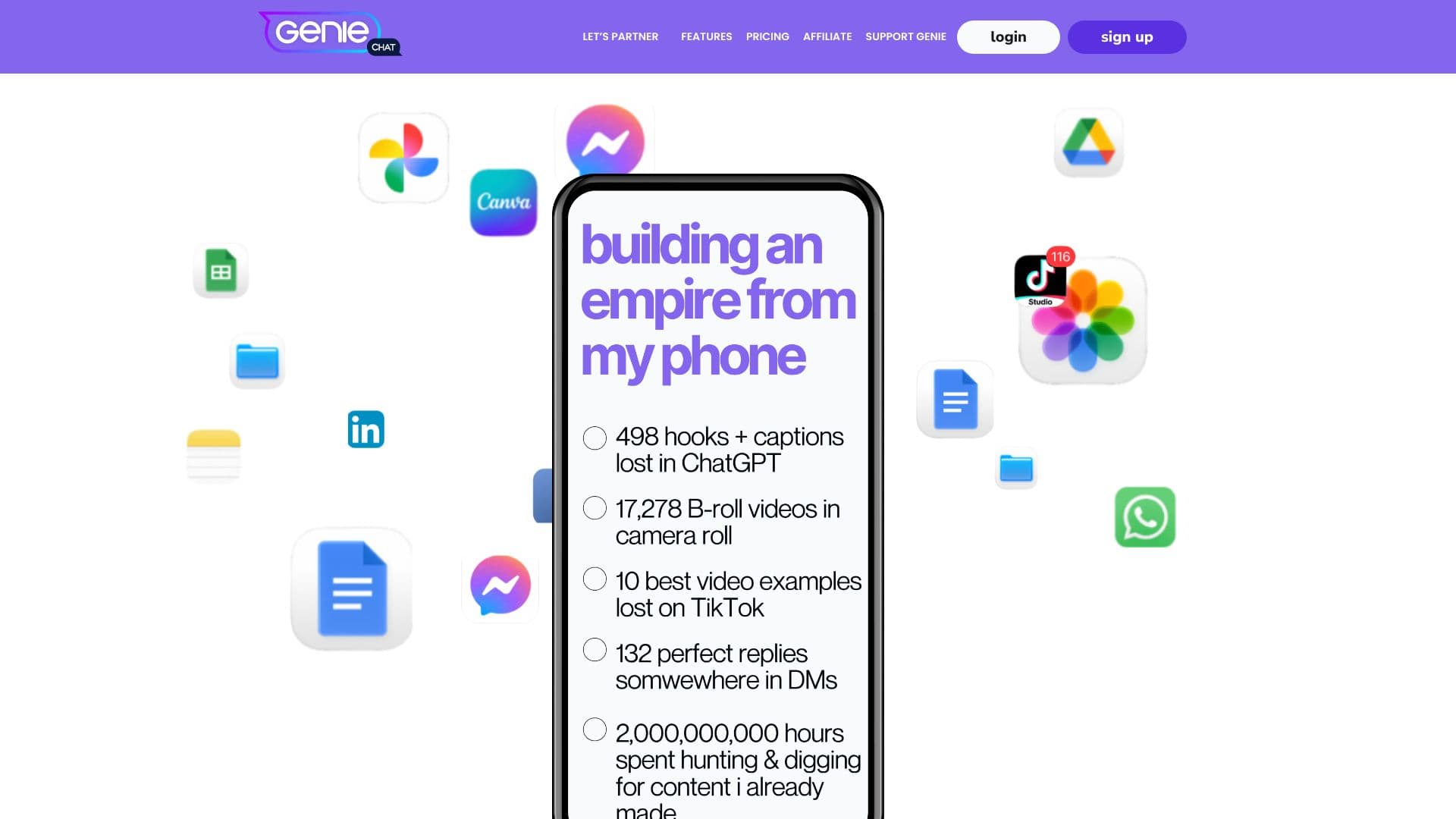
Geniechat revolutionizes content creation workflow by offering a customizable keyboard and pocket assistant for online marketers, digital creators, and entrepreneurs. The core problem it solves is the time-consuming process of digging through various apps like Notes, screenshots, Docs, and DMs to find previously created content. With Geniechat, users can have all their essential content one keyboard tap away, ready to be sent instantly.
Read More
The application functions as a smart keyboard that inserts saved content directly into messages, posts, or emails without leaving the current application. Users can save a wide range of content types, including text up to 5,000 characters, links that remain hyperlinked when shared, images (JPGs & PNGs), PDFs, and short-form videos. This eliminates the need for constant app switching and copy-pasting, saving valuable time and reducing friction in the content creation process.
Beyond just a content repository, Geniechat acts as a pocket assistant. It allows users to track conversations, set follow-up reminders, jot down quick tasks, and generate rapid replies. This 'second brain' functionality ensures that important information and tasks are easily accessible and manageable. The platform boasts a no-learning-curve design, making it intuitive for anyone familiar with social media platforms like TikTok and Facebook.
Users can personalize their keyboard by creating custom folders and color-coding content for easy organization. The service is available for both Android and Apple devices. Geniechat offers a tiered subscription model, with a 'Full Access' plan providing unlimited saved content, AI short message generation, unlimited device connections, and access to a pocket assistant with unlimited contacts, notes, tags, follow-up reminders, and tasks. Additionally, subscribers benefit from business coaching, community access, and free monthly business trainings.
The creator behind Geniechat, Jessica Kane, is an experienced entrepreneur and viral creator with a decade of experience and a large following of creators. Her expertise is reflected in the tool's design, which aims to help entrepreneurs operate their businesses more effectively rather than just posting content without a strategy. Geniechat is designed for a broad audience, from Gen X to Gen Z, seeking to streamline their digital content operations.
- CategoryAI Writing Assistants
- Pricing ModelSubscription
- DeploymentCloud
- PlatformsAndroid, Apple
Geniechat Content Creator Keyboard's Core Features
Customizable content keyboard
Pocket assistant functionality
Save and send text up to 5,000 characters
Save and send hyperlinked URLs
Save and send images (JPGs & PNGs)
Save and send PDFs
Save and send short-form video
Content organization with folders and color-coding
Conversation tracking
Follow-up reminders
Task management
Quick reply generation
Cross-platform availability (Android & Apple)
Unlimited saved content (Full Access plan)
Unlimited AI short message generation (Full Access plan)
How to use Geniechat Content Creator Keyboard?
Save Content: Store captions, replies, links, images, videos, and PDFs.
Build Keyboard: Create custom folders and color-coding for organization.
Tap to Send: Access saved content from your keyboard and insert it anywhere.
Utilize Pocket Assistant: Track conversations, set follow-ups, and manage tasks.
Generate Replies: Use AI assistance for quick responses.
Connect Devices: Sync across multiple devices.
Geniechat Content Creator Keyboard's Use Cases
- Streamline Social Media Posting
- Efficient Email Outreach
- Manage Customer Inquiries
- Organize Digital Assets
- Personalized Communication
- Task and Follow-up Management
- Content Repurposing