
Description
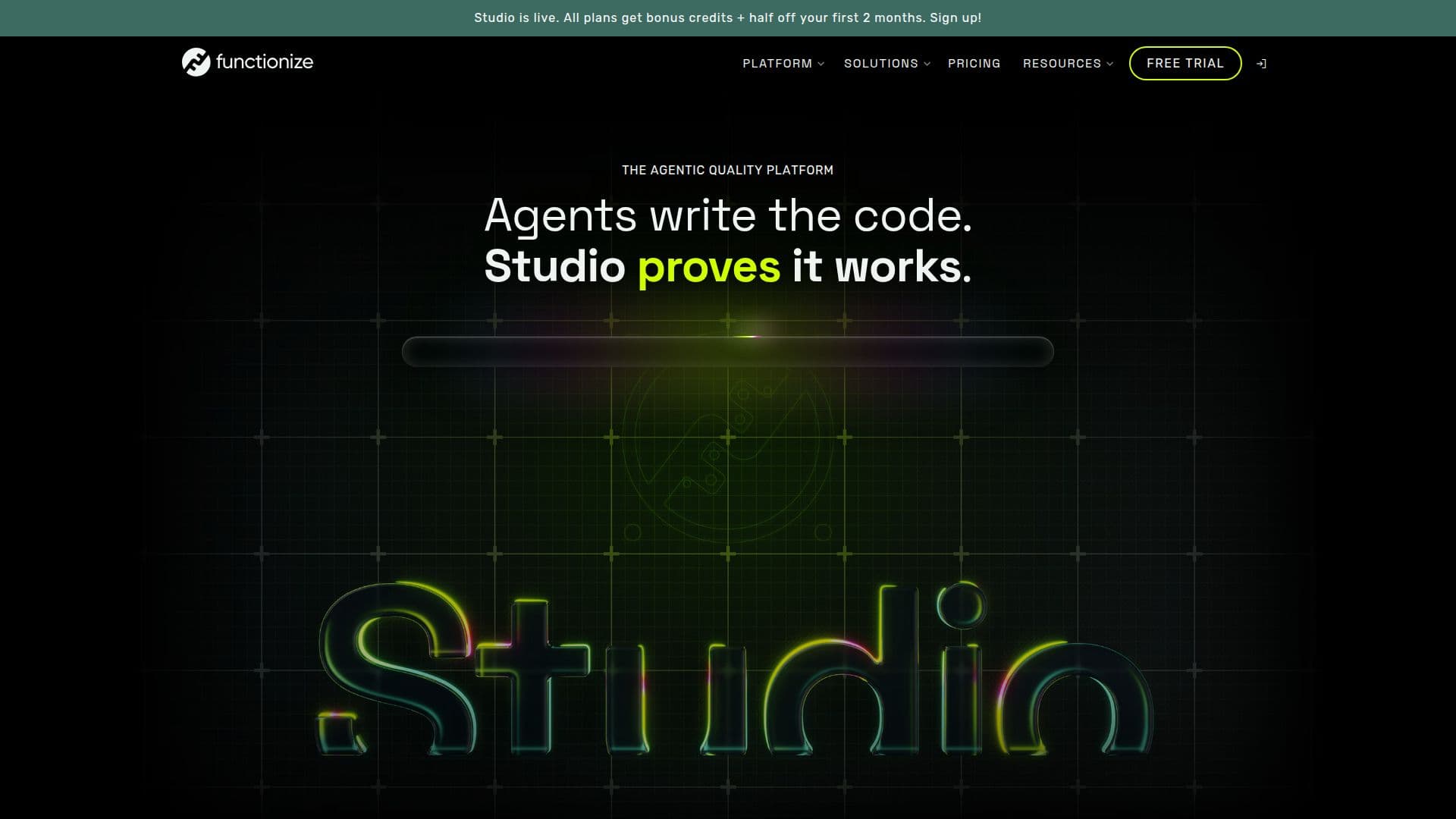
Functionize built Studio as what it calls an independent testing agent for a full web UI workflow: a system meant to build, run and maintain tests against a live application rather than a chatbot answering questions about testing. The company's pitch is squarely about the pace of AI-assisted development: as coding agents ship changes faster than a human can manually verify, Studio is positioned as the agent that checks whether those changes actually work, answering to the team rather than to the code it's testing.
Read More
The architecture is split into two parts the company calls generative intent and a deterministic core. Agents interpret what a human means when they describe a test in plain language, while a separate machine learning core, built and trained specifically for testing rather than adapted from a general-purpose model, verifies what the application actually does. Functionize argues this split gives it an edge over a general model wrapped in a testing prompt: element resolution draws on more than 200 data points per element, execution runs on smaller models built for the task so runs take minutes rather than hours, and less prompting is needed as workflows get more complex because the models already understand common application behavior. Every test run also further trains Studio on the specific application under test, so coverage is meant to sharpen with continued use, and an auto-healing feature adjusts tests automatically when a small interface change would otherwise break them.
Functionize positions Studio for three groups: testers who describe what to test and let Studio build, run and maintain it; developers whose coding agents write application code that Studio then verifies; and engineering leaders who want quality assurance that scales as release velocity increases. By industry, the company calls out healthcare, insurance, financial services and SaaS, and lists contextual familiarity with common enterprise systems including Salesforce, ServiceNow, Workday and SAP for testing workflows built on top of them.
Pricing is published directly on the site: a Free plan at $0 lets a team see what Studio does on their own application; a Growth plan at $20 a month is aimed at a product actively building out test coverage; a Scale plan at $100 a month targets teams working across multiple products with more frequent releases; and a custom Enterprise plan is available for organizations standardizing agentic testing across every team. Functionize, the company behind Studio, has operated since 2022 and cites customer feedback describing faster testing cycles, reduced maintenance burden and effective auto-healing as reasons teams have adopted the platform.
- CategoryAI Code Review & Testing
- Pricing ModelFreemium
- DeploymentCloud
- PlatformsWeb
Functionize Studio's Core Features
An independent testing agent that builds, runs and maintains tests across a full web UI workflow
A generative-intent layer that interprets what a tester describes, paired with a deterministic machine learning core that verifies actual application behavior
Auto-healing tests that adjust to interface changes instead of breaking
Element resolution built from 200+ data points per element, using models trained specifically for testing rather than a general-purpose model
Coverage that improves with use, since every test run further trains Studio on the specific application
Agentic SDLC integration so a coding agent's changes get an automatic second opinion from Studio
Industry-oriented readiness for regulated sectors including healthcare, insurance and financial services
Contextual familiarity with common enterprise systems such as Salesforce, ServiceNow, Workday and SAP
A free tier for evaluating Studio on a real application, plus paid plans for active or multi-product testing
How to use Functionize Studio?
Sign up: create a free Functionize Studio account
Describe what to test: tell Studio, in plain language, what a workflow should do
Let Studio build the test: Studio generates and runs the test against your live application
Review results: check the run results and let auto-healing handle minor interface changes
Set the release bar: decide what counts as passing and make the final release call yourself
Scale up: add more products or releases under a Growth, Scale or custom Enterprise plan as coverage needs grow
Functionize Studio's Use Cases
- Testing AI-written code
- QA coverage at scale
- Regulated industry testing
- Enterprise app testing