
Description
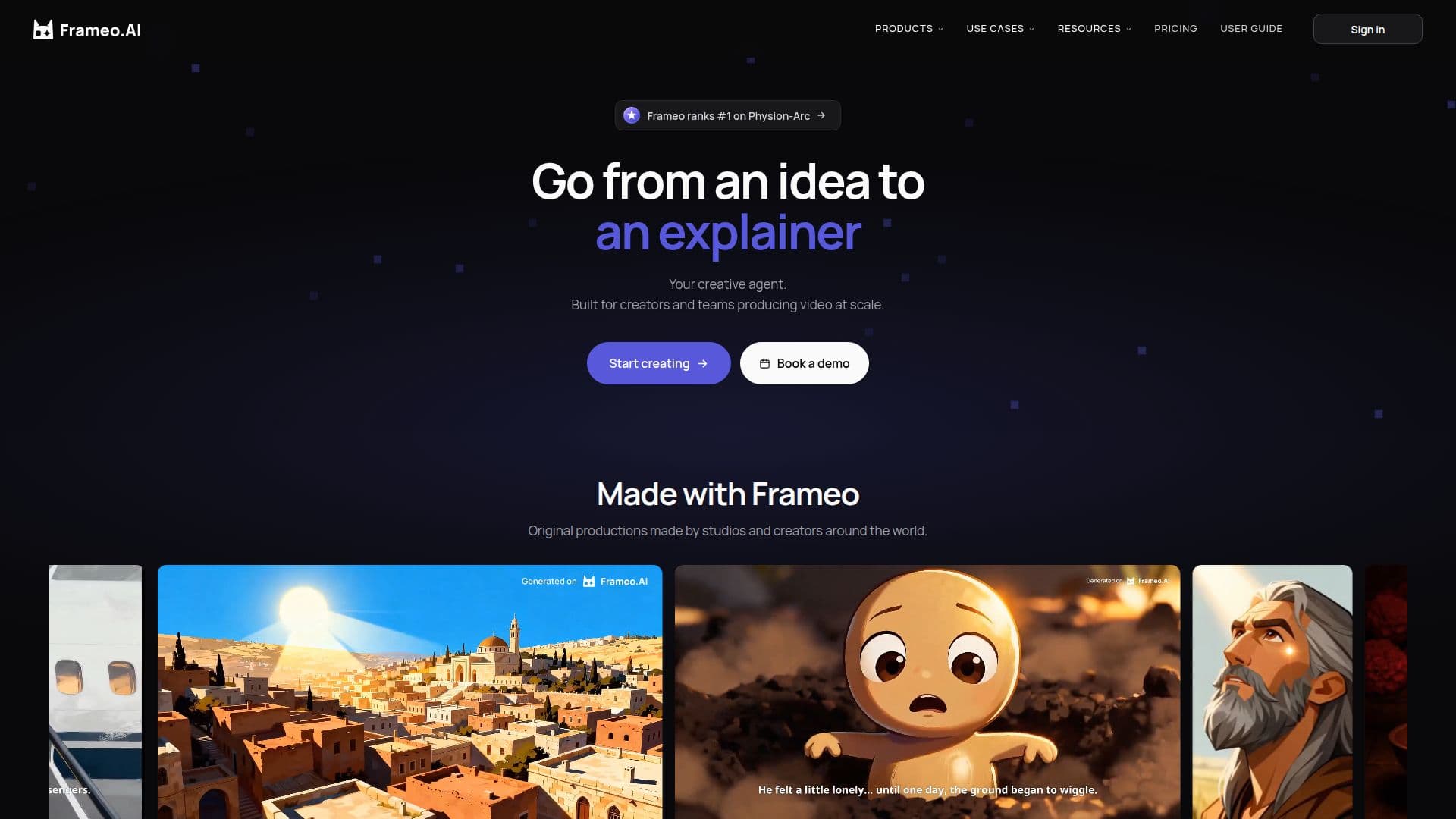
FrameOS is an advanced AI video production platform tailored for creators and teams. It streamlines the entire video creation process by allowing users to generate, edit, and assemble films, ads, and social videos on a single canvas. This integrated approach ensures that projects run smoothly from script to final delivery without the need to switch between multiple tools.
The platform is particularly beneficial for studios, agencies, and in-house brand teams that work on films, micro-dramas, ads, and social content. It is designed to handle projects with tight deadlines and review processes, making it ideal for professional production environments.
FrameOS distinguishes itself from prompt-based AI tools by offering a more flexible and editable approach. Every shot remains an editable asset, allowing users to change characters, camera angles, or audio lines without regenerating the entire scene. This flexibility is crucial for maintaining consistency across large projects, as styles, characters, voices, and formats can be set once and reused across multiple shots.
The platform supports a wide range of AI models, including Seedance 2.5, Kling 3.0 Turbo, Veo 3.1 Fast, GPT Image 2, Nano Banana 2, and Seedream 5.0 Pro. Users can choose the most suitable model for each shot, ensuring high-quality output.
FrameOS also offers a credit-based pricing model, allowing unlimited team members to share a single credit pool. This approach makes it cost-effective for teams to collaborate on projects without incurring additional costs for adding members.
For teams, FrameOS provides shared assets, styles, and workflows, ensuring consistency and efficiency when multiple people are involved in production. The platform also supports localization, enabling dubbing and subtitles for multilingual videos, making it suitable for global distribution.
FrameOS AI Video Platform's Core Features
AI video generation, editing, and assembly
Consistent characters, styles, and voices
Shared assets and workflows for teams
Dubbing and subtitles for multilingual videos
Credit-based pricing model
Support for multiple AI models
Configurable pipelines and review cycles
End-to-end video production on one canvas
Chat-native conversational interface
Professional control over style and format
How to use FrameOS AI Video Platform?
Configure: Set up your project parameters
Use: Generate and edit videos on the canvas
Optimize: Adjust styles and formats for consistency
Publish: Export and share your final video
FrameOS AI Video Platform's Use Cases
- Film Production
- Social Media Ads
- Multilingual Content
- Brand Campaigns
- Micro-Dramas