


Description
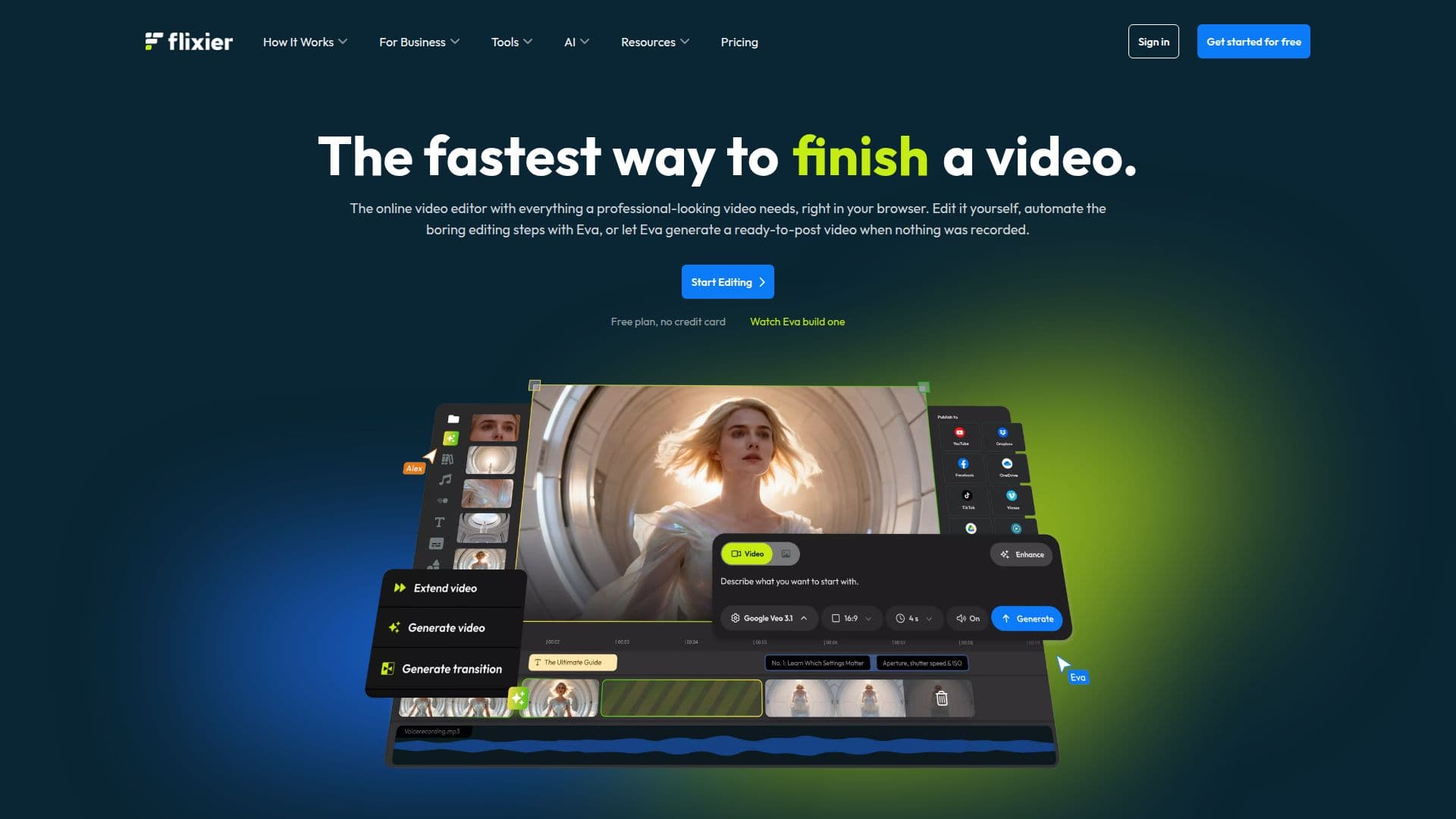
Flixier is an innovative AI-powered video editor that operates entirely within your browser, eliminating the need for downloads or installations. This cloud-based tool allows users to import media from various sources and start editing immediately. Flixier's AI capabilities enable users to generate video drafts from text prompts or images, create voiceovers, generate subtitles in over 130 languages, and enhance video and audio quality. The AI functions are integrated directly into the editing timeline, allowing for seamless refinement of results without leaving the editor.
One of Flixier's standout features is its ability to run on low-spec devices, including Chromebooks and tablets, thanks to its cloud processing technology. This makes professional video editing accessible to a wider audience. The platform supports all major video, audio, and image formats, and users can import files directly from cloud storage services like Google Drive and Dropbox.
Flixier offers a free plan that provides access to all features, with premium plans available for those needing higher export quality, more storage, and advanced features. The free plan includes 10 minutes of video export per month, 5 minutes of subtitles, 720p resolution, and 2 GB of storage, albeit with a Flixier watermark. Premium plans, such as the Starter, Creator, and Business tiers, offer increased capabilities, including unlimited video exports, higher resolutions, and access to a vast stock library.
Flixier is designed for collaboration, allowing multiple team members to work on projects simultaneously, share links, and leave comments. This feature is particularly beneficial for teams that need to iterate quickly without the hassle of emailing files back and forth. The platform's flexibility and ease of use make it suitable for various users, from marketers and educators to content creators and businesses looking to streamline their video production processes.
Flixier: Free Online Video Editor With AI Editing's Core Features
AI video generation from text prompts
Real-time collaboration
Cloud-based processing
Supports major video, audio, and image formats
Automatic subtitle generation
Voiceover creation
Video and audio enhancement
Integrated AI editing timeline
Free and premium plans available
4K video export capability
Access to a large stock library
Brand kit customization
Transcript-based editing
Screen and webcam recording
Multi-language translation
How to use Flixier: Free Online Video Editor With AI Editing?
Sign up: Create an account on Flixier
Import media: Upload files from your device or cloud storage
Edit: Use AI tools to generate and refine video content
Export: Render and download your final video
Flixier: Free Online Video Editor With AI Editing's Use Cases
- Social Media Content
- Product Demos
- Training Videos
- Marketing Campaigns
- Collaborative Projects