


Description
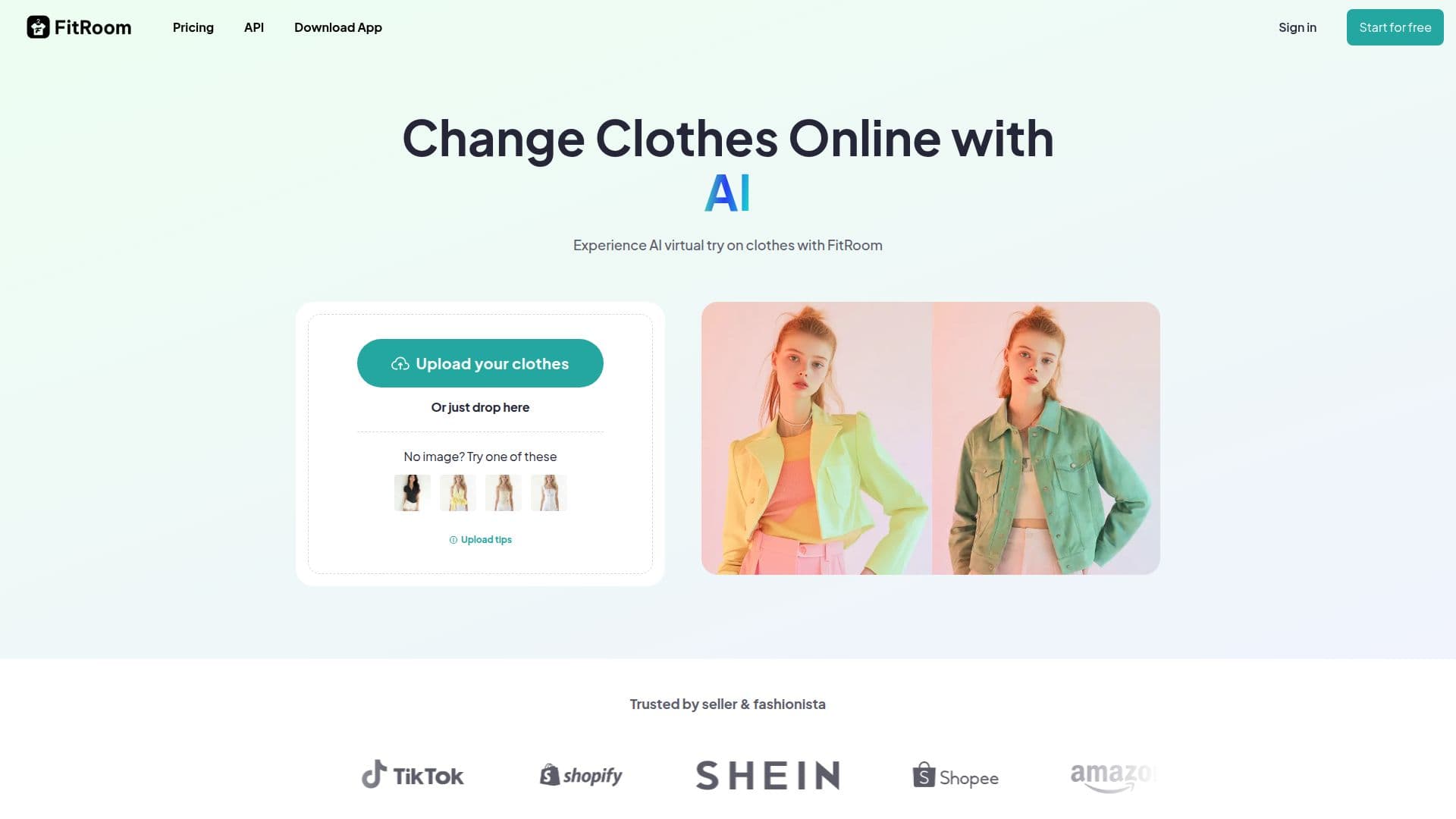
FitRoom is an innovative AI-powered application that allows users to virtually try on clothes by changing outfits in photos. This tool is designed to simplify the process of outfit selection and styling, making it easier for users to visualize how different garments will look on them before making a purchase. FitRoom supports common image formats like JPG, PNG, and HEIC, ensuring high-quality results. Users can upload photos from mobile devices or desktops, and the AI automatically handles fitting aspects such as sizing and positioning.
The app is particularly beneficial for clothing store owners who can showcase their products on different models without the need for costly photoshoots. FitRoom's AI technology captures the distinctive features of fabrics, ensuring that each generated image looks natural and realistic. While the app excels in individual photo processing, it currently does not support group photos effectively.
FitRoom offers a freemium pricing model, with free credits available upon registration. Users can choose from various subscription plans, including Standard and Pro, which offer additional features like unlimited wardrobe items and faster generation speeds. The app also provides commercial rights for Pro users, allowing them to use generated images for marketing and social media.
The platform is developed by SilverAI JSC, a company specializing in AI applications for photo editing. FitRoom's technology is continuously improved to ensure quick processing times and high-quality image downloads. Privacy and security are prioritized, with encrypted file handling and compliance with global data protection standards.
FitRoom's Core Features
Virtual try-on technology
AI clothes changer
Supports JPG, PNG, HEIC formats
Mobile and desktop compatibility
Automatic fitting adjustments
Commercial rights for Pro users
Freemium pricing model
High-resolution image downloads
Privacy and security measures
Realistic fabric rendering
Unlimited wardrobe items in Pro plan
API integration available
Fast processing times
No group photo support
Developed by SilverAI JSC
How to use FitRoom?
Upload: Select high-resolution outfit image
Choose Model: Pick or upload a portrait photo
AI Process: Let AI change outfit in photo
Download: Save HD quality image
FitRoom's Use Cases
- Fashion Retail
- Personal Styling
- E-commerce Enhancement
- Marketing Materials
- API Integration