
Description
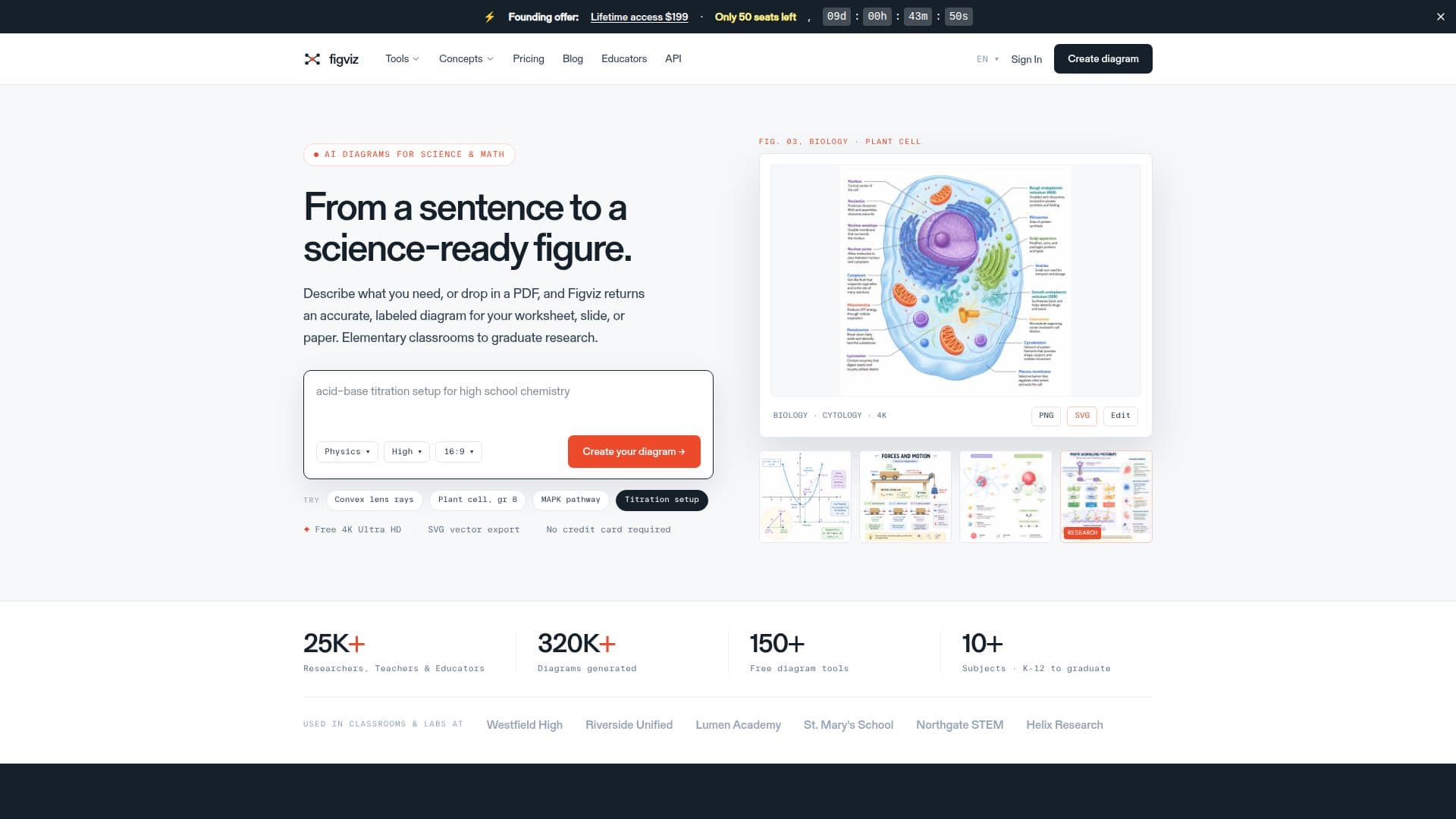
Figviz is an AI-powered diagram generator built for STEM teachers, students, and researchers. You type a plain-English description of a concept, such as a labeled plant cell cross-section for 8th grade or a convex lens ray diagram, and Figviz produces a clean, high-resolution PNG you can drop directly into slides, worksheets, or research documents, usually in about 20 to 40 seconds.
Read More
It covers 70+ single-purpose tools across biology, chemistry, physics, earth science, and math, from animal cell and free-body diagrams to Punnett squares and graphical abstracts, so you can skip prompt-writing by landing on the exact generator you need. It produces labeled and unlabeled versions, black-and-white and color modes, and multiple grade levels, and you can attach a reference image or PDF to guide the style. Interactive drag-to-explore visualizers for math, physics, and chemistry are also available.
Figviz is designed for real classrooms with high-contrast, readable labels and projector- and print-ready layouts up to 4K, and only the teacher needs an account since students simply view the output. It also offers a REST API that exposes the same generation engine for edtech platforms, publishers, and internal tools.
Pricing is pay-as-you-go with 8 free credits to start and credit packs that never expire, with no subscription. Free-account output carries a small watermark, while any paid credit pack removes the watermark and clears diagrams for commercial use.
- CategoryAI Graphic Design Tools
- Pricing ModelFreemium
- DeploymentCloud
- PlatformsWeb
Figviz's Core Features
AI diagram generation from plain-English descriptions
70+ purpose-built generators across biology, chemistry, physics, earth science, and math
Labeled and unlabeled versions with color and black-and-white modes
Grade-level presets from K-12 to research level
Reference image or PDF input to guide style
High-resolution output up to 4K, projector and print ready
Interactive drag-to-explore visualizers for math, physics, and chemistry
REST API and pay-as-you-go credits that never expire
How to use Figviz?
Sign in: Create a free account with Google or email to get 8 starter credits.
Choose a subject: Select a category or one of the 70+ purpose-built generators.
Describe your diagram: Type a short description, optionally attaching a reference image or PDF.
Generate: Figviz produces a labeled, high-resolution diagram in about 20 to 40 seconds.
Use it: Paste the PNG into PowerPoint, Google Slides, a worksheet, or a research document.
Figviz's Use Cases
- Classroom diagrams
- Worksheets and quizzes
- Research figures
- Study aids
- Edtech integration