

Description
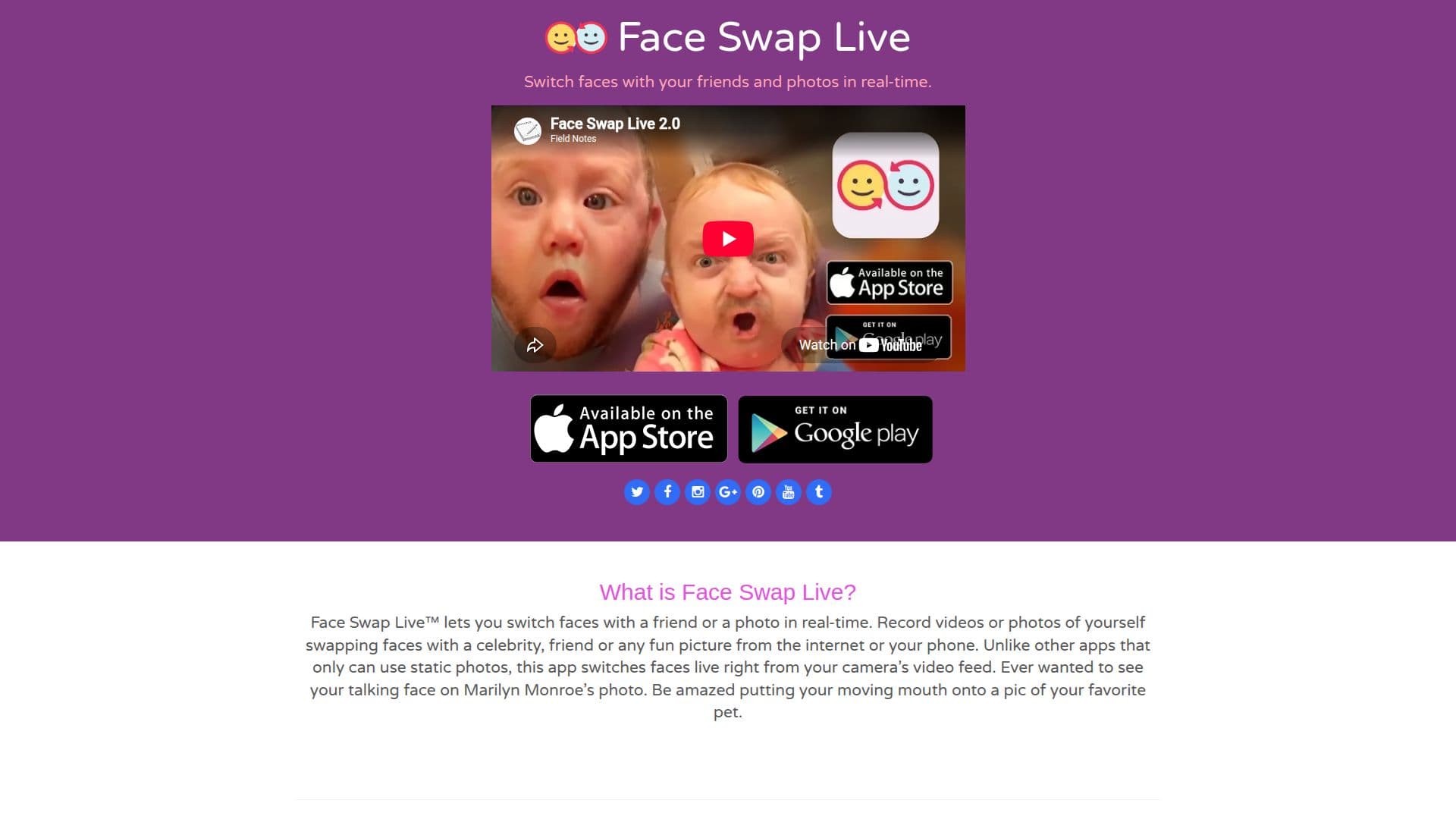
Face Swap LiveTM is an innovative app that enables users to swap faces with friends or photos in real-time. Unlike other applications that rely on static images, Face Swap LiveTM uses your camera's video feed to perform live face swaps. This allows users to create videos or photos where their faces are swapped with those of celebrities, friends, or any amusing picture from the internet or their phone. The app offers a unique experience by allowing users to see their talking face on famous images, such as Marilyn Monroe, or even on their favorite pet's picture.
The app provides several features to enhance the face-swapping experience. Users can swap faces with friends by simply pointing the camera at themselves and a friend, resulting in a live face swap right before their eyes. Additionally, Face Swap LiveTM offers the ability to swap faces with 3D filters or photos. Users can select from available filters or search for images online to swap faces.
Another exciting feature is the Mask Costume Mode, which allows users to choose various hats, glasses, and beards for hilarious and entertaining results. Developed by Laan Labs, Face Swap LiveTM is designed to provide a fun and engaging experience for users looking to experiment with face swapping.
While the app does not provide specific pricing information, it is available for download on various platforms. Face Swap LiveTM is ideal for individuals looking for a creative and entertaining way to interact with friends and images. The app's real-time capabilities and diverse features make it a popular choice for those interested in face-swapping technology.
Face Swap LiveTM's Core Features
Real-time face swapping
Video and photo capture
Swap with friends
3D filters and photos
Mask Costume Mode
Developed by Laan Labs
Live camera feed integration
Fun and entertaining results
How to use Face Swap LiveTM?
Download: Install Face Swap LiveTM from your app store
Open: Launch the app on your device
Select: Choose a friend or photo to swap faces
Capture: Record videos or take photos with swapped faces
Face Swap LiveTM's Use Cases
- Social media content
- Entertainment
- Creative projects
- Event promotions
- Personal amusement