Description
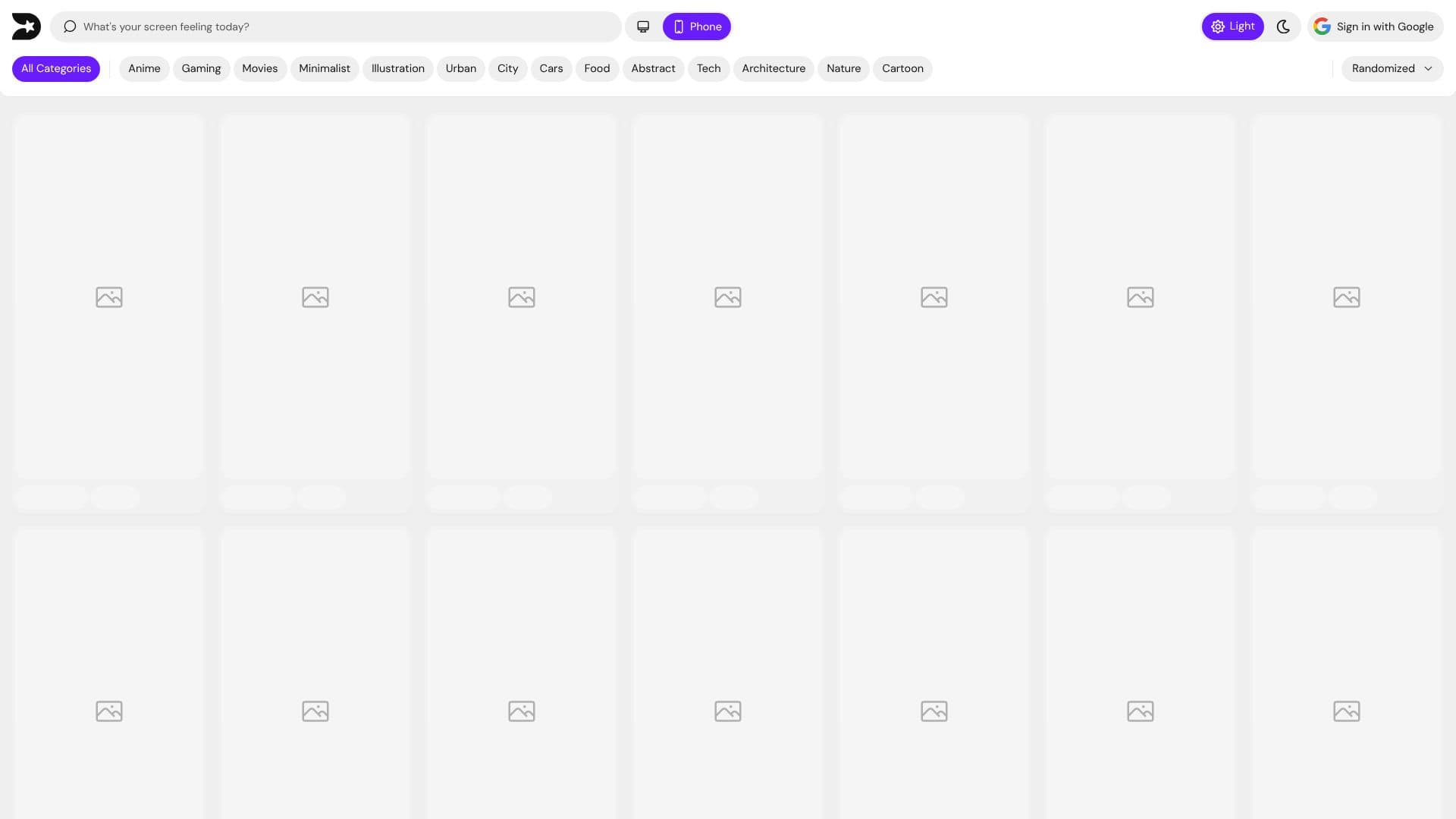
Dreampix is a wallpaper app and website built around an endless, scrollable feed of free 4K wallpapers rather than a set of folders to search through. It covers styles such as anime, cars, minimal, abstract, nature, cities and movie art, including wallpapers the site itself describes as AI-generated.
Read More
Wallpapers are uploaded by a community of creators, and each one has its own profile page so a user can follow a creator whose style they like and see everything else they've made. Users scroll the main feed, tap a category when they know what they want, save images they like or aren't sure about yet, and download any wallpaper to their Photos app in full 4K, sized for their screen. The apps are built around scrolling and tapping rather than a search box: opening either app puts a wallpaper in front of the user immediately, and the company says new art is added every day.
Dreampix is available as an iPhone app, an Android app, and a website; wallpapers are free to browse and download across all three. Wide-format 4K wallpapers sized for a PC or Mac monitor are offered separately on the website. The site also publishes rules for the creator community that uploads wallpapers, and lists Benkco as the company behind the product.
Dreampix is built for people who want a constant supply of new wallpapers to browse and set, not for creating custom AI art from a prompt. Its own pages describe it as a browsing and discovery feed of community-uploaded wallpapers rather than a tool for generating a new image to order, so anyone wanting to generate a custom image from their own text prompt would need a separate tool.
- CategoryAI Image Generators
- Pricing ModelFree
- DeploymentCloud
- PlatformsWeb, iOS, Android
Dreampix's Core Features
Endless scrollable feed of free 4K wallpapers
AI-generated wallpaper designs alongside creator-made ones
Browsing by category (anime, cars, minimal, abstract, nature, cities, movies)
Save/like function for building a personal collection
One-tap download to Photos in full 4K, sized for the device
Creator profile pages for following a specific artist's uploads
Wide desktop wallpapers on the website
iPhone and Android apps alongside the website
How to use Dreampix?
Open Dreampix: Use the website, or download the iPhone or Android app.
Scroll or pick a category: Browse the main feed, or tap a category like anime or nature.
Save favorites: Tap save on wallpapers you like or aren't sure about yet.
Download: Save any wallpaper to your Photos app in full 4K.
Follow a creator: Open a wallpaper's creator profile to see more of their uploads.
Dreampix's Use Cases
- Wallpaper discovery
- AI wallpaper browsing
- Desktop wallpapers