


Description
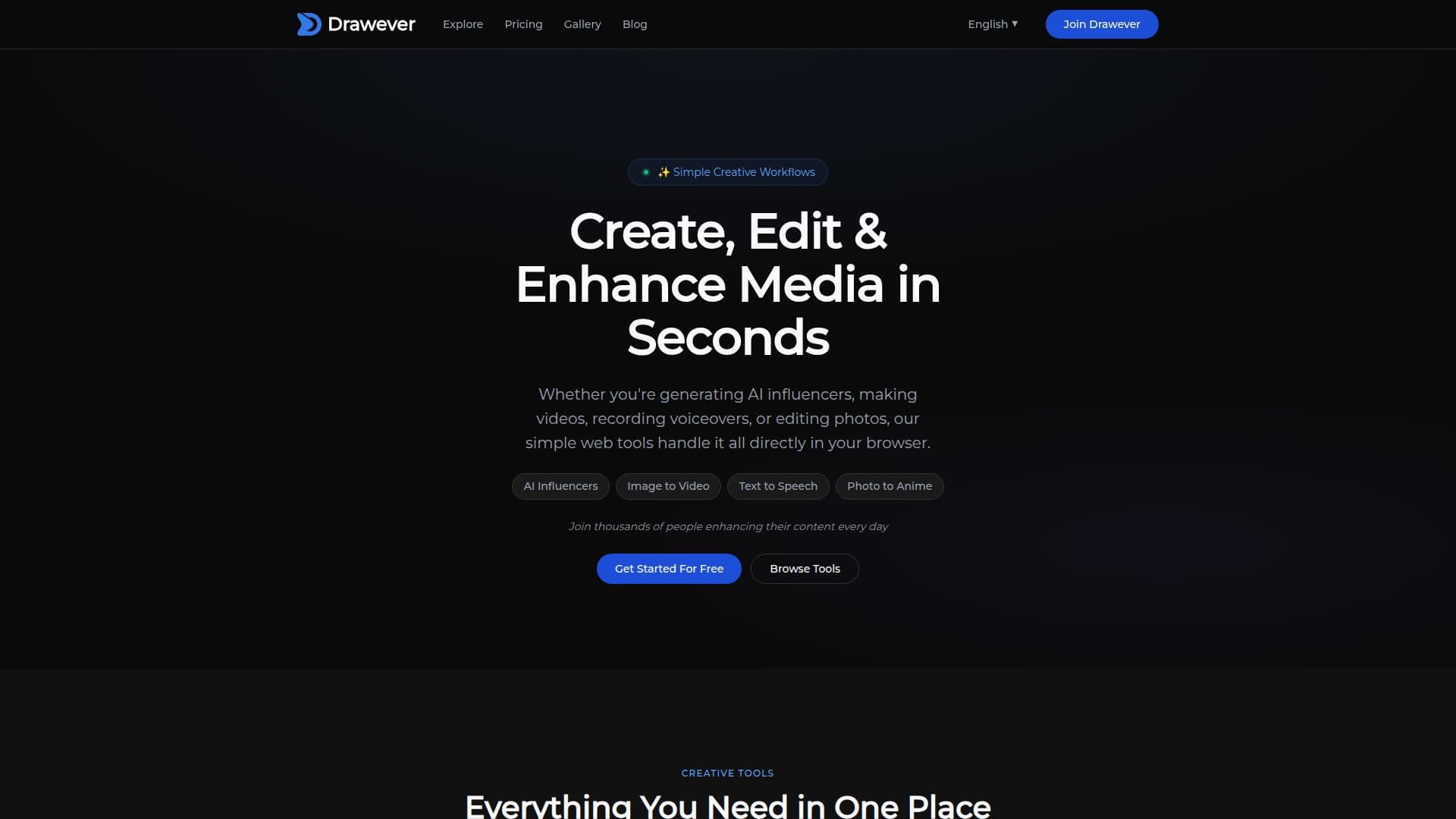
Drawever is an innovative platform providing a range of AI-powered creative tools designed to simplify media creation and editing. Users can convert photos into anime characters, create realistic digital models, generate videos, and edit images seamlessly within their browser. The platform offers tools like photo-to-anime conversion, image generation, background removal, and upscaling, making it accessible for users without technical skills.
Drawever operates on a credit-based system, allowing users to purchase credits that can be used across all tools without the need for subscriptions. New users receive 10 free credits to explore the platform, and additional credits can be purchased in packs, offering significant savings. The credits never expire, and users have full commercial rights to the images they create.
The platform is designed for photographers, content creators, and small businesses seeking quick, professional-quality results without the complexity of traditional software. Drawever ensures privacy by processing images securely and deleting them from servers shortly after processing. The tools are responsive and can be used on mobile devices, providing flexibility for users on the go.
Drawever's mission is to make AI creative tools accessible to everyone, offering high-resolution outputs that can be used for print, social media, or commercial projects. The platform is continuously evolving, with plans to introduce an API for integration into other applications and workflows.
Drawever's Core Features
Photo to Anime Conversion
Virtual Influencer Creation
Image Generation
Background Removal
Image Upscaling
Hair Color Changing
Drawing Enhancer
Text-to-Image Generation
Image-to-Video Conversion
Voiceover Generation
Commercial Usage Rights
Credit-Based Pricing
Secure Processing
Responsive Mobile Access
API in Development
How to use Drawever?
Upload: Choose an image to edit
Select Tool: Pick the desired AI tool
Process: Let Drawever handle the editing
Download: Save the finished image
Drawever's Use Cases
- Anime Character Creation
- Virtual Influencer Design
- E-commerce Image Editing
- Video Generation
- Image Upscaling
- Hair Color Preview
- Drawing Enhancement
- Voiceover Creation
- Text-to-Image Art
- Social Media Content