


Description
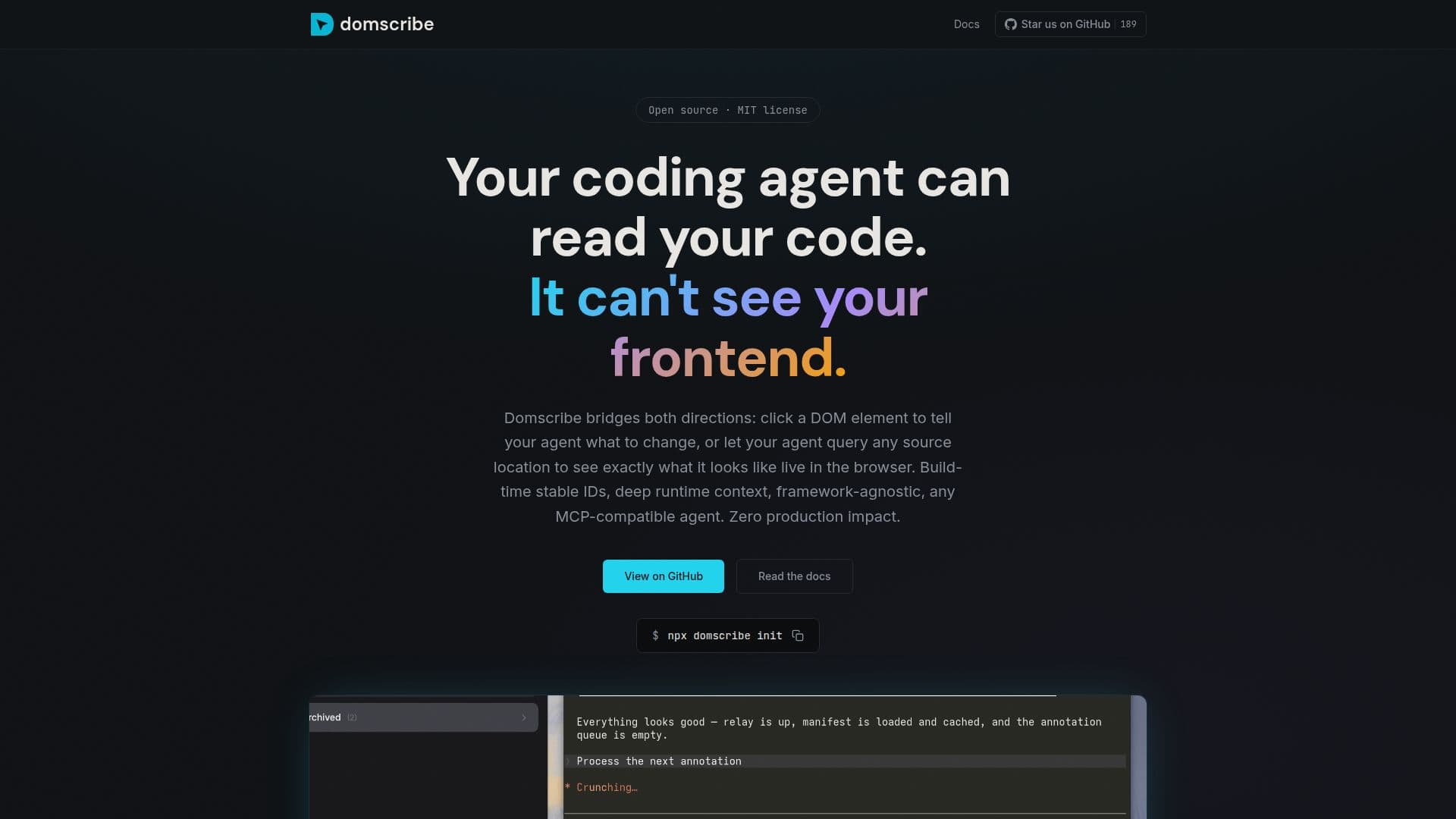
Domscribe is a tool designed to bridge the gap between AI coding agents and the frontend of applications. AI coding agents typically excel at reading and editing source files but struggle with identifying which file corresponds to a specific UI element. Domscribe addresses this by allowing users to click on a DOM element to instruct the agent on what to change or let the agent query any source location to see the live result. This is achieved through build-time stable IDs and deep runtime context, making it framework-agnostic and compatible with any MCP agent.
The tool operates by running at build time, walking through JSX and Vue templates, and assigning each element a stable ID. It then creates a manifest that maps every ID to its exact file, line, and column. This allows the agent to read the manifest and resolve the element instantly, ensuring the correct file is edited on the first attempt.
Domscribe also enables agents to see what they are editing by querying the tool to view the live DOM snapshot, component props, and state before making changes. This eliminates the need for screenshots or human intervention, allowing for real-time feedback and verification of results.
The tool is built for real-world agent workflows, offering features like deterministic data-ds attributes, deep runtime capture, PII redaction, and zero production impact. It supports multiple frameworks, including React, Vue, Next.js, and Nuxt, and works with bundlers like Vite, Webpack, and Turbopack.
Domscribe is particularly useful for developers and teams using AI coding agents to manage frontend changes, as it simplifies the process and reduces errors. Its setup wizard facilitates easy integration with existing projects, making it accessible for various use cases.
Domscribe's Core Features
Build-time stable IDs
Deep runtime capture
Framework-agnostic
MCP-compatible
Zero production impact
PII redaction
Real-time feedback
Agent-agnostic
How to use Domscribe?
Configure: Set up Domscribe with your project
Use: Click DOM elements to guide AI agents
Optimise: Query live DOM for accurate edits
Verify: Check changes with real-time feedback
Domscribe's Use Cases
- UI Bug Fixing
- Frontend Development
- Code Review
- Component Debugging
- Automated Testing