
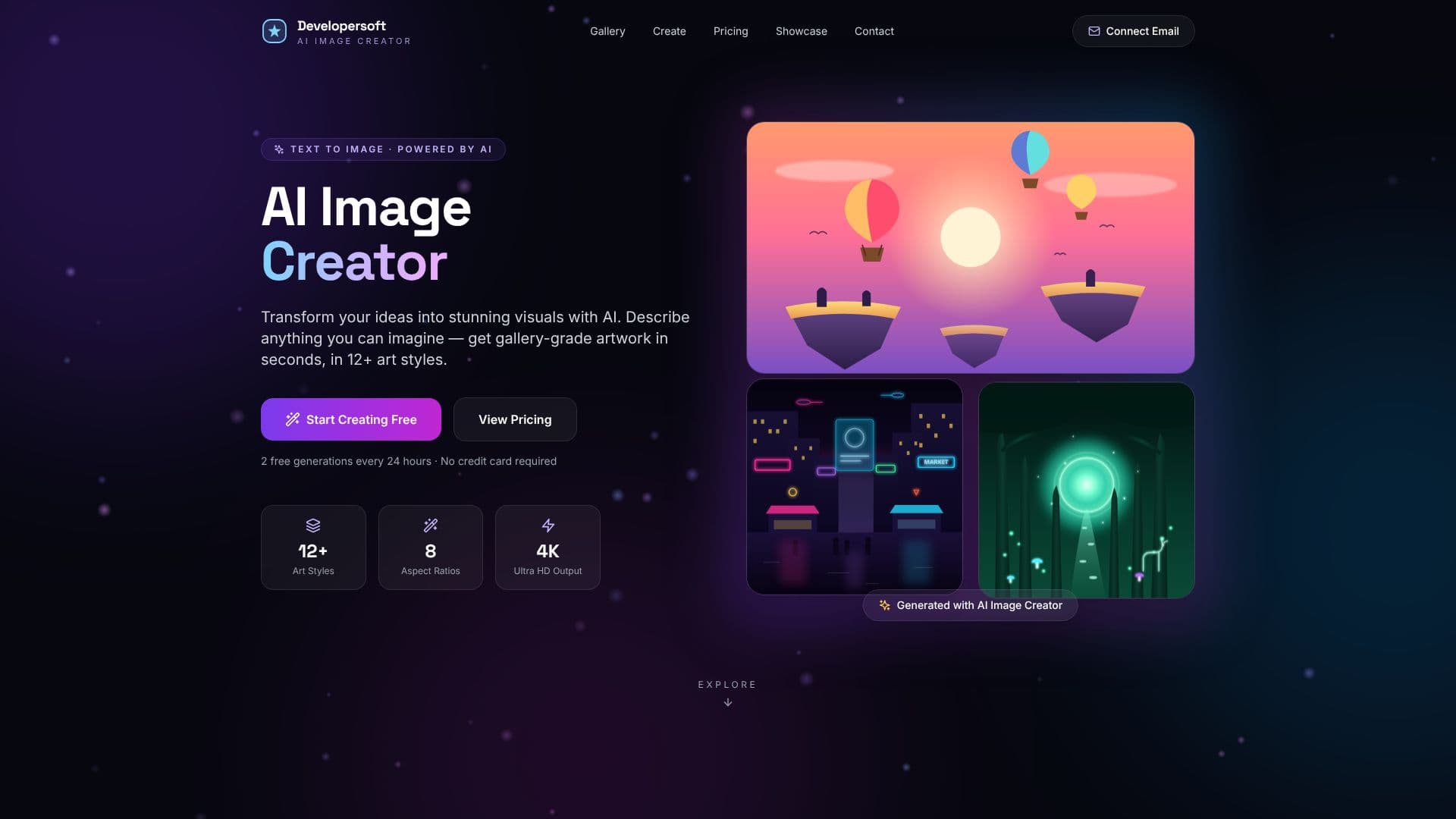
Description
Developersoft AI Studio is a visual-generation tool built around two features: making thumbnails and social creatives, and turning a photo into a consistent AI character. It is aimed at YouTubers, content creators and small brands that need images sized and composed correctly for a specific platform without hiring a designer for every post.
Read More
Thumbnail Studio lets a user pick a platform, from YouTube and Instagram to TikTok, X, LinkedIn, Facebook, Pinterest, podcasts or Twitch, and describe the image they want, optionally adding headline text and choosing a style. The tool generates an image tuned to that platform's aspect ratio and composition, with text sized to stay readable at phone size, in about 30 seconds. Output is high-definition at 1376x768 for landscape formats, and paid plans include a commercial license for use in ads and client work; free images are for personal use.
Character Studio works from a single uploaded selfie. It can produce a six-angle model sheet, covering front, three-quarter, profile, low hero, high angle and close-up views, useful for consistent channel branding or an avatar, or it can generate a four-to-six scene illustrated story with the uploaded face as the lead character, written with a beginning, a challenge, a turning point and an ending. Story scenes can be rendered in styles including photorealistic, cinematic, 3D animated, anime, cartoon or neon. Reference photos are used only to generate the images a user requests, kept private to that account, and the studio states they are never shown in its public showcase or used to train its models. Using Character Studio requires creating a free account.
New visitors get three free images with no signup required, and creating a free account adds bonus credits along with Character Studio access. Beyond the free allotment, the studio runs on a credit system where one credit produces one image and credits do not expire; there is also an unlimited plan with no per-image credit counting. A generation that fails is refunded automatically. Pricing is shown in Indian rupees with checkout through Stripe, and the site was offering a limited-time 50% discount at the time of review.
- CategoryAI Image Generators
- Pricing ModelFreemium
- DeploymentCloud
- PlatformsWeb
Developersoft AI Studio's Core Features
Thumbnail Studio: generates platform-tuned images from a text description in about 30 seconds
Covers 14 platform formats, including YouTube, Instagram, TikTok, X, LinkedIn, Facebook, Pinterest and Twitch
High-definition output (1376x768 for landscape) with text kept readable at phone size
Character Studio: turns one uploaded selfie into a consistent AI character
Six-angle model sheet generation for channel branding or avatars
AI-written, four-to-six scene illustrated story starring the uploaded character
Multiple story art styles, including photorealistic, cinematic, 3D animated, anime and cartoon
Reference photos kept private to the user's account and excluded from the public showcase
Credit-based pricing that never expires, plus an unlimited plan option
Automatic refund for failed generations
How to use Developersoft AI Studio?
Pick a format: Choose the platform you're creating for, such as YouTube thumbnails or Instagram posts.
Describe the image: Write what you want, add optional headline text, and choose a style.
Generate: Produce the image, which takes about 30 seconds.
Download or regenerate: Download the result, or generate another version if it's not right.
Upload a selfie for Character Studio: Add a clear, front-facing photo and create a free account.
Choose angles or a story: Generate a six-angle model sheet, or set a theme and scene count for an illustrated story.
Developersoft AI Studio's Use Cases
- YouTube thumbnail creation
- Multi-platform social creatives
- Consistent AI avatar
- Illustrated character story