Description
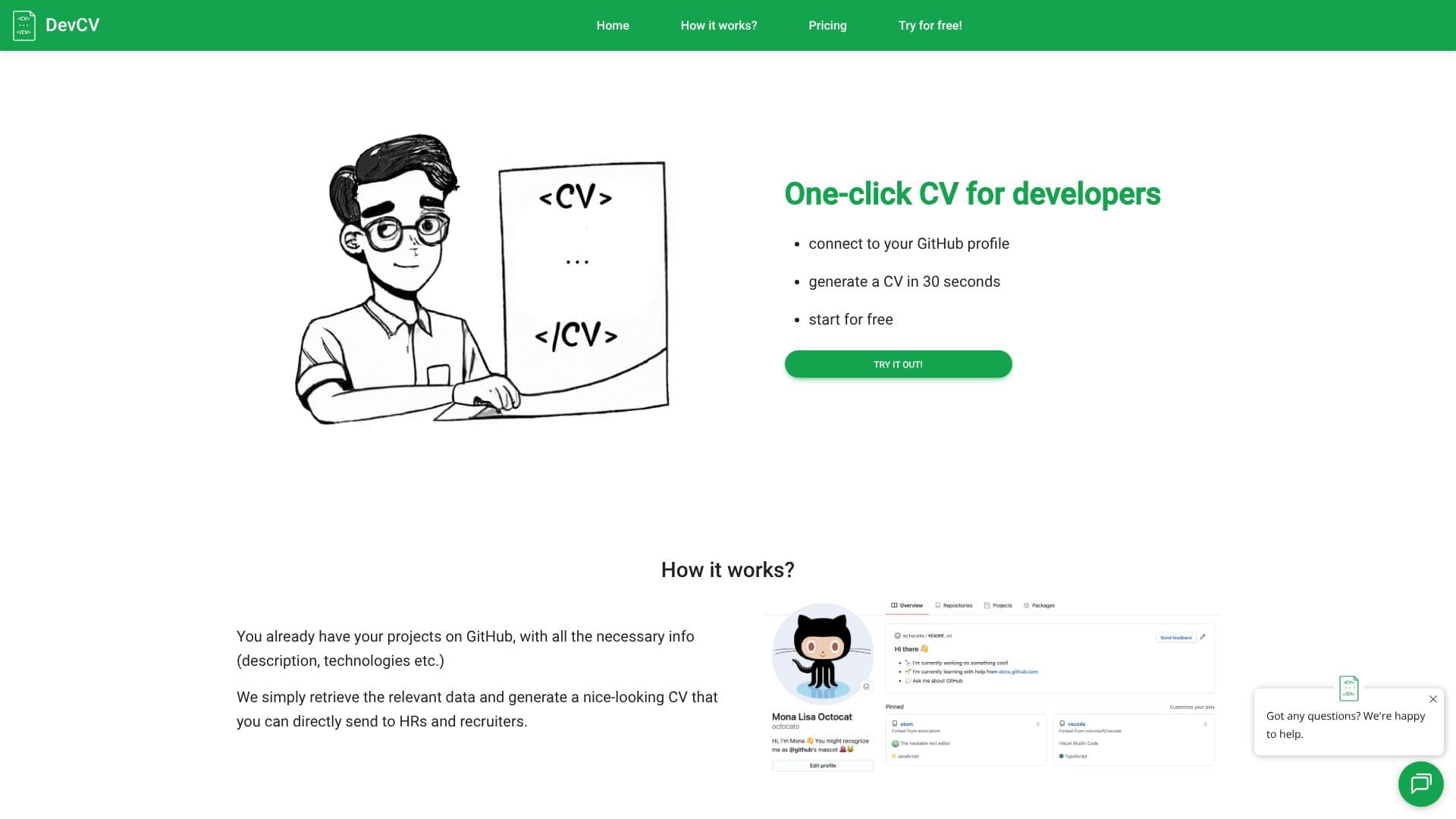
DevCV streamlines the resume creation process for software developers by leveraging their existing GitHub repositories. The platform connects directly to a developer's GitHub account, automatically retrieving project details such as descriptions, technologies used, and other relevant information. This data forms the foundation for a professional CV.
Read More
What sets DevCV apart is its integration of generative AI. Recognizing that developers often prefer coding over writing lengthy descriptions, DevCV employs AI to craft compelling summaries and project descriptions. This ensures that each project is presented effectively, highlighting the developer's skills and contributions without requiring manual writing.
The process is designed for speed and efficiency. Developers can generate a complete CV in as little as 30 seconds. The tool offers a free tier, allowing users to try it out without immediate commitment. For enhanced features, paid options are available, providing additional benefits like the removal of the DevCV logo.
DevCV aims to simplify job applications for developers. By automating the CV generation and description writing, it allows developers to focus on their core competency: building software. The generated CVs are ready to be sent directly to HR departments and recruiters, making the job search process smoother and more effective. The platform emphasizes ease of use and a quick turnaround time, making it an invaluable tool for any developer looking to update or create their resume.
- CategoryAI Resume Builders
- Pricing ModelFreemium
- DeploymentCloud
- PlatformsWeb
DevCV's Core Features
Connects to GitHub profiles to import project data
Generates CVs automatically in 30 seconds
Uses AI to write project summaries and descriptions
Creates professional-looking CVs for developers
No registration required for basic usage
Unlimited CV updates available
PDF download option for generated CVs
Free tier available for testing
Paid tiers offer enhanced features and branding options
How to use DevCV?
Connect: Link your GitHub profile to DevCV.
Generate: Let the AI process your project data.
Review: Preview and refine your automatically generated CV.
Download: Save your professional CV as a PDF.
Apply: Send your new CV to recruiters and HR.
DevCV's Use Cases
- Automated CV Generation
- AI-Powered Descriptions
- Developer Job Applications
- Resume Updates
- Time-Saving Tool