


Description
DeepAR is a comprehensive augmented reality (AR) solution that enables developers to integrate advanced AR features into their applications. The core offering is a powerful SDK that allows for the addition of 3D face masks, filters, effects, and background removal to any app, website, or game. This SDK is designed for use across multiple platforms, including iOS, Android, HTML5, and macOS, making it a versatile tool for developers.
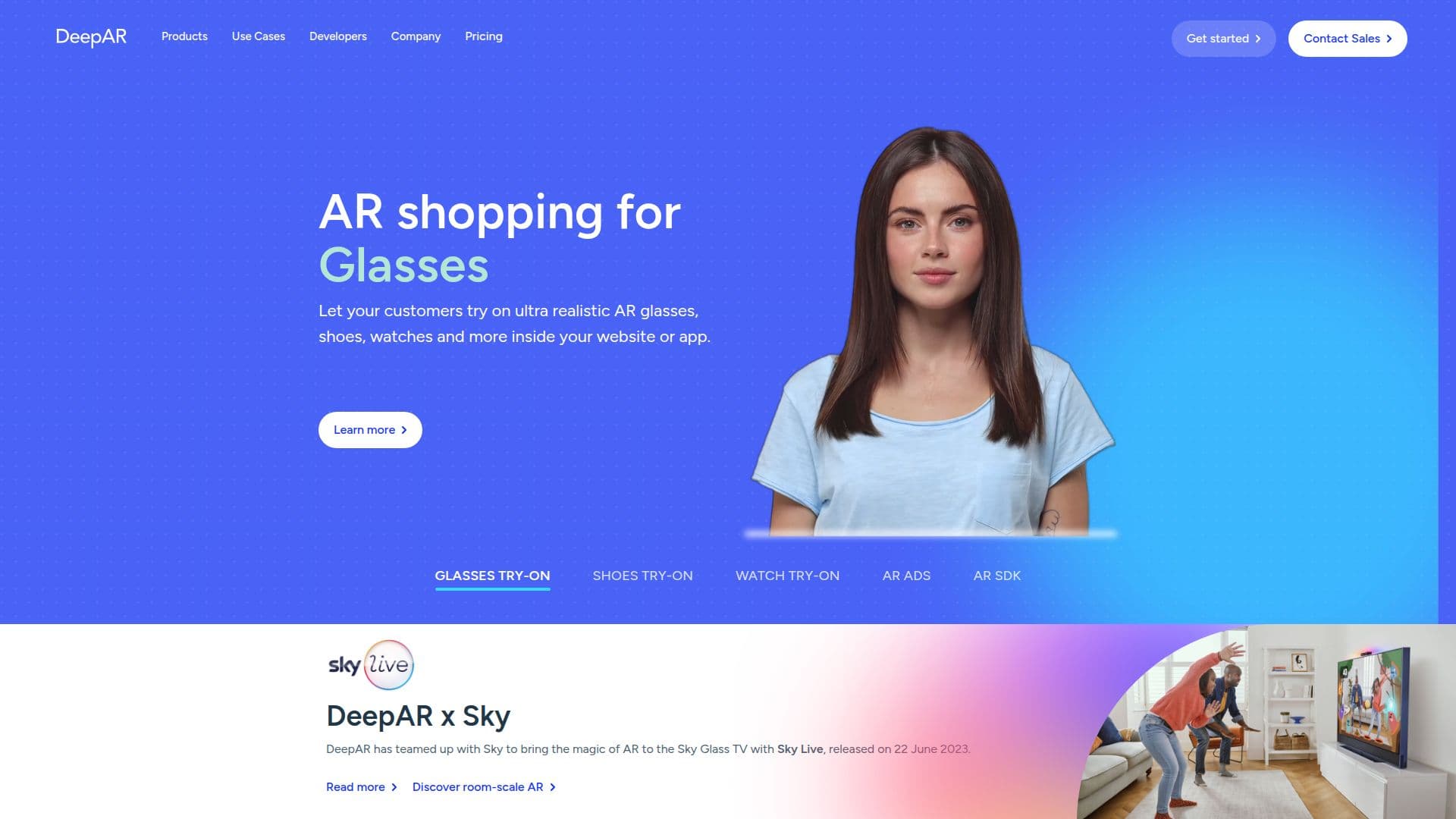
DeepAR's technology is built on advanced machine learning and deep learning models that track human features such as face position and expressions. This data is used to render 2D and 3D graphics on top of camera feeds, creating immersive AR experiences. The SDK supports a wide range of use cases, from AR shopping experiences for glasses, shoes, and watches to AR advertising and video chat enhancements.
The platform is highly optimized for performance, offering real-time tracking and rendering at 30fps. It also includes features like emotion detection, body tracking, and hair segmentation, which enhance the interactivity and engagement of AR applications. DeepAR's infrastructure is cloud-based, providing reliability, scalability, and security for its users.
DeepAR offers a freemium pricing model, allowing developers to try all features for free with up to 10 monthly active users. This flexibility makes it accessible for startups and large enterprises alike. The SDK is supported by a community of over 35,000 developers, ensuring a robust network for collaboration and support.
Overall, DeepAR empowers businesses to create engaging AR experiences that boost conversions and enhance customer interactions. Its comprehensive feature set and ease of integration make it a valuable tool for developers looking to incorporate AR into their digital products.
DeepAR: AR SDK for Apps and Websites's Core Features
3D face masks and filters
Background removal and blur
AR shopping experiences
Emotion detection
Body tracking
Hair segmentation
Real-time tracking at 30fps
Cross-platform support
How to use DeepAR: AR SDK for Apps and Websites?
Configure: Set up the SDK in your app
Use: Integrate AR features into your application
Optimise: Enhance AR performance and user experience
Deploy: Launch your AR-enabled app across platforms
DeepAR: AR SDK for Apps and Websites's Use Cases
- AR Shopping
- Video Chat Enhancement
- AR Advertising
- Virtual Makeup
- Background Replacement