
Description
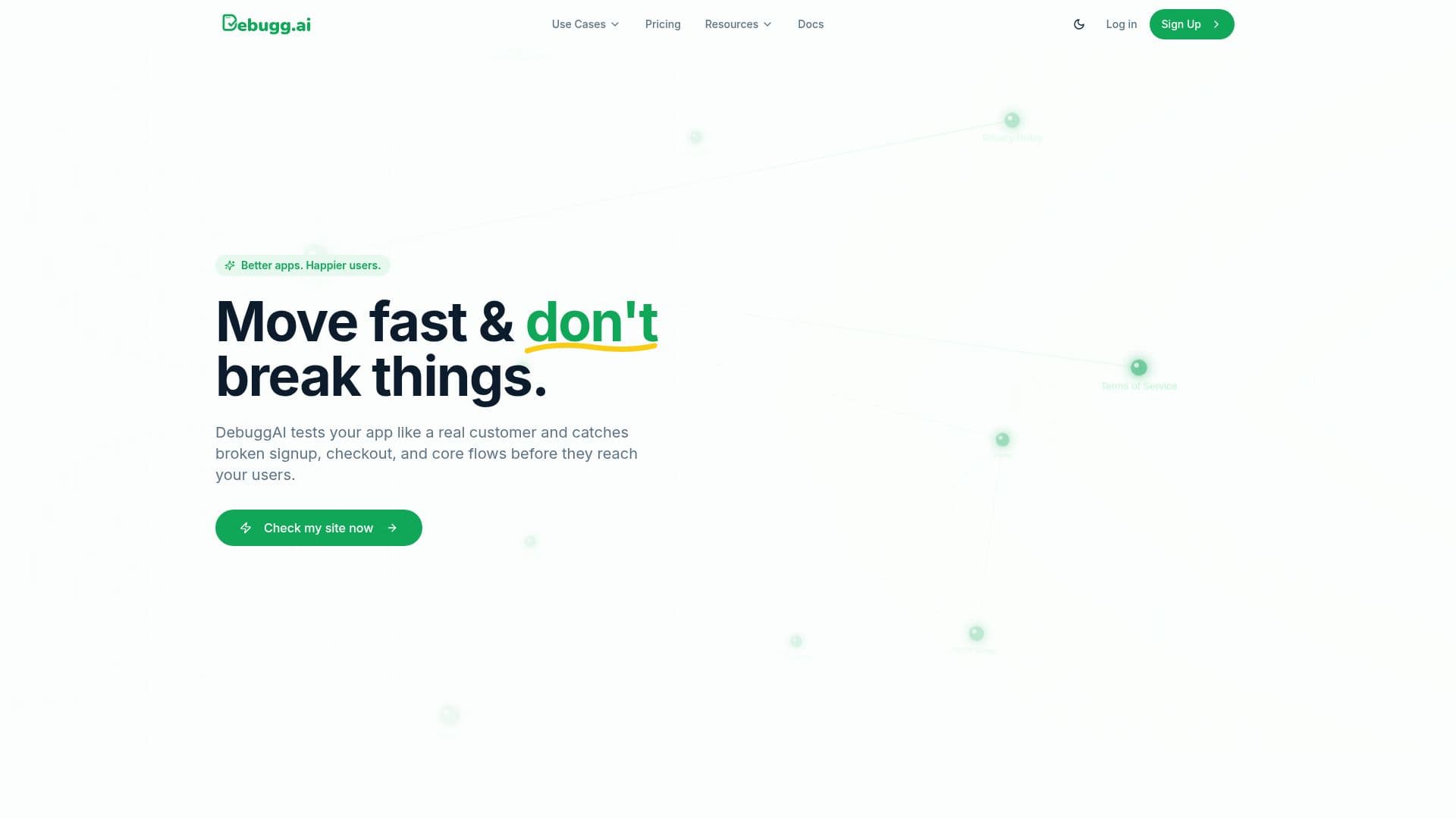
DebuggAI is an AI-powered automated browser testing tool that tests your website or web app like a real user and catches bugs before your users do. It runs on every pull request, analyzing git commits to generate comprehensive end-to-end tests automatically, with no code and no setup required.
Read More
The AI explores your app the way a real customer would, mapping every page, button, and flow and focusing on the paths that matter most, such as signup, login, and checkout. Whenever your app changes, DebuggAI automatically re-checks the flows customers rely on and flags anything that broke, with self-healing tests so working features stay covered without manual re-testing. Each result is a clear pass or fail with screenshots and a video replay of exactly what happened, delivered where your team already works, including GitHub PR comments.
Setup takes about two minutes with nothing to build or maintain, and your app runs in isolated, temporary environments that are wiped after every run with encrypted connections; source code is never stored, and enterprise plans add SSO and extra security controls. It supports frameworks including React, Next.js, Vue, and Angular, and you can even ask an AI assistant like Claude or Codex to test your app in plain English.
DebuggAI offers a free plan for public repos with 100 tests/month, a Pro plan for private repos with 1,000 tests/month, a Grow plan with 5,000 tests/month and team management, and an Enterprise plan with unlimited tests, SSO/SAML, and dedicated support.
- CategoryAI Code Review & Testing
- Pricing ModelFreemium
- DeploymentCloud
- PlatformsWeb
DebuggAI's Core Features
AI-generated end-to-end browser tests from git commits
Automatic PR detection and testing on every change
Self-healing tests that adapt as your app changes
Visual reports with screenshots and video replays
GitHub PR comments integration
Isolated, temporary test environments with encrypted connections
Support for React, Next.js, Vue, and Angular
Plain-English testing from AI assistants like Claude or Codex
How to use DebuggAI?
Connect your app: Link your app once with a simple install; DebuggAI handles the rest.
Let AI test it: The AI explores your app like a real user and runs the right tests automatically.
Review results: See clear pass or fail results with screenshots and video of what happened.
Fix and re-check: Address flagged issues; DebuggAI re-tests critical flows on every change.
Scale up: Upgrade for private repos, more tests, team management, or enterprise controls.
DebuggAI's Use Cases
- PR testing
- Critical flow validation
- Regression detection
- No-code QA
- AI assistant testing