
Description
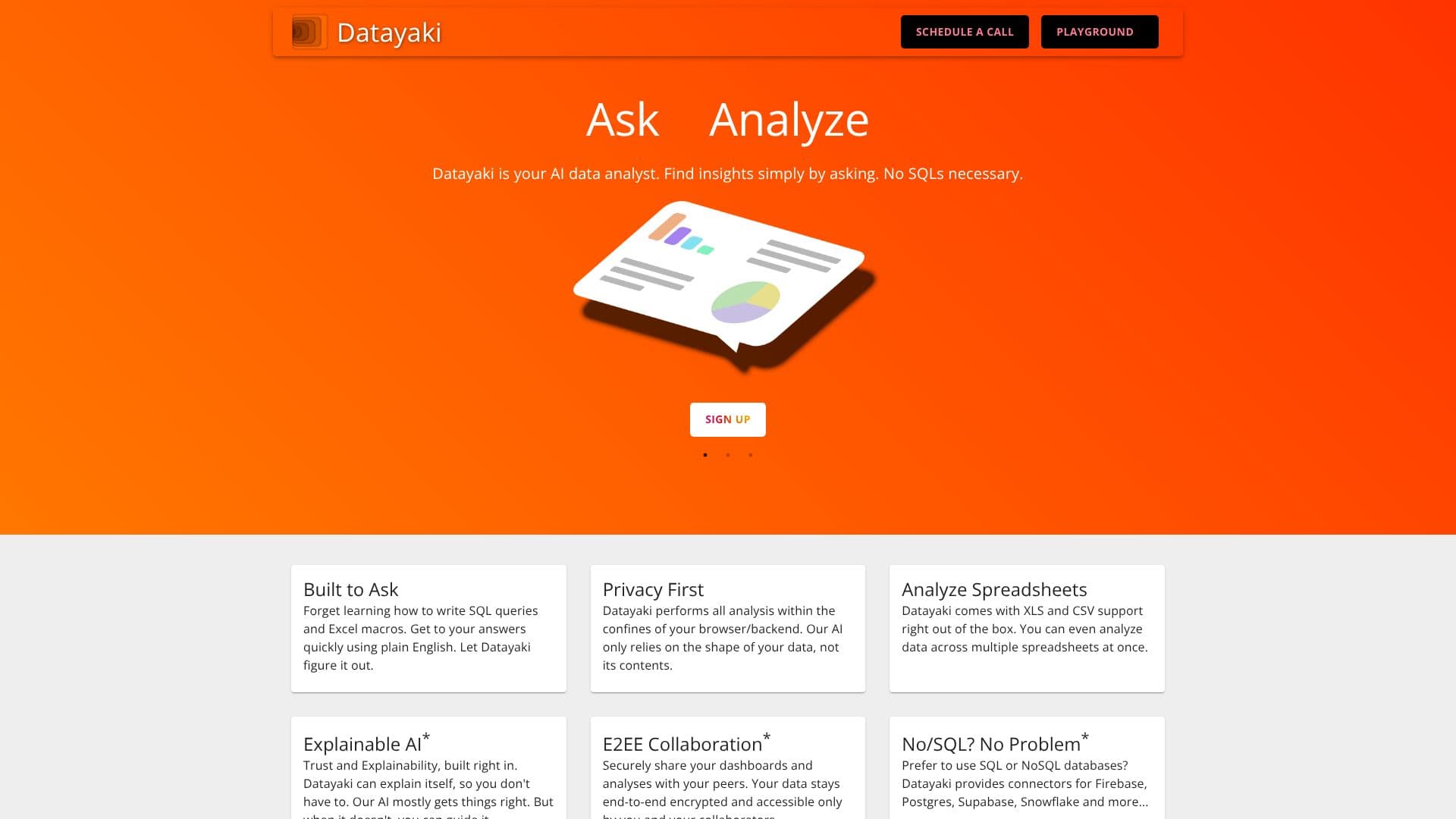
Datayaki positions itself as an AI data analyst, simplifying the process of data exploration and insight discovery. Users can interact with their data by asking questions in natural language, eliminating the need to learn complex query languages like SQL or Excel macros. This approach makes data analysis accessible to a broader audience, enabling quicker access to answers.
Read More
Privacy is a core tenet of Datayaki. The tool is designed to keep user data secure by performing all analyses locally within the user's browser or backend environment. The AI model interacts with the structure of the data, not its sensitive contents, ensuring that personal or proprietary information remains private and inaccessible to the AI itself.
The platform boasts broad data format compatibility, accepting inputs from Excel spreadsheets on desktops to SQL databases hosted in the cloud. It offers built-in support for XLS and CSV files, with the capability to analyze data across multiple spreadsheets simultaneously. For users who prefer database interactions, Datayaki provides connectors for popular SQL and NoSQL databases such as Firebase, Postgres, Supabase, and Snowflake.
Datayaki emphasizes explainability and trust in its AI. The tool can articulate its reasoning and findings, allowing users to understand how conclusions were reached. While the AI aims for accuracy, users have the ability to guide and correct it, fostering a collaborative analysis process. Future enhancements include E2EE (End-to-End Encryption) collaboration features for securely sharing dashboards and analyses with peers, ensuring data remains encrypted and accessible only to authorized individuals.
The target audience for Datayaki includes professionals and academicians who need to extract insights from data without extensive technical expertise. The promise of saving significant time and resources, potentially reducing costs for teams, is a key value proposition. The platform aims to democratize data analytics by making it intuitive and accessible.
- CategoryAI Data Analysis
- DeploymentCloud
- PlatformsWeb
Datayaki's Core Features
Ask questions in plain English to analyze data
Supports multiple data formats including Excel (XLS, CSV) and SQL databases
Data privacy focused: analysis performed locally within browser/backend
AI explains its analysis and findings
Ability to guide and correct AI responses
Connectors for SQL and NoSQL databases (Firebase, Postgres, Supabase, Snowflake)
Analyze data across multiple spreadsheets
Secure collaboration features (planned E2EE)
No SQL or complex macro knowledge required
How to use Datayaki?
Connect your data source
Ask questions about your data in plain English
Review AI-generated insights and explanations
Guide the AI for improved accuracy
Share analyses securely with collaborators (future feature)
Datayaki's Use Cases
- Quick Data Insights
- Spreadsheet Analysis
- Database Exploration
- Business Intelligence
- Academic Research
- Privacy-Conscious Analytics