
Description
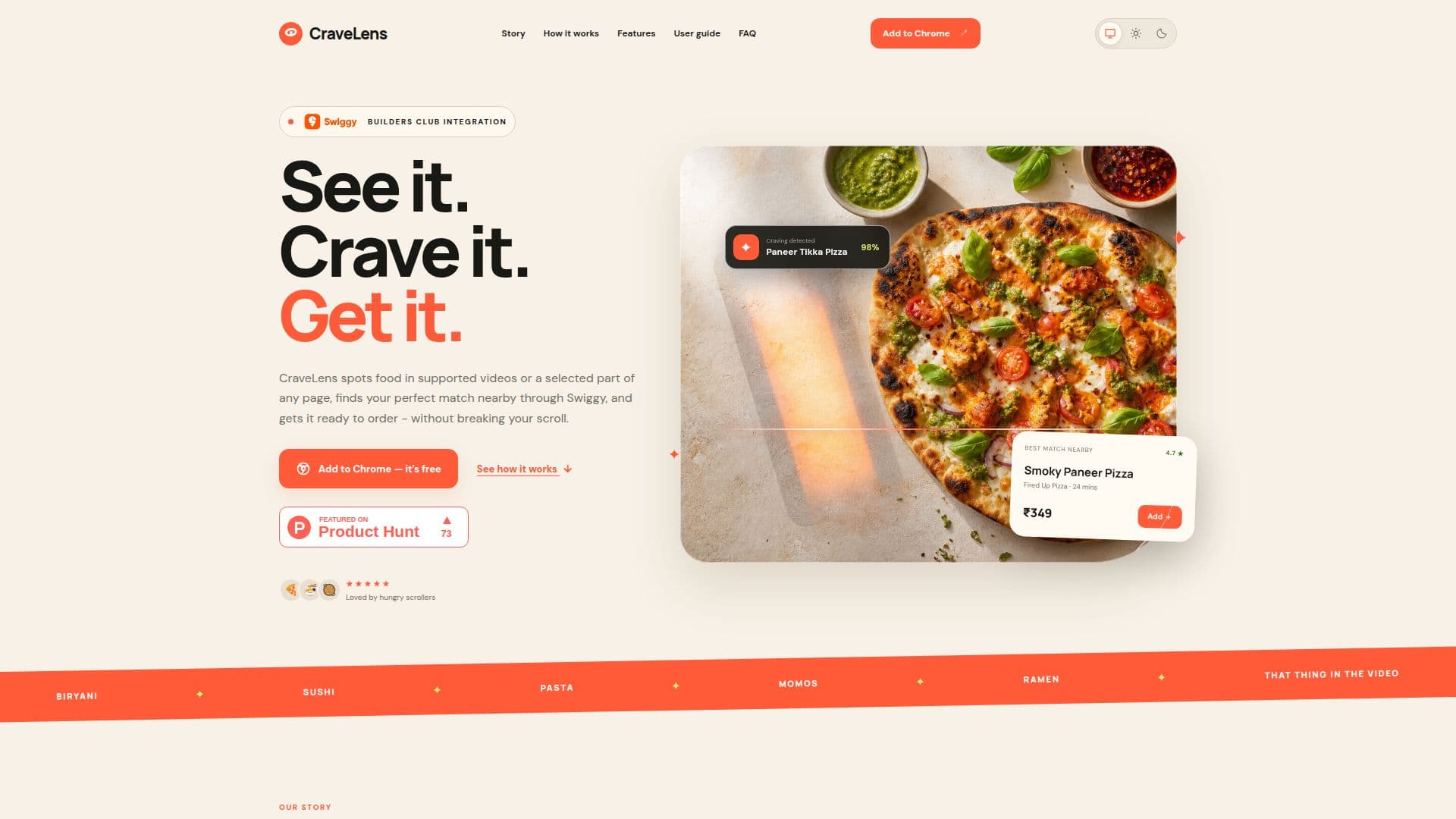
CraveLens is a Chrome extension designed to enhance the food ordering experience by using on-device AI to identify dishes in supported videos and selected webpage regions. This tool prepares personalized Swiggy carts for users, allowing them to review and order without interrupting their browsing. The extension operates with a 100% local AI architecture, ensuring that all processing happens on the user's device, maintaining privacy and security.
Read More
The idea for CraveLens originated from a common problem faced during video watching sessions, where viewers are enticed by delicious-looking food but find the ordering process cumbersome. By integrating with Swiggy, CraveLens simplifies this process, capturing food moments, identifying dishes, and preparing a cart based on the user's dietary preferences and order history.
CraveLens supports popular video platforms like YouTube, Instagram Reels, and Facebook Watch, and offers a manual selection feature for other webpages. Users can configure local AI models such as Gemini Nano, Gemma 3n, or Ollama to enhance food detection accuracy. The extension also allows users to personalize their carts by setting preferences for cuisine, spice level, and dietary restrictions.
The extension is free to install and use, with no automatic ordering, ensuring users have full control over their purchases. CraveLens is backed by the Swiggy Builders Club, providing access to Swiggy's developer ecosystem for seamless integration. The tool is ideal for food enthusiasts who enjoy discovering and ordering food directly from their screens.
- CategoryBrowser & Web Automation
- Pricing ModelFree
- DeploymentBrowser extension
- PlatformsChrome
CraveLens's Core Features
On-device AI food identification
Integration with Swiggy for cart preparation
Privacy-focused local processing
Support for YouTube, Instagram, and Facebook videos
Manual selection for webpage regions
Customizable dietary preferences
Free to install and use
No automatic ordering
How to use CraveLens?
Install: Add CraveLens from the Chrome Web Store
Connect: Link your Swiggy account for cart preparation
Configure: Set your dietary preferences and AI models
Use: Identify food in videos or webpages and prepare carts
CraveLens's Use Cases
- Video Food Discovery
- Personalized Cart Preparation
- Privacy-Focused Browsing
- Dietary Preference Management
- Seamless Food Ordering