Description
Craiyon is an AI art generator that transforms text descriptions into unique images in seconds. Formerly known as DALL-E mini, which won the Hugging Face and Google hackathon in 2021 before rebranding to Craiyon in 2022, it lets anyone create anything from abstract art to photorealistic images by typing a prompt. The company builds its own AI image models and reports over a million monthly active users and billions of images created.
Read More
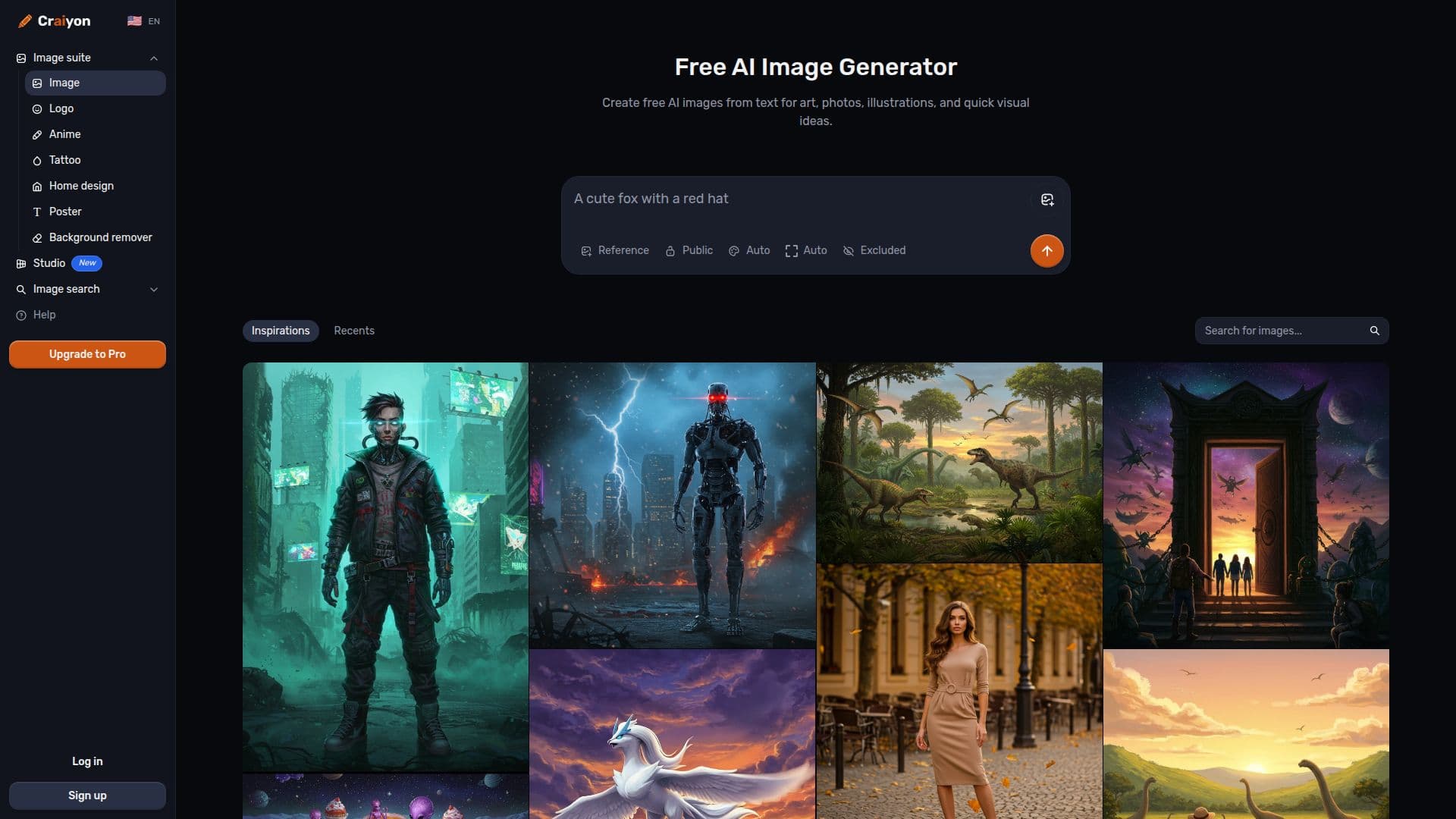
Creators can control the finest details, including subject, setting, mood, camera angle, and composition, and use an Exclude field to specify what should not appear. Six style presets are available, Artistic, Photo, Anime, Illustration, Vector, and Raw, along with a choice of aspect ratios. Prompts can be written in any language, and a large community Search lets users explore others' creations and see the prompts behind them.
Craiyon offers free image generation to everyone, with free users getting base-quality images, watermarks, and possible wait times during peak periods. Paid plans, Supporter, Professional, and Ultra, unlock the highest-quality models, unlimited generation, monthly editing credits, all aspect ratios, no watermarks, HD downloads, priority processing, and private images on higher tiers. Editing credits are used only when retouching or using an image as input; generating from text alone does not use credits.
Images can be used for personal, academic, or commercial purposes under the Terms of Use, with free users required to credit Craiyon and subscribers exempt from attribution. There is no public API yet, though one is planned, and a mobile app is noted as coming soon.
- CategoryAI Image Generators
- Pricing ModelFreemium
- DeploymentCloud
- PlatformsWeb
Craiyon's Core Features
Text-to-image generation in seconds
Six style presets: Artistic, Photo, Anime, Illustration, Vector, and Raw
Detailed control over subject, mood, camera angle, and composition
Exclude field to remove unwanted elements
Multiple aspect ratios and multilingual prompts
Community Search to explore images and their prompts
Built-in image editing with credits for retouching
Free and paid tiers with commercial use allowed
How to use Craiyon?
Type your idea: Enter a specific text description of the image you want.
Choose a style: Select Artistic, Photo, Anime, Illustration, Vector, or Raw.
Pick an aspect ratio: Choose square, landscape, or portrait.
Draw: Generate your image and watch the AI create it.
Refine and retry: Edit the prompt, use Exclude, or draw from similar images.
Craiyon's Use Cases
- Social media visuals
- Concept and art exploration
- Photorealistic imagery
- Prints and references
- Commercial content