


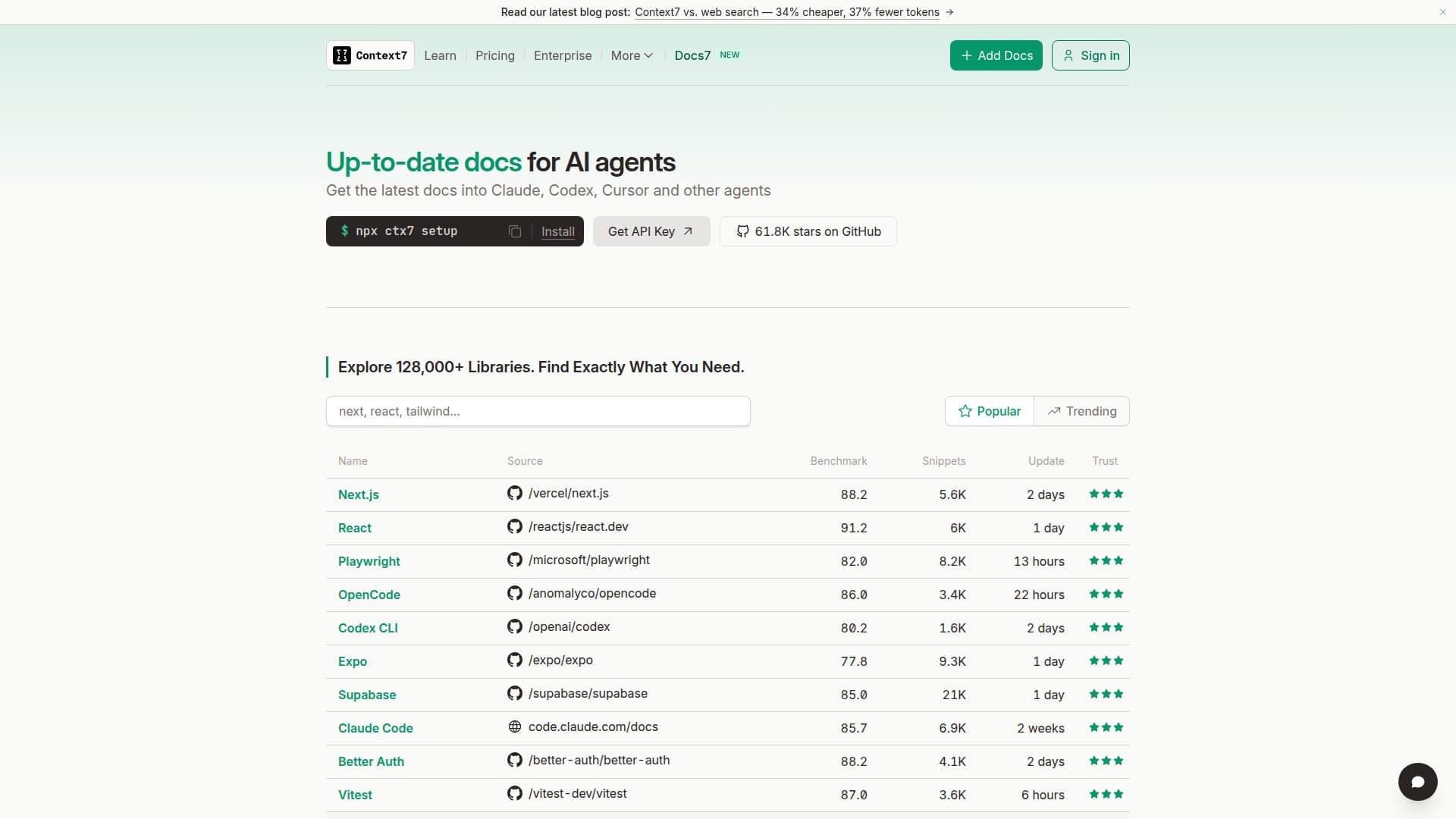
Description
Context7 is a tool designed to deliver up-to-date, version-specific documentation and code examples directly into AI coding tools such as Cursor, Claude Code, Codex, Devin Desktop, and Antigravity. This ensures that developers have access to the most current and accurate information, reducing the risk of errors caused by outdated documentation or hallucinated code examples. Context7 supports over 128,000 libraries, providing real, working code examples from the source, which helps developers avoid the frustration of verifying AI responses and dealing with generic answers not specific to their version.
The platform offers a Free plan for individual developers, which includes access to public repositories and 1,000 API calls per month. For professionals and teams, the Pro plan is available at $10 per seat per month, offering private repository access and team collaboration features. The Enterprise plan includes advanced features such as SOC-2 compliance, SSO, and self-hosted deployment options, with pricing starting at $30 per user per month for small teamspaces.
Context7 is built and maintained by the Upstash team, ensuring that it applies enterprise-level security practices across all its products. The tool is particularly beneficial for developers who need to integrate up-to-date documentation into their AI coding assistants, ensuring high-quality code generation without the need for tab-switching or dealing with hallucinated APIs.
Context7's Core Features
Up-to-date documentation
Version-specific code examples
Supports 128,000+ libraries
Free plan for public repos
Pro plan for private repos
Enterprise SOC-2 compliance
SSO and self-hosted options
Real-time API updates
How to use Context7?
Configure: Set up Context7 in your coding tool
Use: Access documentation directly in your editor
Optimise: Ensure code examples are version-specific
Monitor: Track API usage and manage plans
Context7's Use Cases
- AI coding integration
- Version-specific coding
- Team collaboration
- Enterprise compliance
- API usage monitoring