
Description
Codex Model Switcher is a versatile tool designed to integrate and switch between multiple AI models such as DeepSeek, MiniMax, and OpenRouter with ease. This application is available as a native macOS app and supports command-line operations on Windows and Linux platforms. It includes features like balance queries, usage percentage tracking, and a Responses protocol bridge, all while maintaining zero third-party dependencies.
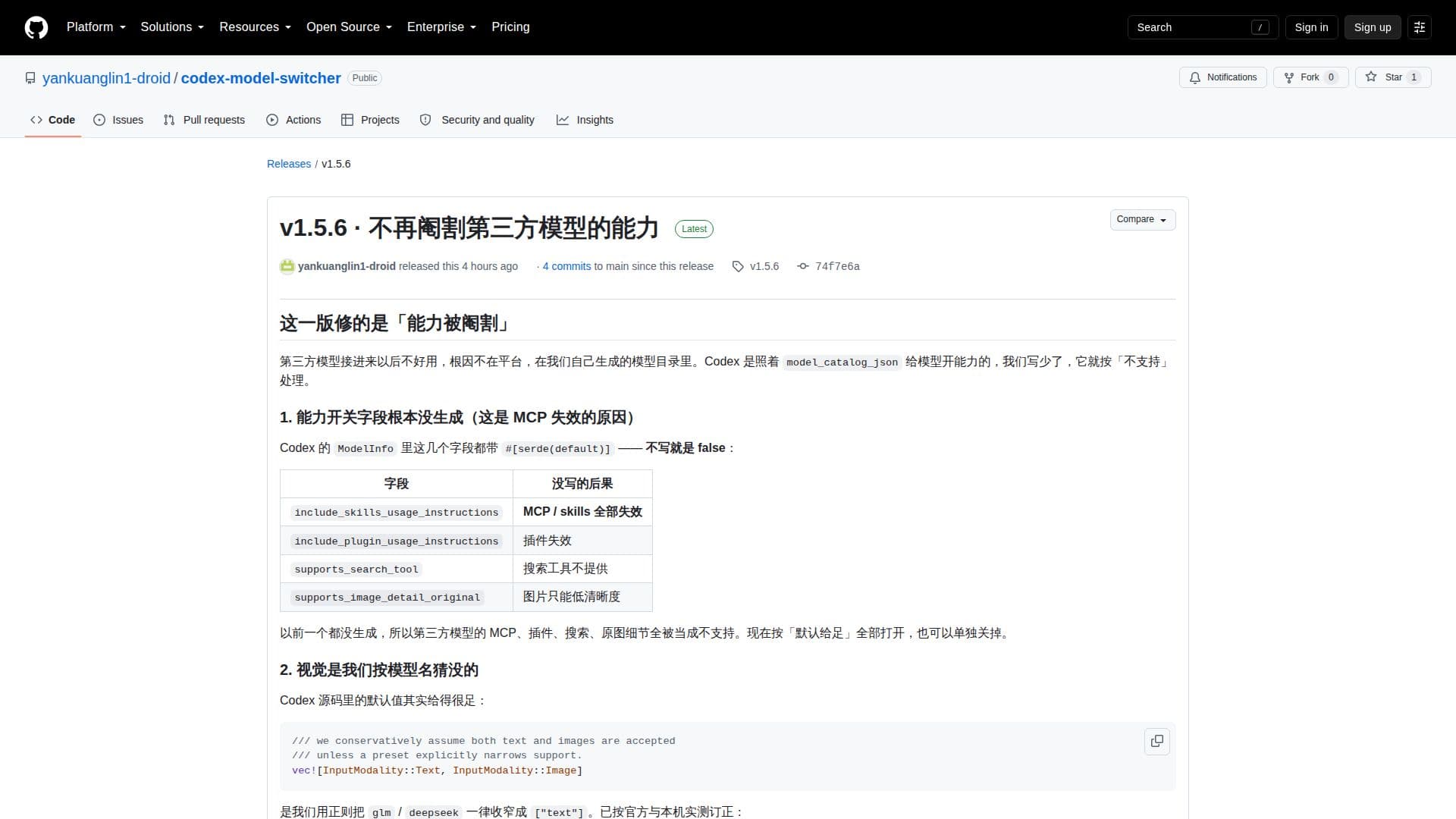
The latest release, version 1.5.6, addresses issues related to the capabilities of third-party models. It ensures that the models are fully functional by generating necessary fields in the model directory, which were previously missing. This update also includes improvements in visual capabilities and context window sizes for models like GLM and DeepSeek.
Codex Model Switcher provides a capability matrix to test and apply real requests for image reading, reasoning, and tool invocation. Users can set reasoning effort levels and context window sizes for different models. The interface now includes cards for 'Reasoning Effort' and 'Model Capabilities'.
This tool is ideal for developers and researchers who require flexibility in using different AI models without the hassle of managing dependencies. However, it is important to note that certain features like image generation and voice synthesis are not supported due to platform limitations.
Codex Model Switcher's Core Features
Seamless model integration
Native macOS app
Windows/Linux command-line support
Balance queries
Usage percentage tracking
Responses protocol bridge
Zero third-party dependencies
Capability matrix for testing
How to use Codex Model Switcher?
Download: Obtain the app from GitHub
Install: Follow installation instructions for your OS
Configure: Set up model directories and capabilities
Use: Switch between models as needed
Optimize: Adjust reasoning effort and context window
Codex Model Switcher's Use Cases
- Model Integration
- Model Switching
- Usage Tracking
- Capability Testing
- Context Management