


Description
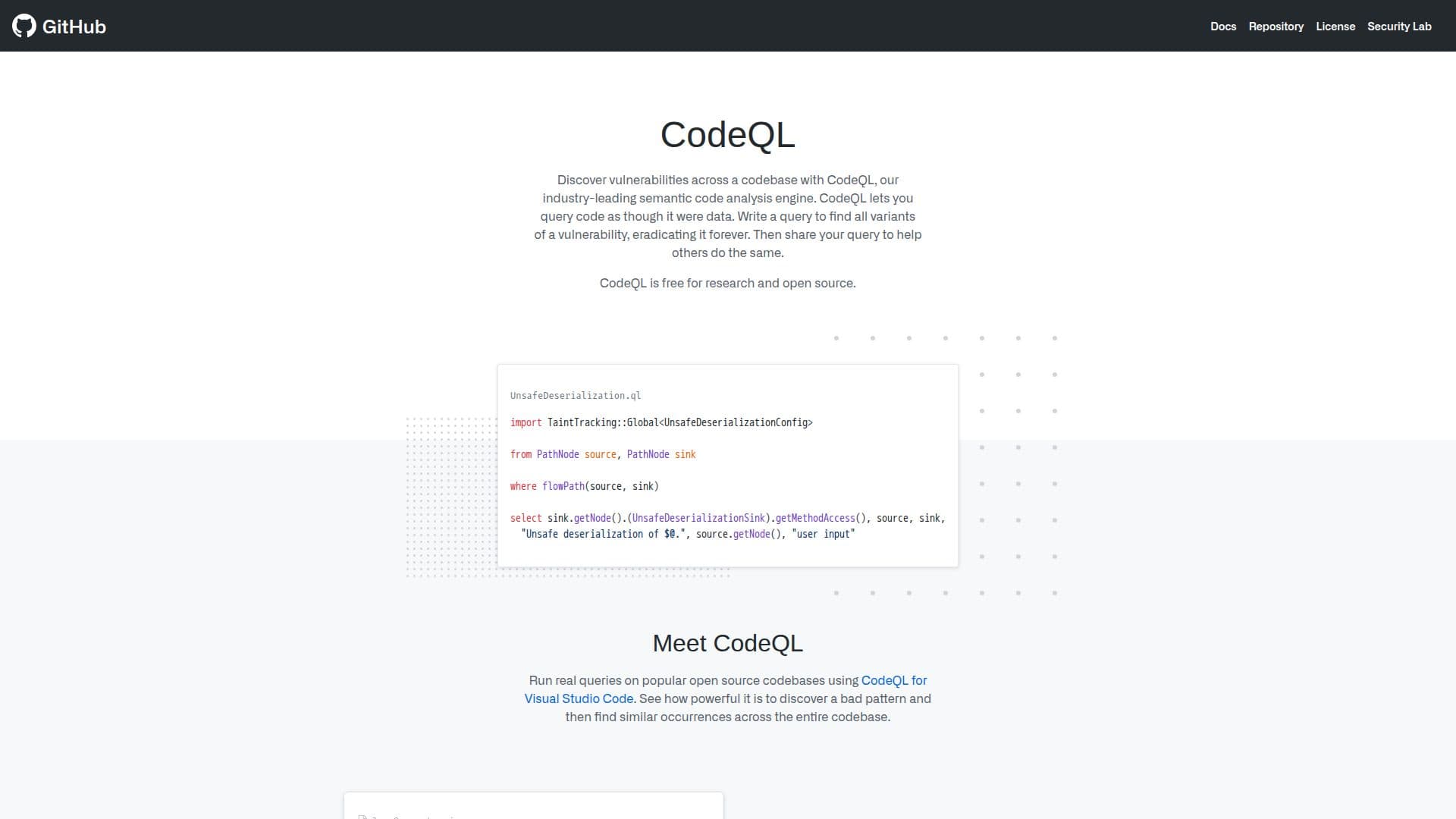
CodeQL is a semantic code analysis tool that allows developers to query code as if it were data, making it possible to identify vulnerabilities across codebases. It is particularly useful for open source projects and is available for free for research and open source use. CodeQL integrates seamlessly with Visual Studio Code, allowing users to write and execute queries directly within the IDE. Developers can download and add a project's CodeQL database to VS Code or create one using the CodeQL CLI. This functionality enables users to uncover vulnerabilities by running queries on open source codebases.
CodeQL is part of GitHub's suite of security tools, which includes features like Dependabot for security updates and GitHub Actions for CI/CD automation. The tool is designed to enhance code security by enabling developers to find and fix vulnerabilities before they reach production. CodeQL's integration with GitHub makes it a valuable asset for developers looking to improve their code's security posture.
The tool is widely used in the industry, with GitHub's security lab leveraging it to secure open source projects by finding vulnerabilities and advancing security research. CodeQL's ability to perform deep code analysis makes it an essential tool for developers focused on maintaining high security standards in their projects.
While CodeQL is free for open source projects, it is also available as part of GitHub's enterprise offerings, which include additional features like advanced security and compliance tools. This makes CodeQL suitable for both individual developers and large organizations looking to enhance their security strategies.
CodeQL's Core Features
Semantic code analysis
Integration with Visual Studio Code
Open source and enterprise use
Query code as data
Identify vulnerabilities
Free for open source projects
Part of GitHub's security tools
Supports CodeQL CLI
How to use CodeQL?
Install: Add CodeQL extension to Visual Studio Code
Create Database: Use CodeQL CLI or download from GitHub
Run Query: Right-click and choose 'Run Query'
Analyze: Review results to identify vulnerabilities
CodeQL's Use Cases
- Open Source Security
- Enterprise Security
- Code Analysis
- Vulnerability Detection
- Developer Education