


Description
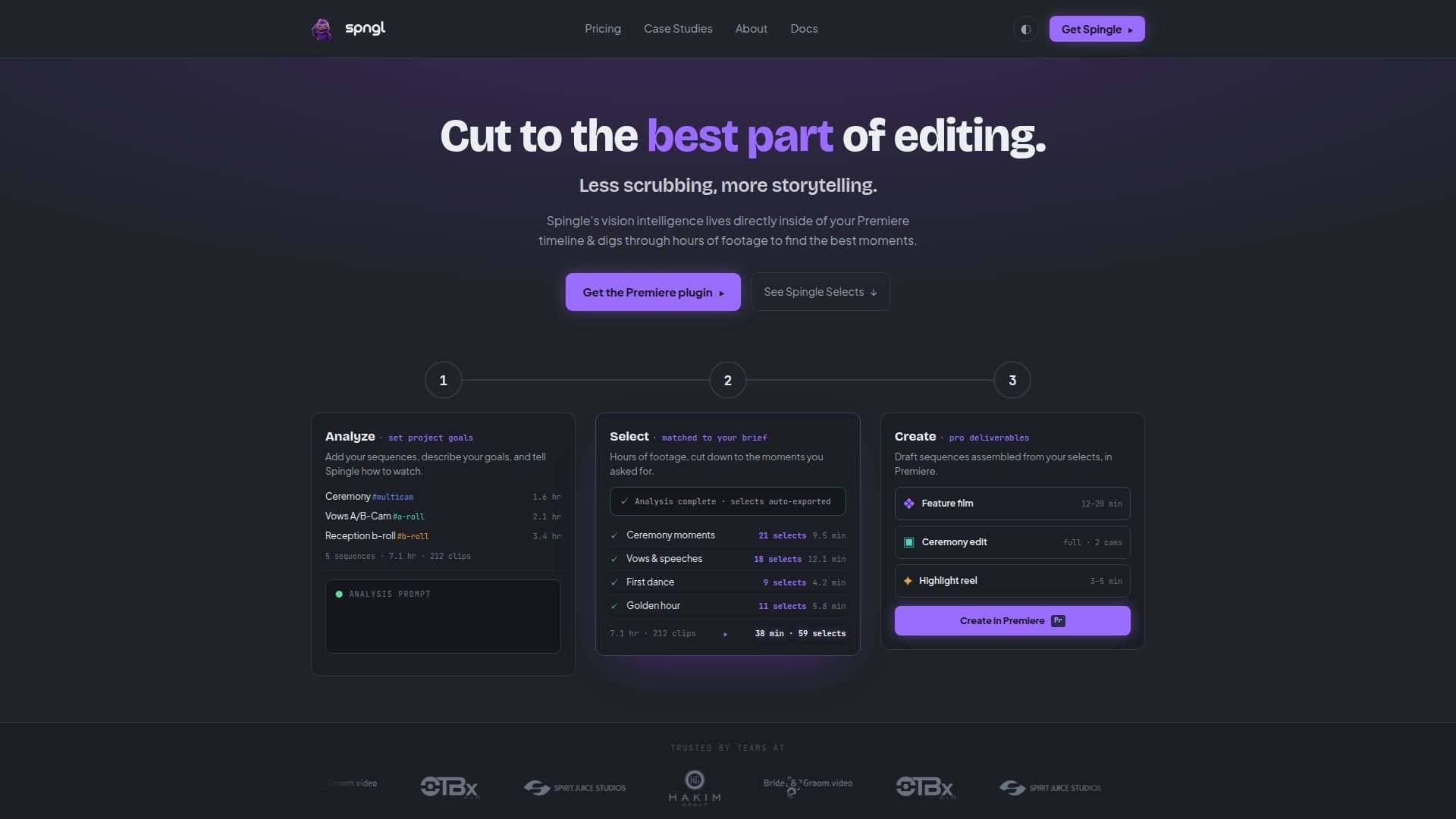
CleanCut.ai is an advanced AI video editing tool that integrates seamlessly with Adobe Premiere Pro. Designed for professional editors, it leverages vision intelligence to analyze hours of footage and identify the best moments for storytelling. This tool is particularly beneficial for event videographers, such as wedding filmmakers, who often face the challenge of editing extensive footage. CleanCut.ai helps reduce manual editing time significantly, transforming workflows from hundreds of hours to just a fraction.
The tool offers features like intelligent selects, precision culling, and rough cut generation directly within the timeline. Editors can set project goals, select footage matched to their brief, and create professional deliverables efficiently. CleanCut.ai's AI capabilities include tagging clips by content, emotion, and relevance, automatic audio sync across multiple camera angles, and generating multiple narrative versions instantly.
Pricing details are not explicitly stated, but users can access a trial by booking a 30-minute onboarding call. CleanCut.ai is suitable for solo creators and production studios, offering solutions that fit various workflows. The tool has proven to be a competitive advantage for companies like Myriad.Video, enabling them to win major contracts by reducing editing time and enhancing efficiency.
Overall, CleanCut.ai empowers editors to focus more on storytelling rather than sorting through footage, making it a valuable asset for video production teams looking to optimize their post-production processes.
CleanCut.ai: AI Video Editor's Core Features
AI-powered video editing
Integration with Adobe Premiere Pro
Intelligent selects
Precision culling
Rough cut generation
Automatic audio sync
Tagging by content and emotion
Multiple narrative generation
How to use CleanCut.ai: AI Video Editor?
Open: Launch CleanCut.ai within Premiere Pro
Add Sequence: Prepare footage for analysis
Analyze: Set project goals and analyze footage
Selects: Choose matched footage for editing
Create: Generate rough cuts and deliverables
Review: Iterate and refine the edits
CleanCut.ai: AI Video Editor's Use Cases
- Wedding Videos
- Conference Production
- Corporate Videos
- Documentary Films
- Event Videography