


Description
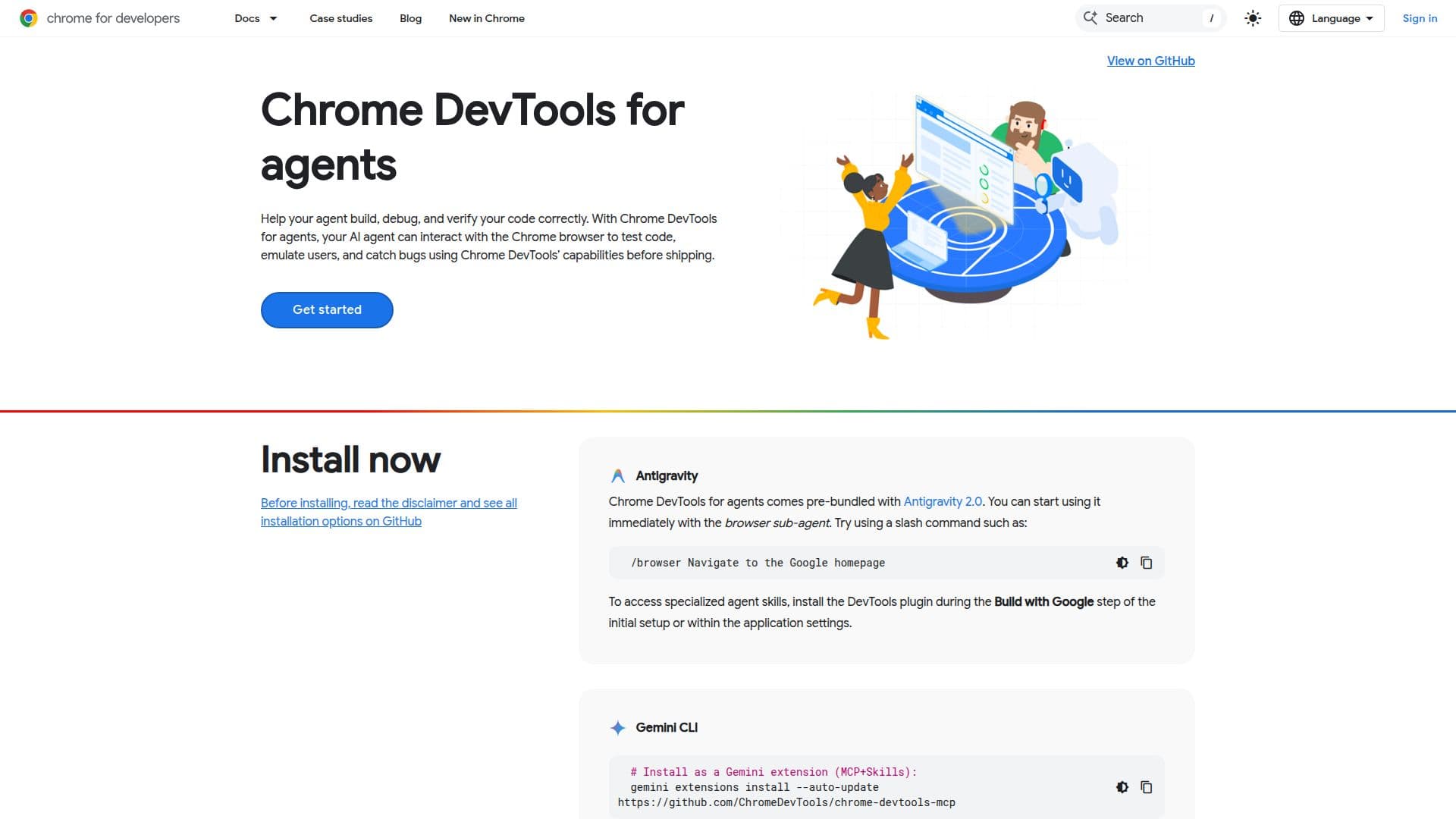
Chrome DevTools MCP is a powerful tool designed to enhance the capabilities of AI agents by allowing them to interact directly with a Chrome instance. This tool provides a range of features that enable agents to validate code, run audits, and emulate user experiences effectively.
One of the key features of Chrome DevTools MCP is its ability to emulate user experiences. Agents can verify responsive layouts, test location-aware APIs, and simulate varied CPU or network speeds. This helps in identifying edge cases and automating performance audits more efficiently. The emulation feature allows agents to interact with websites by clicking elements, filling forms, and navigating pages.
Chrome DevTools MCP also includes the auto-connect feature, which allows agents to connect directly to an active browser instance. This feature bypasses sandbox limitations by inheriting current tabs, browser extensions, and live application states. It is particularly useful for debugging live browser states without losing session data.
Additionally, Chrome DevTools MCP supports proactive QA with Lighthouse audits, enabling agents to perform comprehensive performance, accessibility, and SEO audits. The tool is compatible with various coding agents like Copilot and OpenCode, and it can be integrated into development workflows to optimize processes.
Overall, Chrome DevTools MCP is a valuable tool for developers looking to enhance their AI agents' capabilities, streamline debugging processes, and improve web application performance.
Chrome DevTools MCP's Core Features
Emulate user experiences
Debug live browser states
Proactive QA with Lighthouse
Auto-connect feature
Responsive layout verification
Location-aware API testing
Network and CPU simulation
Integration with coding agents
How to use Chrome DevTools MCP?
Configure: Set up MCP server
Use: Interact with Chrome instance
Debug: Analyze live browser state
Optimize: Run audits and improve performance
Chrome DevTools MCP's Use Cases
- Responsive design testing
- Location-aware API testing
- Live browser debugging
- Performance audits
- Network simulation