Description
ChordCreate offers an AI-powered solution for generating chord progressions, designed to streamline the music creation process for artists and producers. The tool aims to reduce the time spent on theoretical aspects of music composition, allowing users to focus on their creative output.
Read More
Users can input specific parameters such as genre, key, and desired mood to guide the AI in generating relevant chord sequences. For example, prompts can request a "melodic house track that sounds dreamy and has character" or an "upbeat, catchy G major chord progression in a pop style, using 7th and diminished chords for added depth." The generator then produces chord progressions tailored to these specifications.
The platform provides various settings to refine the generated progressions, including sequence length, humanization options, and loop controls. Users can adjust tempo (BPM) and time signatures (e.g., 4/4) to match their project requirements. The tool also features instrument selection, with a "Kawai Grand Piano" listed as an option, and a metronome for timing.
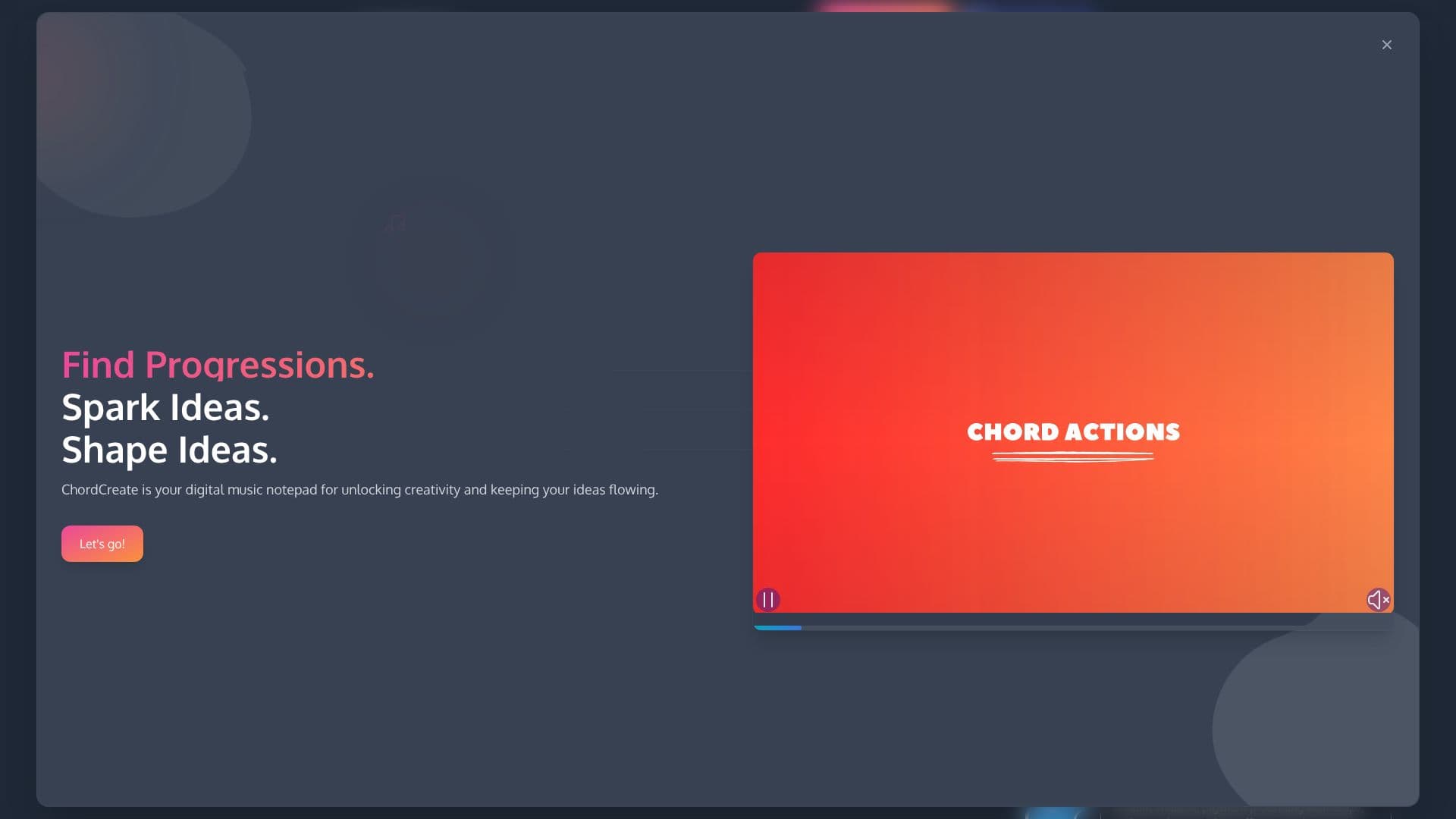
ChordCreate positions itself as a "digital music notepad for unlocking creativity and keeping your ideas flowing." It caters to musicians, songwriters, and producers who may face creative blocks or wish to explore new harmonic territories quickly. The interface is designed for ease of use, enabling users to find progressions, spark ideas, and shape them into finished musical pieces.
Additional features include options for "Silent Mode" to manage audio output and a support system for user assistance. The site also mentions the use of cookies for essential features like account creation and payment processing via Stripe, indicating a potential for user accounts and paid services.
- CategoryAI Music Generators
- Pricing ModelFreemium
- DeploymentCloud
- PlatformsWeb
ChordCreate's Core Features
AI-powered chord progression generation
Customizable by genre, key, and mood
Adjustable sequence length
Humanization settings for progressions
Tempo (BPM) and time signature controls
Instrument selection (e.g., Kawai Grand Piano)
Metronome functionality
Looping controls
Prompt suggestions for inspiration
Fast export options
Reset history feature
Hotkeys for efficient use
How to use ChordCreate?
Configure: Input your desired genre, key, mood, and sequence length.
Generate: Use prompt suggestions or enter your own creative ideas.
Refine: Adjust sequence settings like humanization and loop controls.
Select Instrument: Choose an instrument for playback.
Playback: Use the play and stop controls with the metronome.
Export: Save your generated chord progressions.
ChordCreate's Use Cases
- Songwriting Inspiration
- Music Production
- Melody Creation
- Arrangement Exploration
- Learning Music Theory
- Demo Creation