
Description
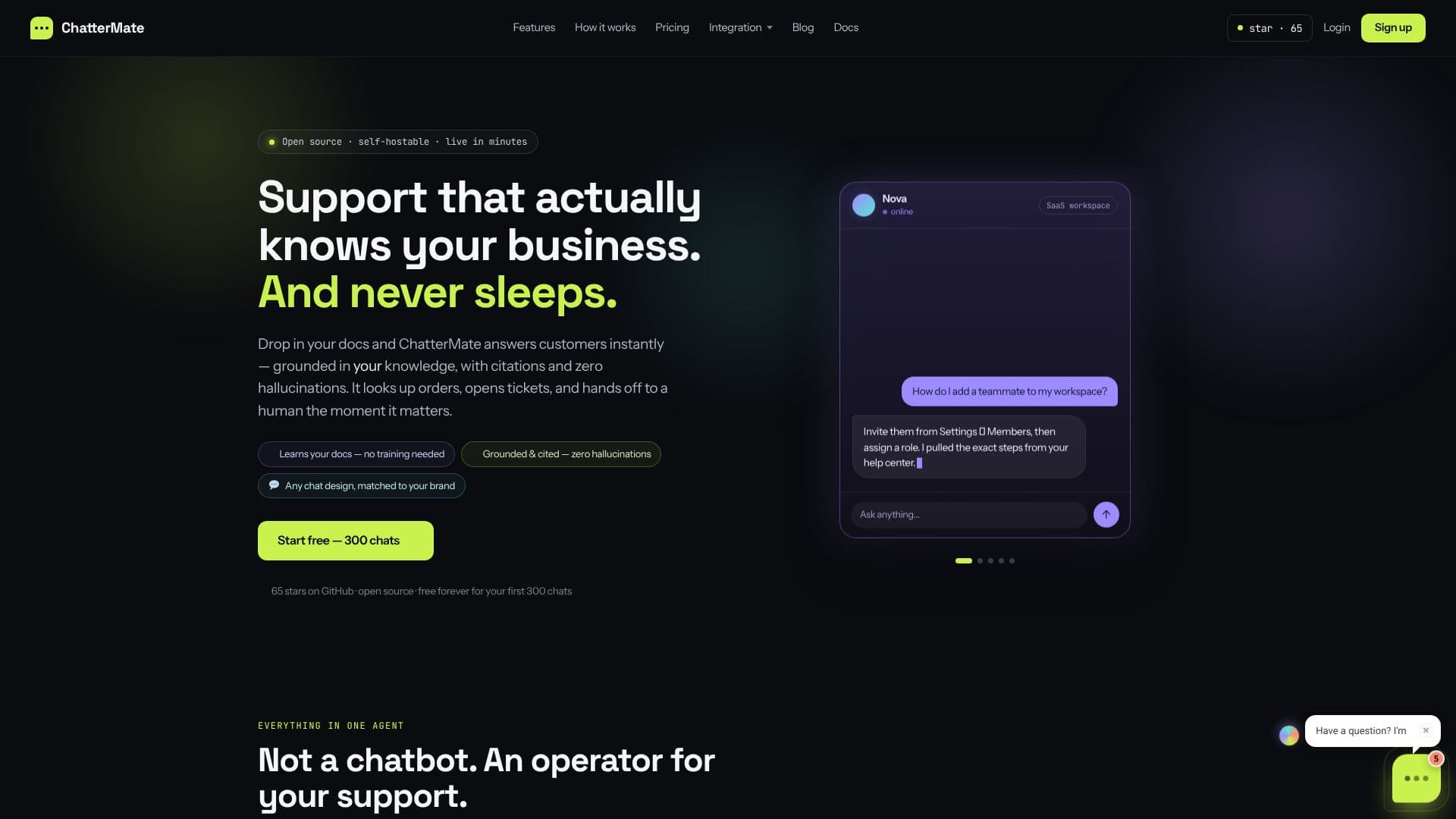
ChatterMate redefines customer support by offering a free, open-source AI chatbot that acts as an operator for your support needs. Unlike traditional chatbots, ChatterMate is designed to be an intelligent agent capable of understanding and responding to customer inquiries based on your specific documentation.
Read More
The core functionality of ChatterMate revolves around its auto-learning capabilities. Users can simply drop in PDFs or URLs, and the AI automatically scans, chunks, and indexes the content. This eliminates the need for manual tagging or extensive training data, allowing the chatbot to provide instant, accurate answers directly from your knowledge base, complete with citations.
Beyond its knowledge retrieval, ChatterMate allows for deep customization of the AI agent's personality. You can name it, set its tone (witty, concise, empathetic, on-brand), and define escalation triggers or feedback prompts through an editable prompt. This ensures the chatbot aligns perfectly with your brand's voice and customer interaction strategy.
Human handoff is seamlessly integrated, with ChatterMate detecting customer frustration and looping in a human agent with the full conversation context, preventing repetitive questions. Furthermore, the platform automates ticketing by converting chats into tickets, auto-tagging them, and syncing with systems like Jira. No-code workflows enable drag-and-drop automation, allowing the agent to perform actions like looking up orders, triggering refunds, or calling your own APIs mid-conversation using integrated MCP tools.
ChatterMate is built with developers in mind, offering an open-source platform that can be inspected, self-hosted, and owned. It supports bringing your own models and provides a command-line interface (CLI) for scripting agent creation, knowledge management, and workflow automation. Integrations with Slack, Shopify, Jira, Webhooks, and REST API further enhance its versatility. The chatbot widget is highly customizable, allowing for pixel-perfect matching to your brand's design, including colors, shape, typography, and position, offering styles like Glass, Terminal, and Siri-style.
Getting started is quick and easy, with a live preview of the widget as you type. The process involves signing up, feeding the AI your documents and shaping its personality, and then pasting a single line of code to go live on your website in minutes. ChatterMate offers flexible plans, starting with a free tier for the first 300 chats, making it accessible for businesses of all sizes.
- CategoryAI Support Chatbots
- Pricing ModelFreemium
- DeploymentCloud, Self-hosted
- PlatformsWeb
ChatterMate AI Chatbot's Core Features
AI-powered customer support chatbot
Learns automatically from uploaded PDFs and URLs
Provides answers with citations from your own documents
Customizable agent personality and tone
Seamless human handoff with full conversation context
Automated ticketing and Jira integration
No-code drag-and-drop workflow builder
Integrates with MCP tools for actions like order lookup and refunds
Open-source and self-hostable
Supports bringing your own AI models
Highly customizable chat widget for website embedding
Command-line interface (CLI) for developers
Integrates with Slack, Shopify, Jira, Webhooks, and REST API
How to use ChatterMate AI Chatbot?
Create your account: Sign up with email and access your dashboard.
Feed it & shape it: Upload PDFs or URLs, and define the agent's personality prompt.
Preview answers: Review and refine responses in real-time.
Go live: Copy the widget snippet and paste it into your website.
ChatterMate AI Chatbot's Use Cases
- Customer Support Automation
- Knowledge Base Assistant
- Lead Qualification Bot
- Technical Support Agent
- E-commerce Support
- Internal Helpdesk
- API-driven Actions