

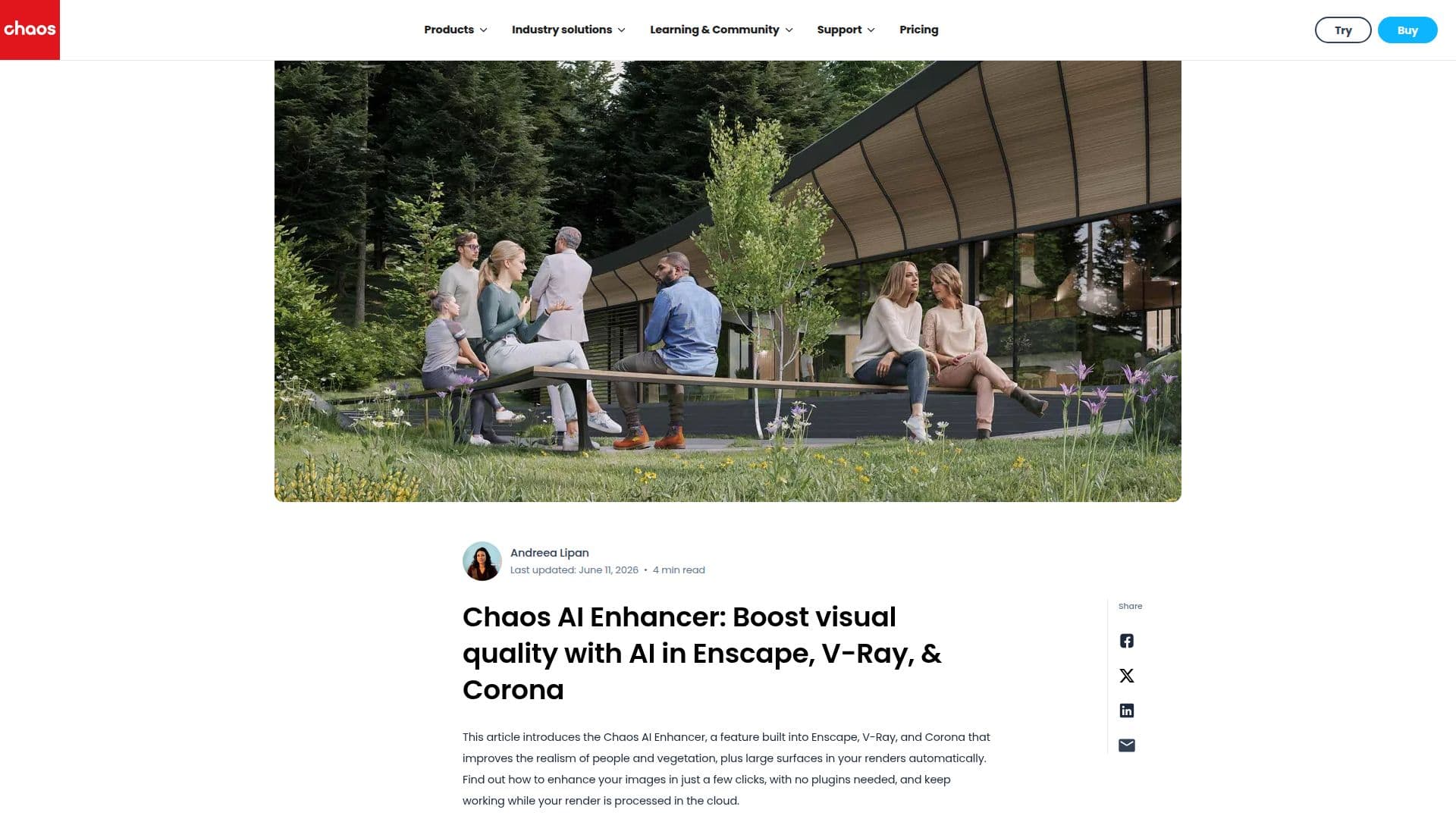
Description
Chaos AI Enhancer is a powerful tool designed to elevate the quality of renderings within Enscape, V-Ray, and Corona. By leveraging AI technology, it enhances the realism of people, vegetation, and large surfaces in architectural visualizations. This feature is integrated directly into the design applications, eliminating the need for third-party solutions and allowing users to boost visualization quality without leaving their workflow.
The AI Enhancer offers a streamlined process where users can upload images to Chaos Cloud and continue working while the render is processed. Enhanced images can be shared professionally through a dedicated platform, improving client communication and feedback. The tool provides advanced controls to fine-tune selected objects, such as adjusting clothing, hair color, or adding dirt and aging effects to surfaces.
Once a render is uploaded, the AI Enhancer detects characters, vegetation, and large surfaces, allowing users to select which elements to enhance. For 3D people, users can define age group, gender, ethnicity, hair color, and facial expression. A creativity parameter lets users adjust the level of creativity applied to the design.
The AI Enhancer is available in supported versions of Enscape, V-Ray, and Corona, requiring a valid Chaos license. It supports resolutions from 512px to 4096px, depending on the application. The tool is optimized for real-time speed in Enscape and high-resolution detail in V-Ray and Corona, making it suitable for professional architectural presentations.
Chaos AI Enhancer is particularly effective with Chaos Cosmos assets, ensuring superior results with its trained AI. It is available during trial periods, allowing users to test its features with Chaos Credits before committing. This tool is ideal for architects and designers looking to enhance their imagery with minimal effort and maximum control.
Chaos AI Enhancer's Core Features
AI-enhanced rendering
Streamlined workflow integration
Professional sharing platform
Advanced object controls
Creativity parameter adjustment
Resolution support up to 4096px
Chaos Cloud processing
Compatibility with Chaos Cosmos assets
How to use Chaos AI Enhancer?
Upload: Submit your render to Chaos Cloud
Select: Choose elements to enhance
Enhance: Apply AI enhancements
Download: Access enhanced images
Chaos AI Enhancer's Use Cases
- Architectural visualization
- Client presentations
- Design refinement
- Real-time rendering
- High-resolution rendering