

Description
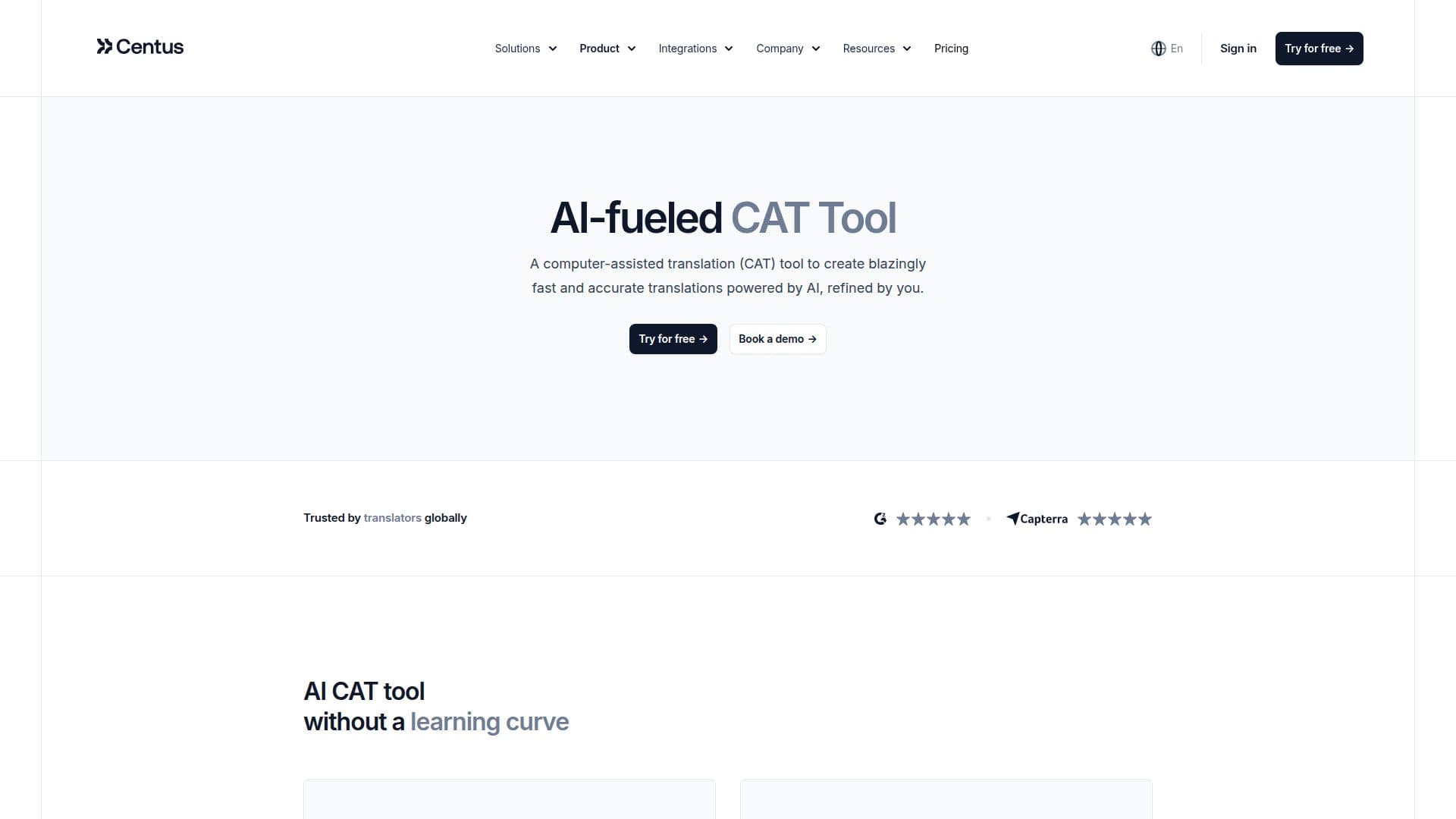
Centus provides an AI-powered computer-assisted translation (CAT) tool that enables translators to deliver fast and accurate translations. The tool is designed to be user-friendly, eliminating the learning curve for translators. It supports machine translation engines like Google Translate, DeepL, and Bing, allowing users to deliver translations more efficiently. The tool also includes features such as translation memory and glossaries to ensure consistency across projects.
Centus facilitates collaborative translation by providing a platform where translators, editors, and managers can work together in real time, reducing the need for endless email threads. The tool also offers automatic quality assurance checks to help exceed quality expectations. Users can customize workflows to automate repetitive tasks, thereby increasing productivity.
The platform supports a wide range of file formats for import and export, including XML, YAML, and JSON, providing flexibility in handling different types of translation files. Centus also offers visual context sharing through self-updating screenshots, which helps translators understand the context of the content they are working on.
Centus offers several pricing plans to cater to different business sizes, from startups to large enterprises. The plans include features like a web-based editor, hosted keys, and machine translations. Additional features such as user role access control and integrations with tools like Figma, GitHub, and Slack are also available.
Security is a priority for Centus, with data encryption, user roles and permissions, and two-factor authentication ensuring that user data is protected. The platform is built on a secure cloud infrastructure provided by AWS, adhering to globally recognized security standards.
Centus AI-Powered CAT Tool's Core Features
AI-powered CAT tool
Machine translation engines
Translation memory
Translation glossary
Collaborative workflows
Automatic QA checks
File format flexibility
Visual context sharing
SEO optimization
Project reporting
Web-based tool
Customizable workflows
Real-time communication
User roles and permissions
Data encryption
How to use Centus AI-Powered CAT Tool?
Configure: Set up custom workflows
Use: Translate using AI and MT engines
Collaborate: Work with team in real-time
Optimize: Use automatic QA checks
Centus AI-Powered CAT Tool's Use Cases
- Website localization
- Software localization
- App localization
- Document localization
- Game localization