Description
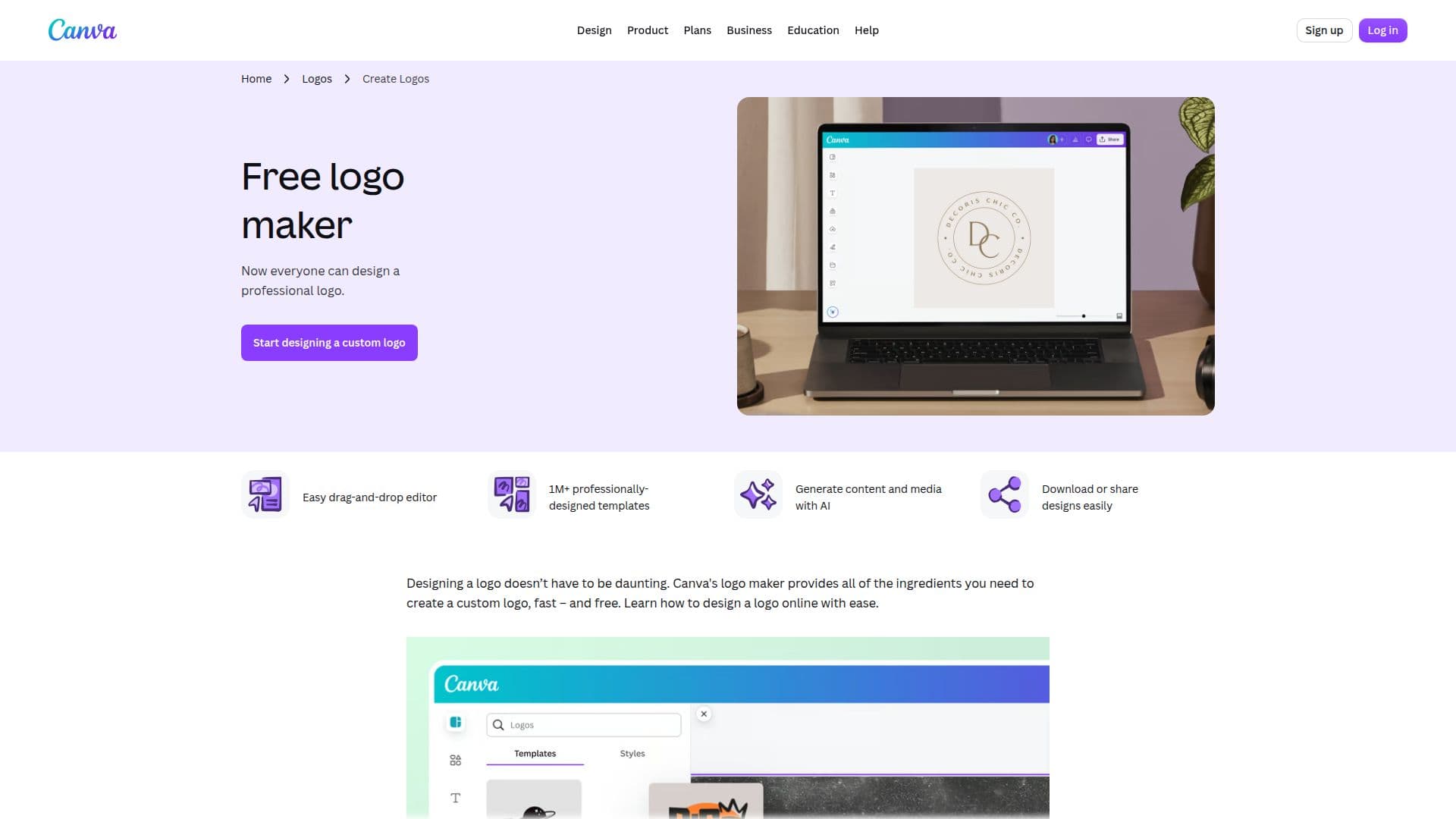
Canva's Logo Maker is designed to simplify the logo creation process for businesses and individuals alike. With an extensive library of customizable logos, users can create the perfect logo in just minutes. The platform is completely free and operates online, making it accessible to anyone with an internet connection.
Read More
The process of designing a logo with Canva is straightforward. Users can start by launching Canva and searching for 'Logo' to access a wide range of professional templates. These templates cater to various industries, including gaming, food and drink, sports, and more. Once a template is selected, users can customize their logo by changing fonts, colors, and adding text or images to ensure it aligns with their brand identity.
Canva's drag-and-drop editor makes the design process enjoyable and user-friendly, even for those without prior design experience. Users can explore millions of icons, images, stickers, and vectors to enhance their logos. The platform also offers tools for image manipulation, such as flipping images and applying filters, allowing for greater creativity in logo design.
Once the logo is finalized, users can easily download it in various formats, including PNG, JPEG, or PDF, suitable for both digital and print use. Canva also facilitates sharing designs directly to social media platforms, making it easy to build brand identity across different channels. The platform supports collaboration, allowing teams to work together in real-time on logo designs, ensuring a cohesive brand image.
In summary, Canva's Logo Maker is an invaluable tool for anyone looking to create a professional logo quickly and affordably. With its user-friendly interface and extensive resources, it empowers users to express their brand identity effectively.
- CategoryAI Logo Generators
- Pricing ModelFreemium
- DeploymentCloud
- PlatformsWeb
Canva Logo Maker's Core Features
1M+ professionally-designed templates
Easy drag-and-drop editor
AI Logo Generator
Download in multiple formats
Collaborative design features
Customizable color palettes
Extensive library of icons and images
Real-time collaboration
How to use Canva Logo Maker?
Launch Canva and search for 'Logo' to start creating.
Choose a professional template from the library.
Customize your logo design by adjusting fonts and colors.
Add images and icons to enhance your logo.
Download your logo in PNG, JPEG, or PDF format.
Share your logo directly on social media platforms.
Collaborate with your team in real-time on designs.
Canva Logo Maker's Use Cases
- Small Business Branding
- Event Promotion
- Social Media Branding
- Startup Identity
- Personal Projects