Description
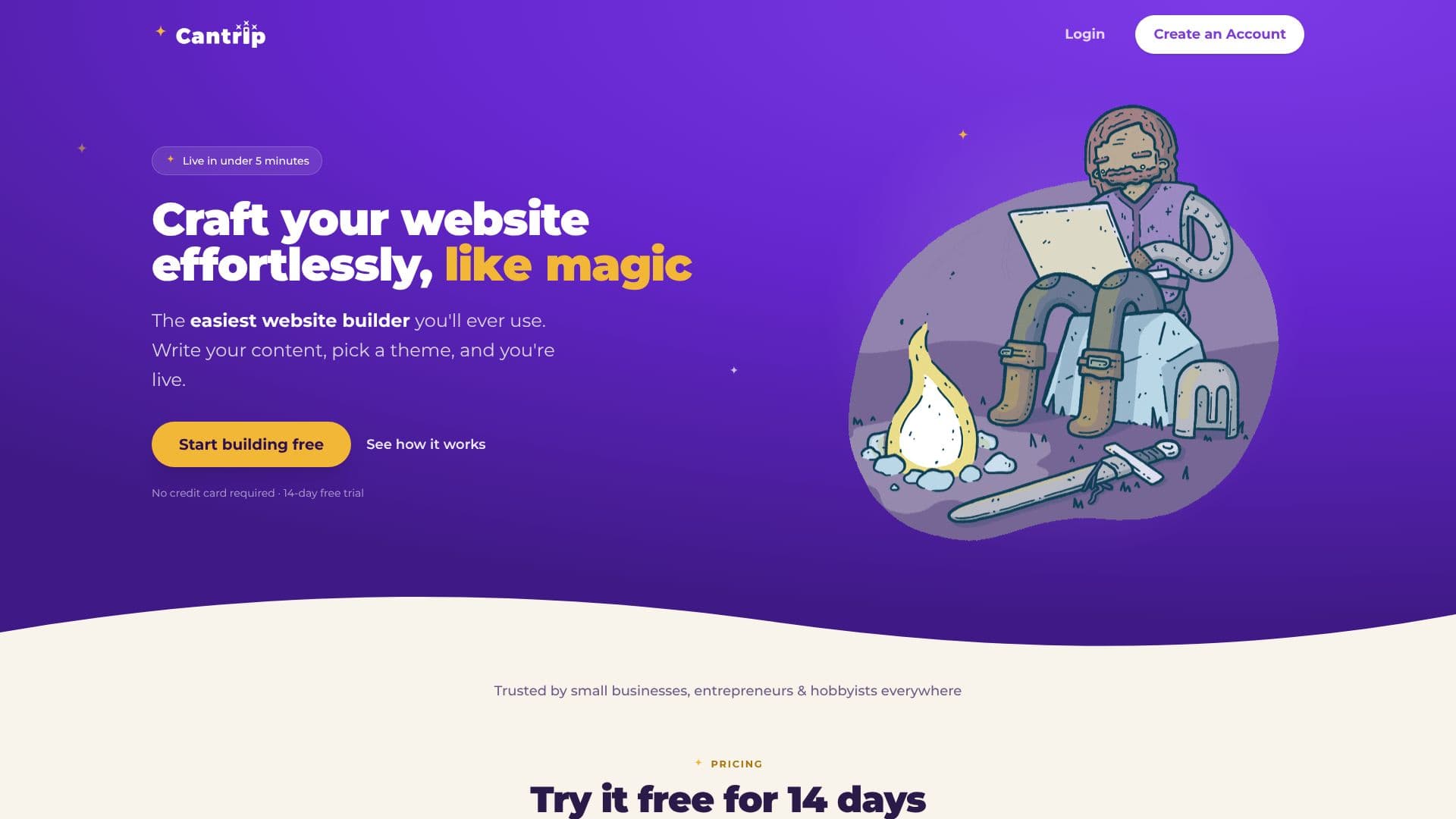
Cantrip positions itself as the easiest website builder available, enabling users to go live in under five minutes. The platform simplifies the website creation process by focusing on content first. Users begin by writing their site's text, and Cantrip automatically handles the layout and styling. This approach eliminates the need for technical expertise or complex design tools.
Read More
Users can select from a variety of themes, and Cantrip ensures that every page of the website adheres to the chosen aesthetic. These themes can be swapped out at any time, offering flexibility in design. The publishing process is a single click, and users can then link their existing domain names to their new site. This streamlined process is ideal for entrepreneurs, small business owners, and hobbyists who need a professional online presence quickly.
Beyond its core building functionality, Cantrip includes several 'grown-up features' with 'child-like simplicity.' Security is addressed with two-factor authentication and Google sign-in options. For content management, password-protected pages allow for safe sharing of work in progress. Compliance is handled with a built-in, GDPR-ready cookie consent banner. Technical users will appreciate the backup and restore functionality, enabling rollbacks to previous site versions, and the ability to export their content at any time. The platform is also completely ad-free for visitors, ensuring an uninterrupted user experience.
Cantrip offers a clear pricing structure: a 14-day free trial followed by a $12.00 per month subscription, with the option to cancel anytime. This makes it a low-risk option for testing and deployment. The builder is designed to be intuitive, removing common barriers to website creation such as plugins and complicated settings, allowing users to focus on their message and brand.
- CategoryAI Website Builders
- Pricing ModelSubscription
- DeploymentCloud
- PlatformsWeb
Cantrip Website Builder's Core Features
AI-powered content-to-layout generation
One-click publishing
Theme selection and easy swapping
Link existing domain names
Two-factor authentication
Google sign-in
Password-protected pages
GDPR cookie consent banner
Backup and restore functionality
Data export
Completely ad-free experience for visitors
Drag-and-drop interactive components
Forms, banners, and gallery management
How to use Cantrip Website Builder?
Write your content: Start by typing what your site should say.
Pick a theme: Choose a design and Cantrip styles your pages.
Publish your site: Click to publish and link your domain.
Manage your site: Utilize features like forms, galleries, and password protection.
Cantrip Website Builder's Use Cases
- Small Business Websites
- Personal Portfolios
- Hobbyist Sites
- Entrepreneurial Ventures
- Event Promotion
- Work in Progress Sharing