Description
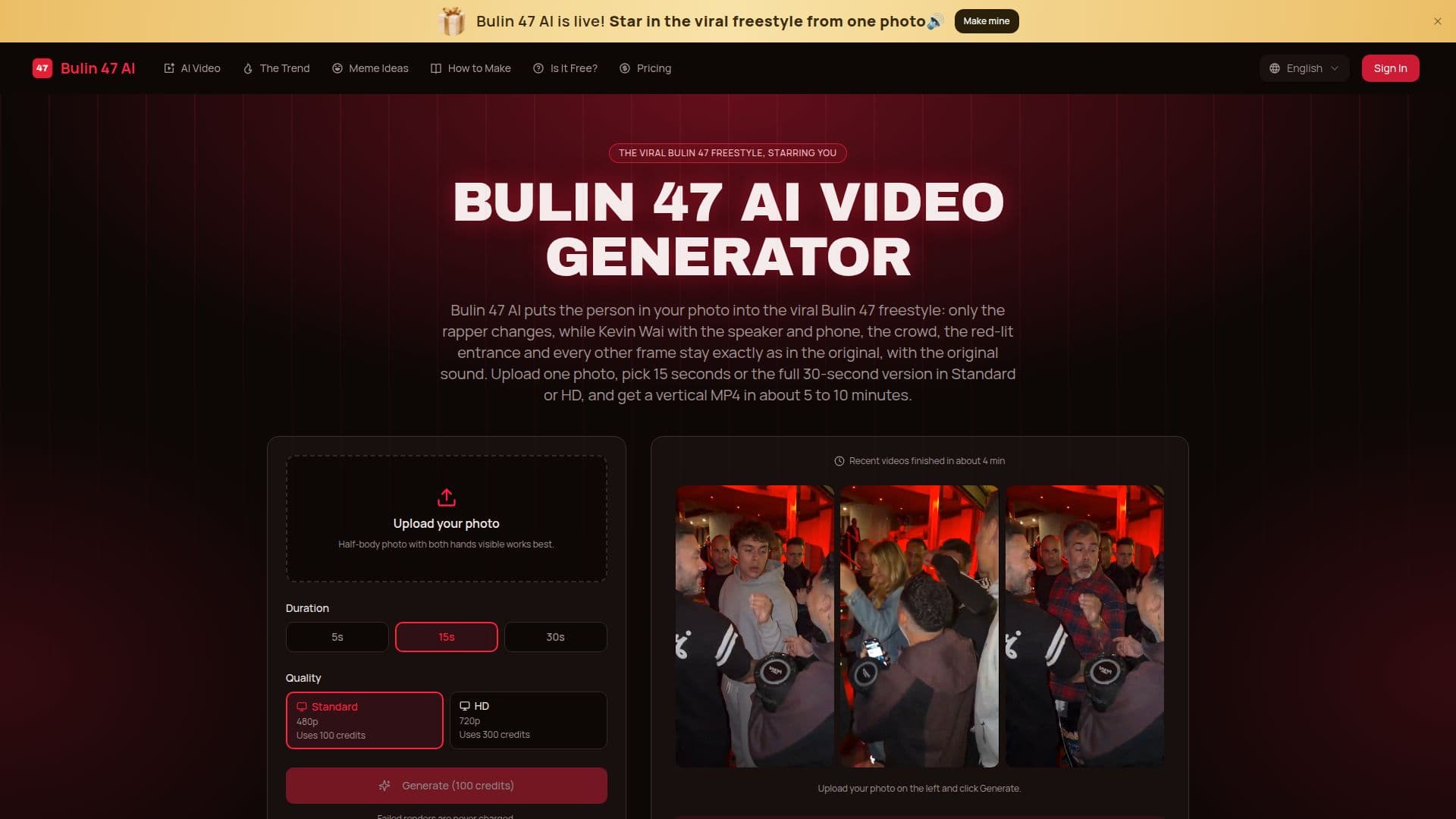
Bulin 47 AI is a web-based application that transforms a single photo into a viral Bulin 47 freestyle video. Users can upload a photo, and the tool replaces the original rapper with the person in the photo, while maintaining the original sound, crowd, and setting. The video can be rendered in either a 15-second or 30-second version, with quality options of Standard (480p) or HD (720p). The process takes approximately 5 to 10 minutes, and users can download the final MP4 video to share on platforms like TikTok, Instagram Reels, and YouTube Shorts.
Read More
The pricing model for Bulin 47 AI is subscription-based, with monthly and yearly plans available. The Starter plan costs $9.99 per month for one 15-second Standard video, while the yearly plan offers 15 videos for $89.99, reducing the cost per video. Pro and Studio plans are also available for users who require more videos, offering additional credits and lower per-video costs.
Bulin 47 AI is designed for individuals looking to participate in the viral trend by creating personalized freestyle videos. The tool is easy to use, requiring only a clear photo of one person, and does not require any app installation as it operates entirely within a web browser. Failed renders are not charged, ensuring users only pay for successful video creations.
The tool is not affiliated with Bulin 47 or Kevin Wai, and it is an independent fan project. Users are advised to use personal photos or those of friends who have consented, as photos of celebrities or public figures are filtered out. The tool is ideal for creating engaging and shareable content, leveraging the popularity of the Bulin 47 freestyle.
- CategoryAI Short Video Makers
- Pricing ModelSubscription
- DeploymentWeb
- PlatformsBrowser
Bulin 47 AI's Core Features
Photo-to-video transformation
15 or 30-second video options
Standard (480p) and HD (720p) quality
Original sound retention
Web-based, no app installation
Monthly and yearly subscription plans
Failed renders not charged
Vertical MP4 format for social media
How to use Bulin 47 AI?
Upload: Choose a clear photo of one person
Select: Pick video length and quality
Generate: Wait 5 to 10 minutes for rendering
Download: Save the MP4 and share on social media
Bulin 47 AI's Use Cases
- Social Media Content
- Personalized Videos
- Fan Engagement
- Creative Expression
- Marketing Campaigns