


Description
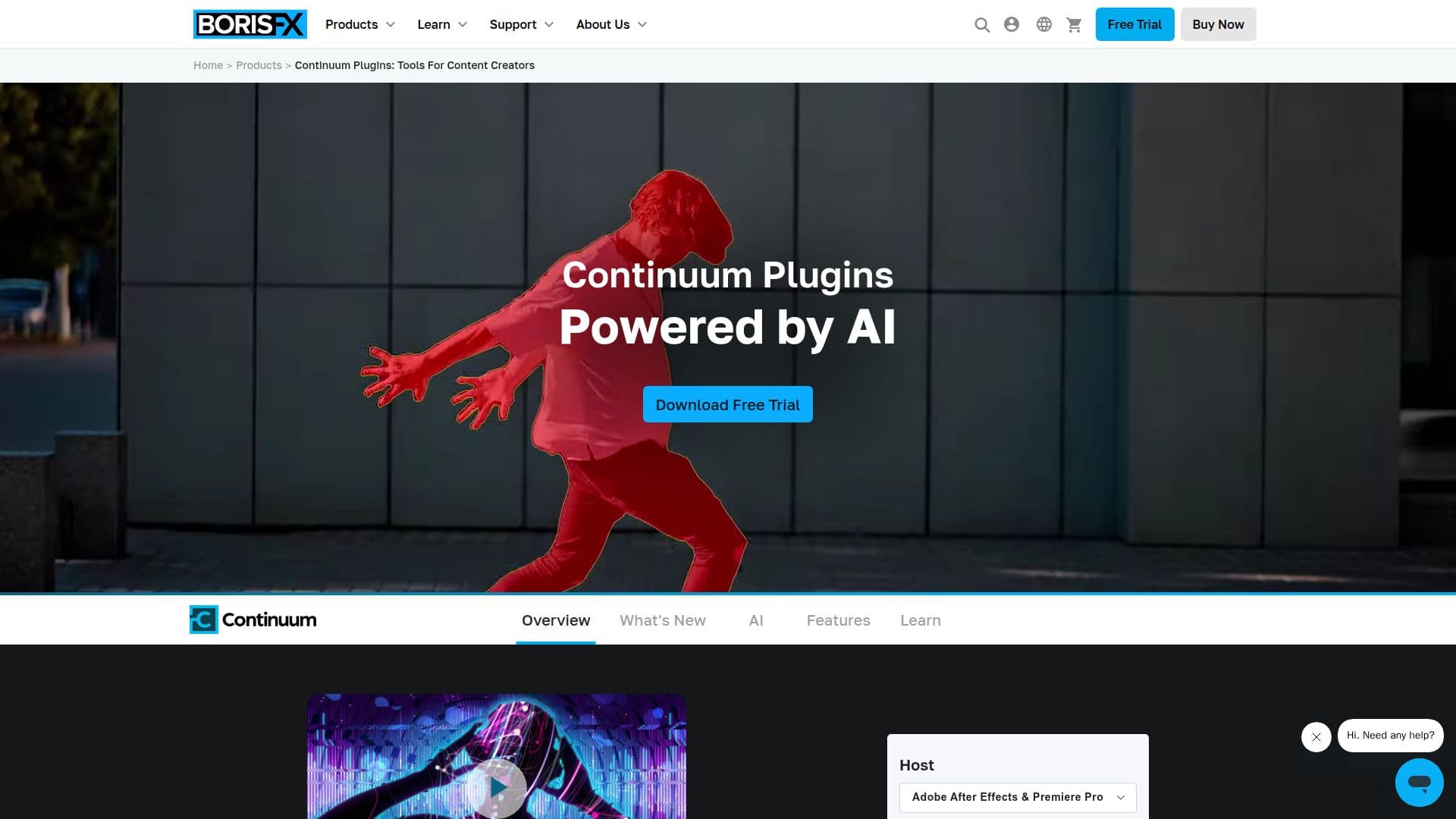
Boris FX Continuum is a comprehensive suite of plugins designed for video editors and motion graphics artists. It provides over 350 effects and transitions, along with 5000+ presets, making it a versatile tool for enhancing video content. The suite is compatible with popular video editing software such as Adobe Premiere Pro, After Effects, Avid, and OFX hosts.
Continuum features AI-powered tools that help users reduce noise, upscale images, and apply professional film textures. It also includes Particle Illusion for creating 3D particle animations and Title Studio for building 2D/3D vector titles. The plugins are optimized for fast performance and include integrated tools like Mocha for masking and tracking, Beat Reactor for audio-driven animations, and PixelChooser for matte and masking.
The suite offers both BCC and BCC+ filters, with BCC+ providing improved GPU acceleration and performance. Continuum Units and Premium filters are available for users seeking specific effects at a reduced price. The software supports modern graphics cards for hardware acceleration and runs natively on Mac M1 processors.
Pricing for Continuum starts at USD 37, with options for subscription or perpetual licenses. It is trusted by industry professionals and has been used in major productions like 'Everything Everywhere All At Once'. Continuum is ideal for compositors, editors, and motion graphics artists looking to enhance their creative projects with advanced visual effects.
Boris FX Continuum's Core Features
350+ effects and transitions
5000+ presets
AI-powered noise reduction
AI image upscaling
Mocha masking and tracking
Particle Illusion 3D animations
Title Studio for 2D/3D titles
GPU acceleration
How to use Boris FX Continuum?
Install: Download and install Continuum plugins
Configure: Set up preferences and presets
Apply Effects: Use filters and transitions in host software
Optimize: Utilize AI tools for enhanced performance
Boris FX Continuum's Use Cases
- Video Editing
- Motion Graphics
- Image Restoration
- Title Creation
- Audio-Driven Animation