


Description
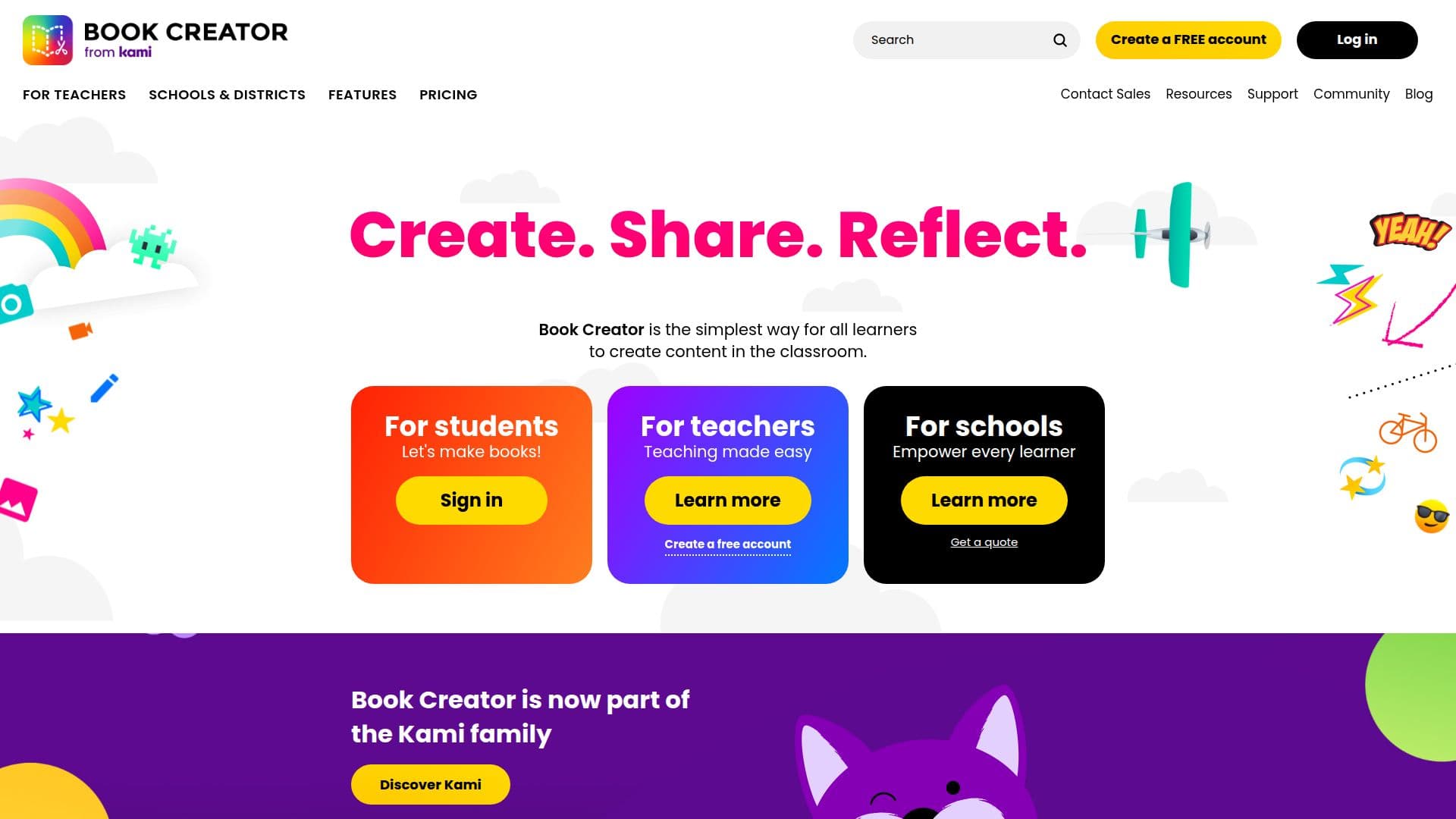
Book Creator is an innovative app designed to facilitate content creation in educational settings. It empowers students and teachers to create, share, and publish multimedia content, making it a valuable tool for classrooms worldwide. The app is part of the Kami family and offers a range of features that cater to all ages and abilities.
With Book Creator, users can create multimodal content using a variety of tools, including text, images, audio, and video. The app supports accessibility with features like text-to-speech, speech-to-text, and translation tools, making it inclusive for all learners. Teachers can provide personalized feedback and assessments, enhancing the learning experience.
Book Creator offers a freemium pricing model, allowing individual teachers to start for free, with premium options available for schools and districts. These options include real-time collaboration, central libraries, and detailed analytics. The app integrates with popular LMS platforms like Clever and ClassLink, streamlining the educational process.
The app's user-friendly interface and extensive resources, such as templates and lesson plans, make it easy for educators to implement in their classrooms. Book Creator also supports AI features like AutoDraw and video captioning, enhancing creativity and accessibility.
Overall, Book Creator is a comprehensive tool that supports creativity, collaboration, and inclusivity in education. Its features are designed to engage students and simplify the teaching process, making it a valuable asset for modern classrooms.
Book Creator's Core Features
Create and publish multimedia content
Text-to-speech and speech-to-text capabilities
Real-time collaboration
Integration with LMS platforms
Central libraries for schools
Personalized feedback and assessment tools
Translation tools for multilingual support
Accessibility features including screen reader support
How to use Book Creator?
Create: Start a new book project
Edit: Add text, images, and multimedia
Collaborate: Work with students and teachers
Publish: Share your book with others
Book Creator's Use Cases
- Classroom Projects
- Student Portfolios
- Collaborative Learning
- Language Learning
- Accessibility Support