


Description
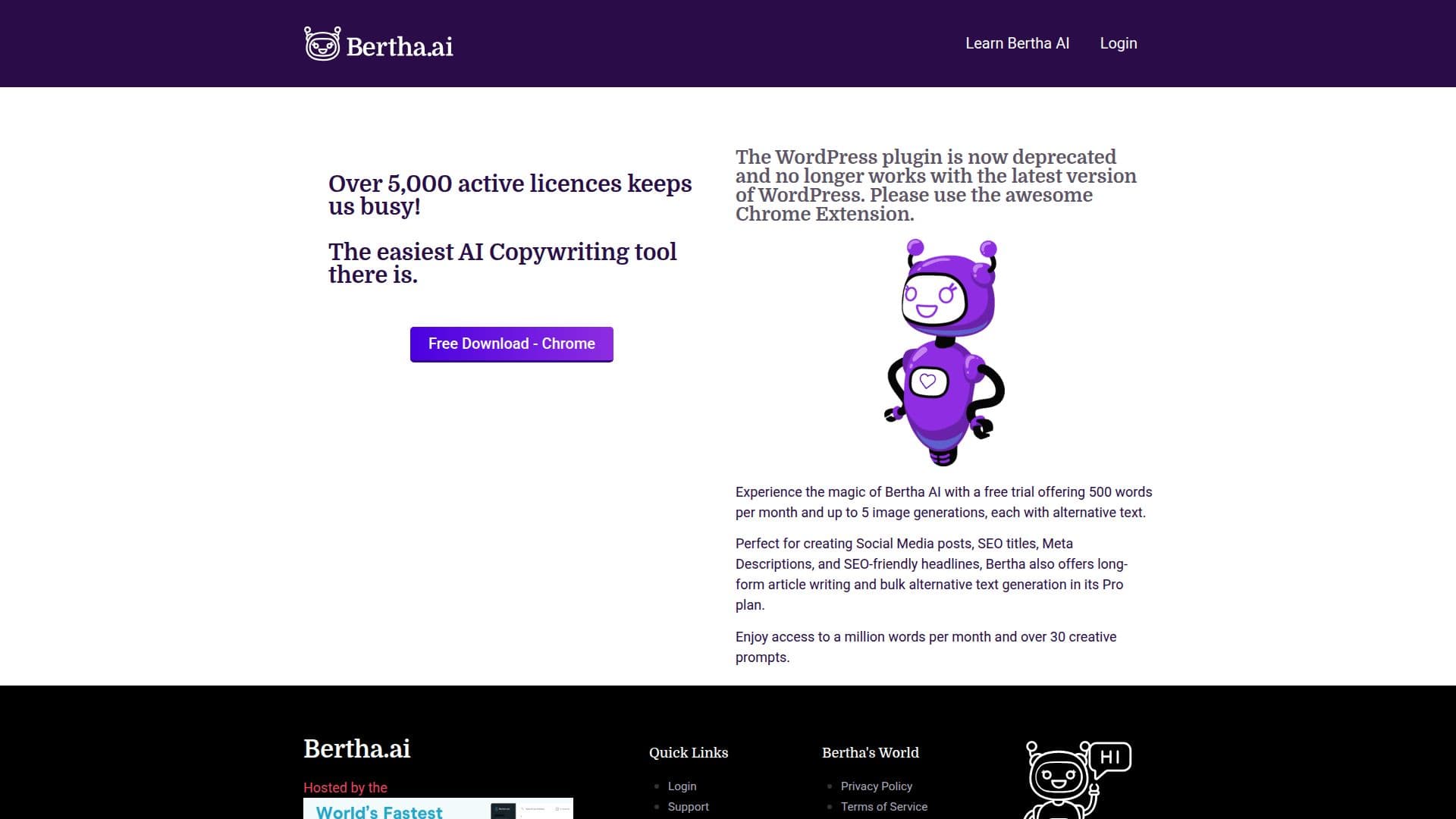
Bertha AI is an innovative writing solution tailored for WordPress and Chrome users. It provides a seamless experience for generating text and images, making it an ideal tool for content creators looking to enhance their productivity. With Bertha AI, users can effortlessly create SEO-friendly content, social media posts, and product descriptions directly within their workflow. The tool offers a free trial that includes 500 words per month and up to 5 image generations, allowing users to experience its capabilities without commitment.
The Pro plan unlocks additional features such as long-form article writing, bulk alternative text generation, and access to over 30 creative prompts. Users can generate up to a million words per month and 50 images, making it a powerful tool for extensive content creation needs. Bertha AI also supports multiple languages, enabling users to create content in various languages with ease.
Bertha AI's Chrome extension provides a new level of convenience, integrating seamlessly across all Chromium-based browsers. This allows users to work directly from their desktop, enhancing productivity. The tool is perfect for crafting compelling content for websites, presentations, and more, positioning itself as a creative partner for users.
While the WordPress plugin is deprecated, the Chrome extension continues to offer robust functionality. Users can install Bertha AI on an unlimited number of websites with a single Pro license, providing flexibility and control over content management. Bertha AI is designed to assist users in creating content that sells, making it a valuable asset for businesses and individuals alike.
Bertha AI Writing Tool's Core Features
Generative text and image capabilities
SEO-friendly content creation
Social media post generation
Product description crafting
Long-form article writing
Bulk alternative text generation
Multi-language support
Chrome extension integration
Unlimited website installs with Pro license
Access to creative prompts
How to use Bertha AI Writing Tool?
Install: Add the Chrome extension
Configure: Set up your preferences
Use: Generate text and images within your workflow
Optimize: Utilize creative prompts for better content
Bertha AI Writing Tool's Use Cases
- SEO content creation
- Social media posts
- Product descriptions
- Long-form articles
- Image generation