


Description
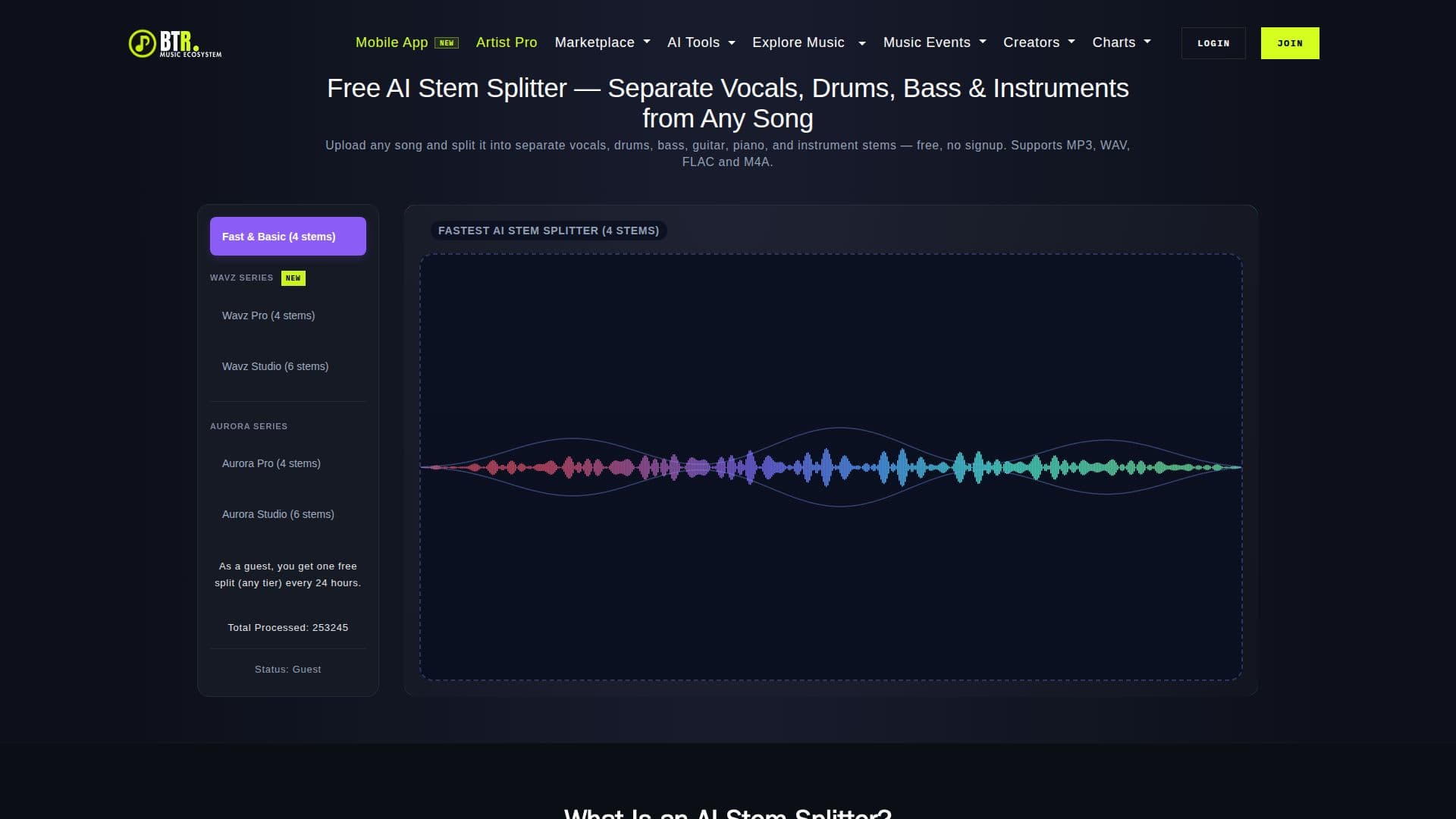
Beats To Rap On AI Stem Splitter is a web-based tool that uses AI technology to separate songs into individual audio stems such as vocals, drums, bass, guitar, piano, and other instruments. This tool is designed to work directly in your browser, eliminating the need for software installation or user signup. Users can upload audio files in formats like MP3, WAV, FLAC, or M4A and preview the separated stems before downloading them for remixing, karaoke, DJ edits, sampling, practice, or music production.
The AI Stem Splitter offers two tiers of stem separation: a free tier that allows for 4-stem separation and a paid Studio tier that supports 6-stem separation, including additional instruments like guitar and piano. The free tier provides a daily allowance for stem splitting without any cost, while paid plans offer cleaner models, faster processing, and higher file size limits.
Beats To Rap On ensures that uploaded audio files are processed solely for stem generation and are not used for model training. The tool supports lossless formats like WAV and FLAC for the cleanest separation results. Users can download individual stems or a complete package, making it versatile for various music-related applications.
Pricing options include a free tier, a One-Shot Pack for $4.99 offering 10 credits, and subscription plans such as AI Tools Pro for $15.00/month and AI Tools Studio Pro for $20.00/month. These plans provide unlimited access to Pro and Studio tools, faster processing queues, and increased upload file size limits. The tool is ideal for musicians, producers, and DJs looking to enhance their music production capabilities with AI-driven stem separation.
Beats To Rap On AI Stem Splitter's Core Features
AI-driven stem separation
Browser-based operation
Supports MP3, WAV, FLAC, M4A
4-stem and 6-stem separation
Free tier available
Paid plans for enhanced features
Preview stems before download
No signup required
How to use Beats To Rap On AI Stem Splitter?
Upload: Select an audio file in MP3, WAV, FLAC, or M4A format
Choose: Select the desired stem separation option
Preview: Review the separated stems in the browser
Download: Save individual stems or full package
Beats To Rap On AI Stem Splitter's Use Cases
- Remixing
- Karaoke
- DJ Edits
- Sampling
- Practice