Description
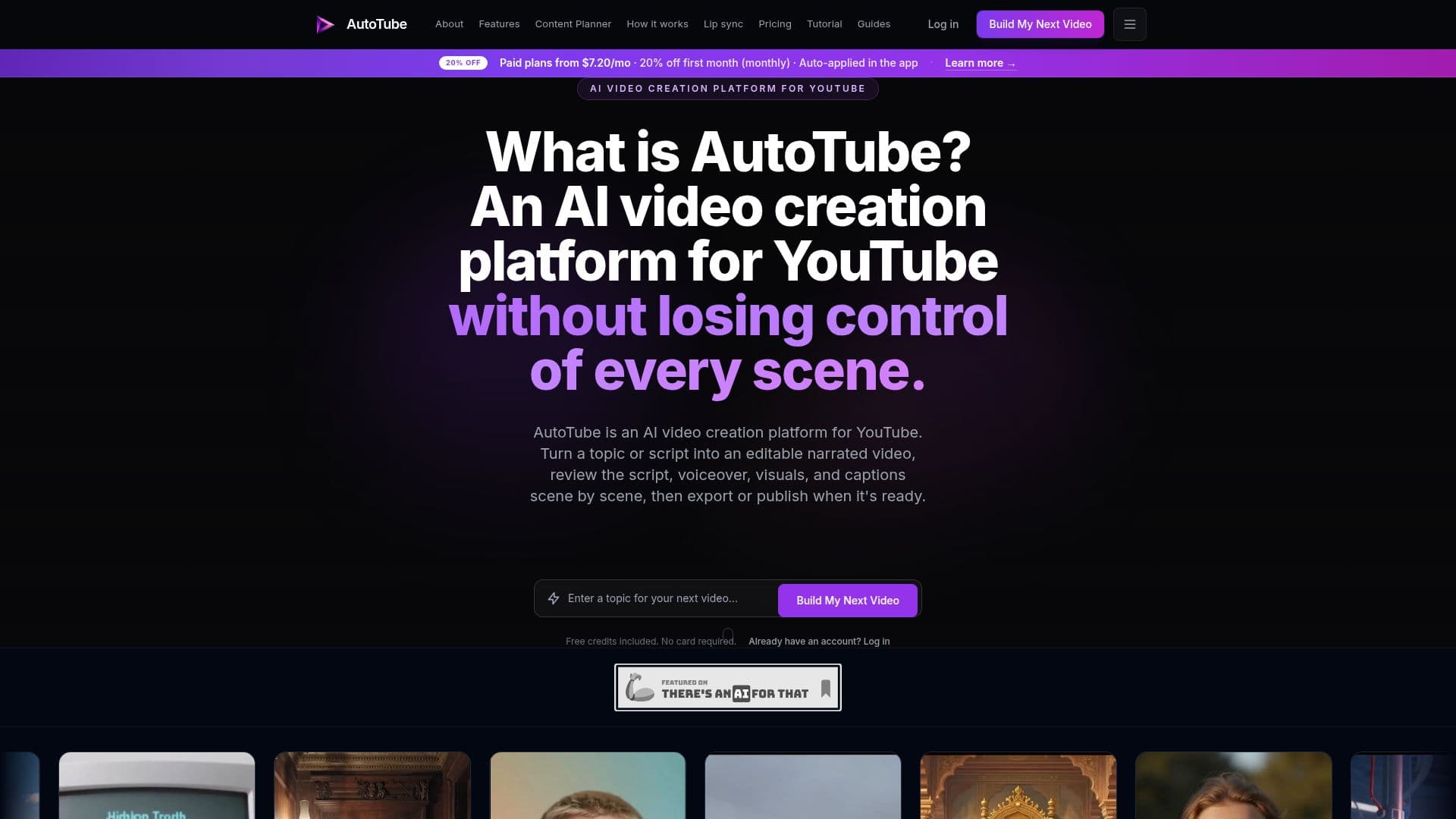
AutoTube is an AI-driven video creation platform specifically designed for YouTube creators who prefer faceless channels. It allows users to transform a topic or script into an editable narrated video, complete with voiceovers, visuals, and captions. The platform offers a scene-by-scene review process, enabling creators to replace or regenerate content that doesn't meet their standards before exporting or publishing the final product.
Read More
AutoTube supports multiple languages, including English, Spanish, Portuguese, Hindi, Japanese, Korean, and Chinese, making it accessible to a global audience. The platform offers various video generation modes, such as Quick Create for fast video production and Studio Mode for detailed editing and customization. Users can create videos of varying lengths depending on their subscription plan, with the Premium plan allowing image-based videos up to 30 minutes and AI clips up to 15 minutes.
The platform operates on a credit system, where different video creation tasks consume varying amounts of credits. AutoTube offers a free tier with limited capabilities and several paid plans that provide additional features such as scheduled publishing, multi-channel management, and AI agents for recurring workflows. The platform is particularly beneficial for creators looking to streamline their production process, reduce costs associated with hiring freelancers, and maintain a consistent publishing schedule.
AutoTube is operated by Galaxy Labs LLC and offers a user-friendly interface that integrates seamlessly with YouTube, allowing creators to manage up to 10 channels simultaneously on the Premium plan. The platform's AI capabilities include script writing, voiceover generation, and automatic captioning, providing a comprehensive solution for YouTube video production.
- CategoryAI Video Generators
- Pricing ModelFreemium
- DeploymentCloud
- PlatformsWeb
AutoTube's Core Features
AI script writing
AI voiceover generation
Automatic caption generation
Scheduled YouTube publishing
Multi-channel management
Text-to-video AI clips
Image-to-video AI clips
Scene preview in Studio Mode
Multi-language video generation
Automatic title, description, and tags
How to use AutoTube?
Configure: Set up your video preferences
Use: Generate video drafts from topics or scripts
Review: Edit and approve scenes in Studio Mode
Publish: Export or publish the final video
AutoTube's Use Cases
- Faceless Video Production
- Multi-Channel Management
- Automated Video Publishing
- Language Localization
- Content Optimization