Description
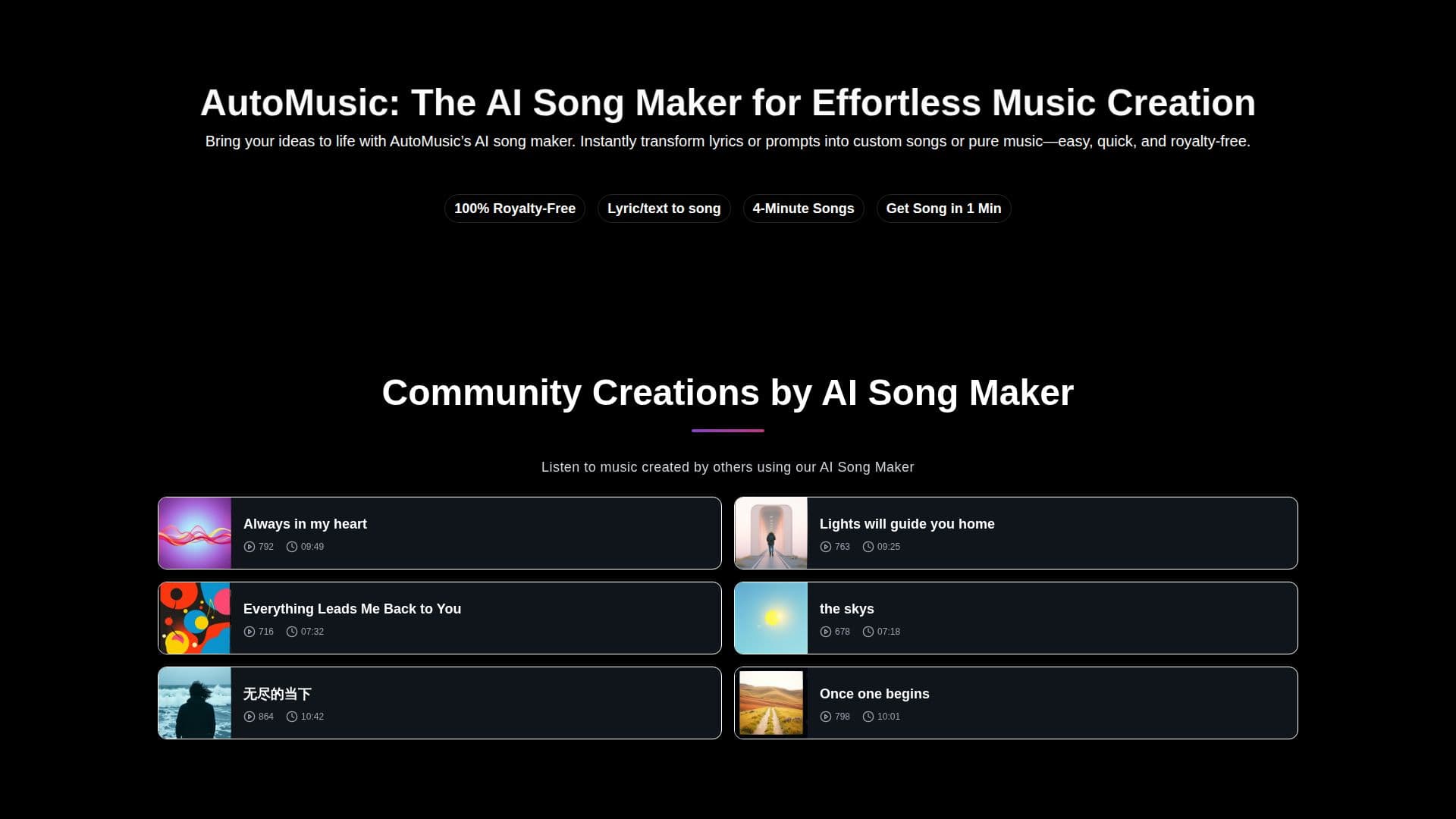
AutoMusic (automusic.ai) is an AI song maker and music generator that turns text prompts or full lyrics into complete tracks, including melody, vocals, harmony and beats. You can write your own lyrics, use the AI-assisted lyric generator, or create purely instrumental music, then pick male or female vocals and a genre such as pop, rap, acoustic or EDM. Every generated track is delivered as royalty-free music for personal or commercial use, and results are ready in seconds with no music background required.
Read More
Beyond generation, AutoMusic includes a set of production tools: edit songs by rewriting lyrics, adjusting tempo or switching genres and regenerating parts; extend a song by choosing where to expand and adding new lyrics; create song covers that reimagine a track in a different style while keeping the lyrics; upload your own audio to have the AI build around your melody; and remove vocals or separate stems to download clean instrumentals or MIDI files.
AutoMusic supports multi-language input so you can create in your native language, and includes extra tools like an AI lyrics generator, AI vocal generator and AI melody generator, plus a random song generator for brainstorming. It is aimed at social media creators, filmmakers, game developers, educators, marketers and producers. The service is free to start with 6 daily credits (about 4 songs), with monthly and yearly plans, one-time credit packs and access to higher-quality V2.0 and V3.0 models.
- CategoryAI Music Generators
- Pricing ModelFreemium
- DeploymentCloud
- PlatformsWeb
AutoMusic's Core Features
Text or lyrics to song generation
Instrumental or full vocal tracks
Male or female vocals and genre selection
Edit, extend and cover songs
Upload audio for AI to build around
Vocal removal and stem/MIDI separation
Multi-language input support
Royalty-free output for commercial use
How to use AutoMusic?
Choose a music type: Write your own lyrics, use the AI lyric generator, or create instrumental music.
Pick style and voice: Choose male or female vocals or keep it instrumental, then select a genre.
Generate your song: Click Generate to turn your idea into a royalty-free track in seconds.
Refine: Edit lyrics, adjust tempo, extend the song, or create a cover in another style.
Download: Preview and download your song for personal, social or professional use.
AutoMusic's Use Cases
- Content soundtracks
- Game music
- Marketing audio
- Remixing and demos