

Description
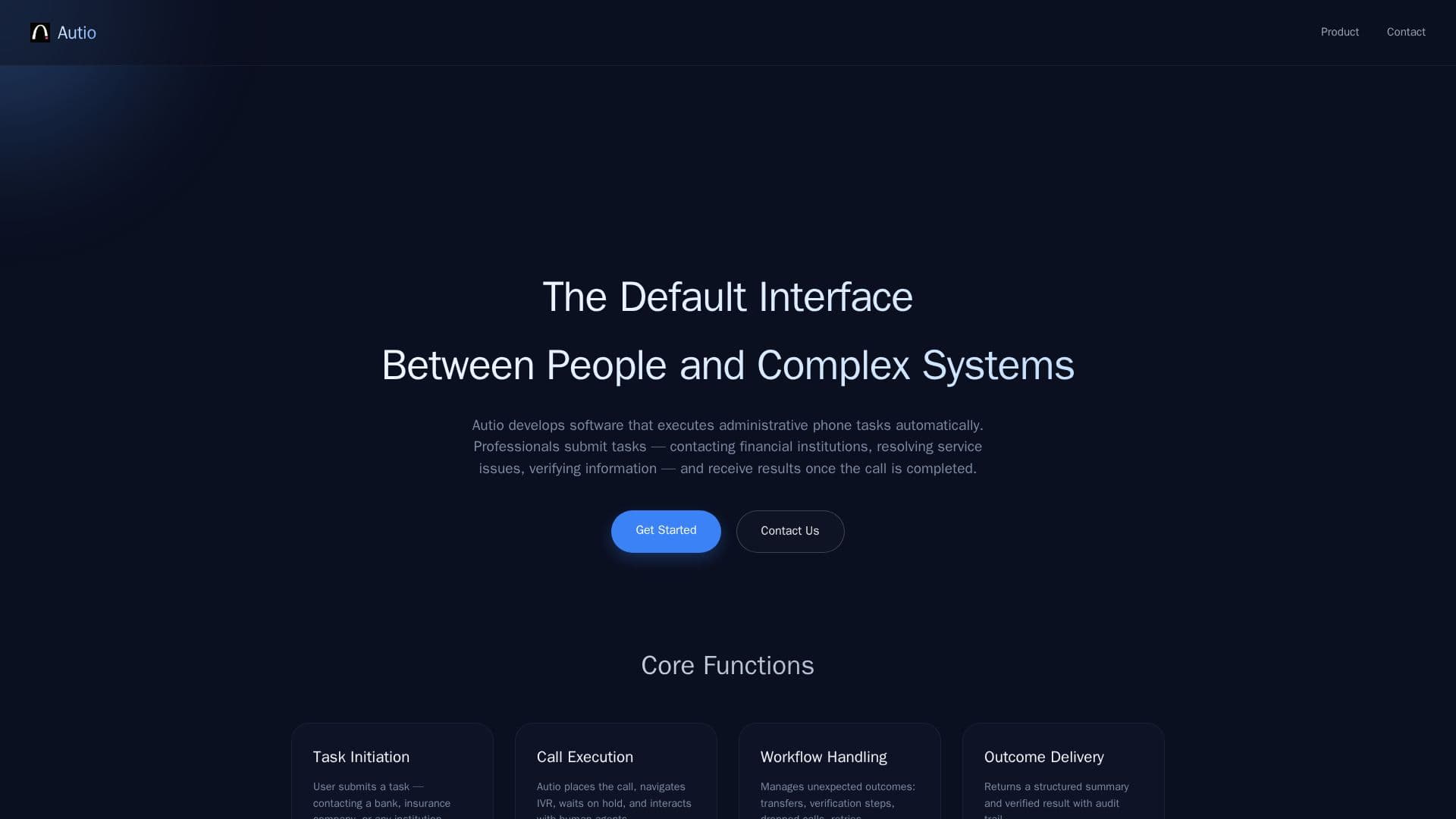
Autio is designed to automate the execution of administrative phone tasks, serving as a bridge between professionals and complex systems. Users can submit tasks such as contacting financial institutions, resolving service issues, or verifying information. Autio handles the entire process, from placing the call to navigating IVR systems, waiting on hold, and interacting with human agents.
The core functions of Autio include task initiation, where users specify the organization to contact and the desired outcome. Autio then executes the call, managing any unexpected outcomes like transfers or verification steps. Once the task is completed, users receive a structured summary and verified results, complete with an audit trail.
Autio emphasizes security and compliance, offering features such as explicit authorization, dynamic identity verification, and transparent call disclosure. It ensures that each task is fully documented with call logs, transcripts, and verification results, making interactions reproducible and compliant with audit requirements.
The platform is particularly beneficial for professionals who need to handle multiple administrative tasks efficiently, reducing the friction typically associated with such processes. By automating these tasks, Autio allows users to focus on more strategic activities, enhancing productivity and operational efficiency.
Autio's Core Features
Task Initiation
Call Execution
Workflow Handling
Outcome Delivery
Explicit Authorization
Dynamic Identity Verification
Transparent Call Disclosure
Configurable Recording Policies
Audit Trails & Reproducibility
How to use Autio?
Submit Task: Specify the organization and desired outcome
Autio Executes: Navigates IVR and interacts with agents
Receive Results: Get structured summaries and verified outcomes
Review Audit: Access call logs and transcripts for compliance
Autio's Use Cases
- Financial Institution Contact
- Service Issue Resolution
- Information Verification
- Compliance Auditing
- Administrative Task Automation