
Description
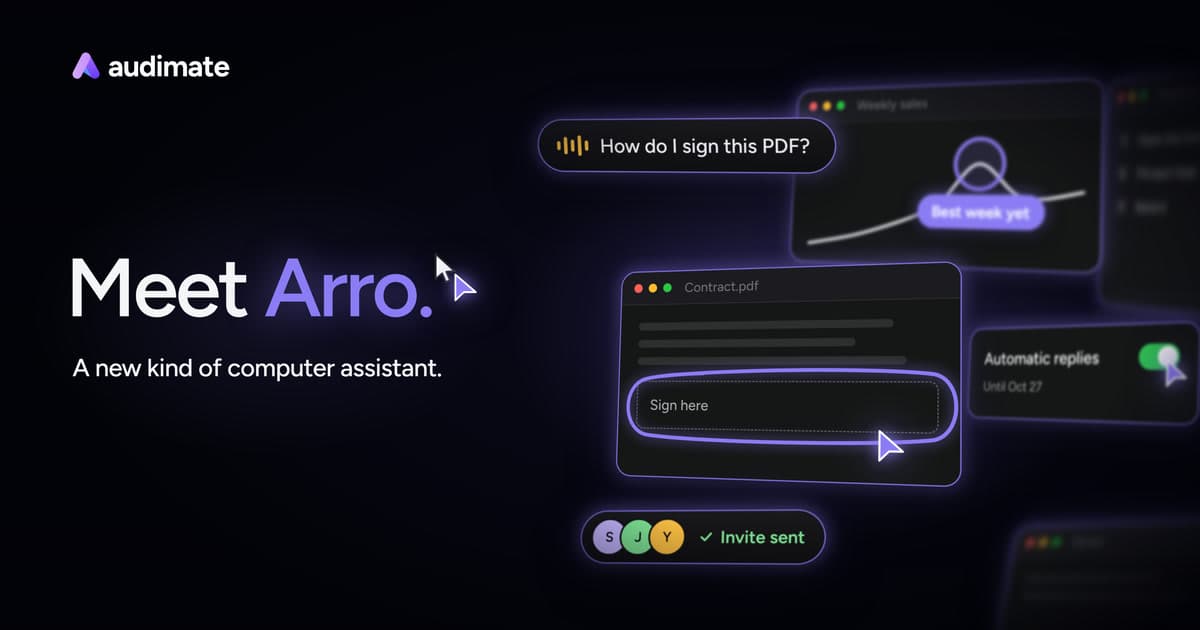
Arro is an AI assistant embedded within the Audimate desktop application, designed to streamline and automate repetitive tasks on your computer. It functions as a second cursor, allowing users to interact with their existing applications without the need for additional integrations. By guiding users through tasks such as signing PDFs, booking meetings, and creating reports, Arro simplifies complex workflows.
Read More
One of Arro's standout features is its ability to learn tasks by observing them once and then creating a playbook. This playbook can be edited and shared with team members, enabling consistent execution of tasks across an organization. Arro operates in both browsers and native desktop applications, making it versatile for various use cases.
Arro is available for free on Windows 10 or 11 (64-bit) and Mac with Apple silicon running macOS 13 or later. The free plan includes basic functionalities, while paid plans offer expanded usage and additional features. Users can choose between automatic or manual approval modes to maintain control over Arro's actions.
The assistant does not require specific app integrations, as it mimics user actions like clicking and typing. However, optional plugins are available for direct app connections. Arro's pricing model includes a free plan with limited workflow runs, and paid plans starting at $20 per seat per month, offering increased usage and capabilities.
Arro is ideal for individuals and teams looking to automate routine tasks without building complex automation scripts. Its ability to work with existing applications and its user-friendly interface make it a valuable tool for enhancing productivity.
- CategoryWorkflow Automation
- Pricing ModelFreemium
- DeploymentDesktop
- PlatformsWindows, Mac
Arro's Core Features
Task automation without integrations
Playbook creation and sharing
Manual and automatic approval modes
Works in browsers and desktop apps
Free and paid plans available
Optional plugins for direct app connections
Compatible with Windows and Mac
Team collaboration features
How to use Arro?
Download: Get the Audimate app for Windows or Mac
Sign In: Create a free Audimate account
Configure: Set up Arro with your preferred settings
Use: Show Arro a task to automate it
Optimize: Share playbooks with your team
Arro's Use Cases
- Expense Reporting
- Meeting Scheduling
- Invoice Management
- CRM Updates
- Document Creation