
Description
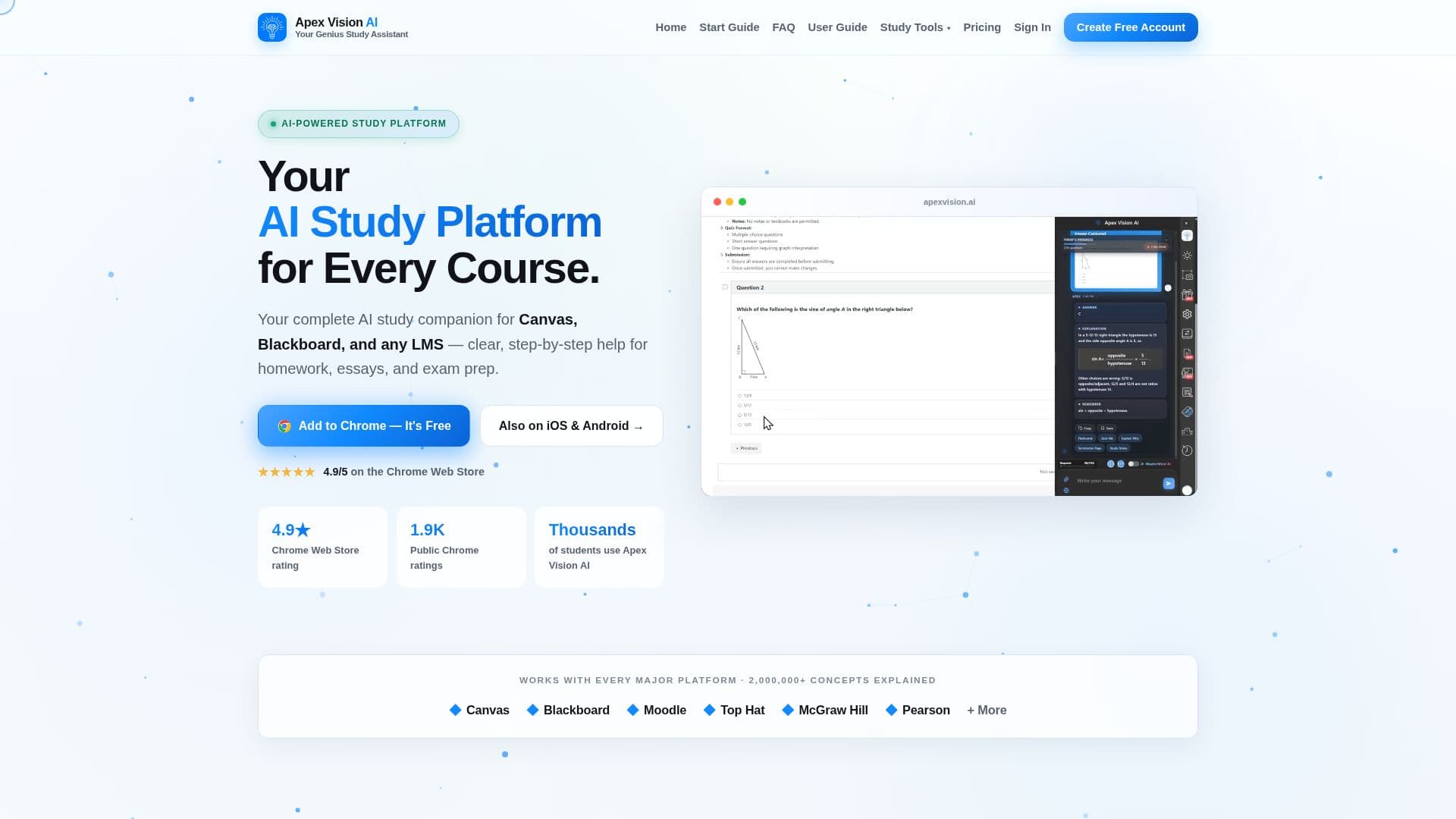
Apex Vision AI is an AI study platform and homework helper delivered mainly through a Chrome extension, with mobile apps for iOS and Android. It works where students already study: highlight a question or snap a photo, and it reads the problem, checks its own answer, and returns a step-by-step explanation with the reasoning behind it. A sidebar opens directly on Canvas, Blackboard, Moodle, Top Hat, and most browser-based learning platforms, so the wording, diagrams, and answer choices reach the model exactly as the instructor wrote them.
Read More
Beyond answering, Apex Vision AI is positioned as a study tool rather than a chatbot. It picks the right model for a question, shows its work, teaches instead of just telling, and can adapt to how a student learns through settings like Adaptive, Answers first, Balanced, or Teach me. A Voice Tutor lets students talk through a problem with a tutor that can see the page, and a Guided Study mode starts from the student's own attempt and gives progressively stronger hints. Uploading a syllabus, notes, and slides makes explanations course-specific. A broader toolkit includes AI study guides, a flashcard maker, practice tests, an essay helper, and a math solver.
Students start with 30 free requests plus a refill every 12 hours, with paid plans (Knowledge Kickstart, Savvy Scholar, and Mastermind) starting at $7.99/month and Request Recharge top-ups available. The company publishes a 93% accuracy benchmark on lower tiers, labels the Mastermind tier as highest accuracy, and reminds users that AI answers can be wrong and should be checked against course material. Apex Vision AI does not ask for school passwords, encrypts processed data, and tells users to use the tool only where permitted.
- CategoryAI Tutors & Homework Help
- Pricing ModelFreemium
- DeploymentCloud, Browser extension
- PlatformsWeb, iOS, Android
Apex Vision AI's Core Features
Chrome extension plus iOS and Android apps
Highlight-to-solve and photo-based question solving
In-page sidebar on Canvas, Blackboard, Moodle, and Top Hat
Step-by-step explanations with self-checked answers
Adaptive tutoring modes (Adaptive, Answers first, Balanced, Teach me)
Voice Tutor and Guided Study hint-based modes
Study toolkit: study guides, flashcards, practice tests, essay helper, math solver
Free tier with 30 requests plus a refill every 12 hours
How to use Apex Vision AI?
Install: Add the free Apex Vision AI Chrome extension and create an account.
Open your coursework: Go to a question on Canvas, Blackboard, Moodle, or another platform.
Ask: Highlight the question, snap a photo, or use the side panel or image solver.
Get help: Receive a step-by-step explanation with the reasoning behind the answer.
Personalize: Upload your syllabus and notes and choose a tutoring mode to fit how you learn.
Apex Vision AI's Use Cases
- In-LMS homework help
- Photo problem solving
- Quiz and exam prep
- Guided tutoring
- Course-specific answers