
Description
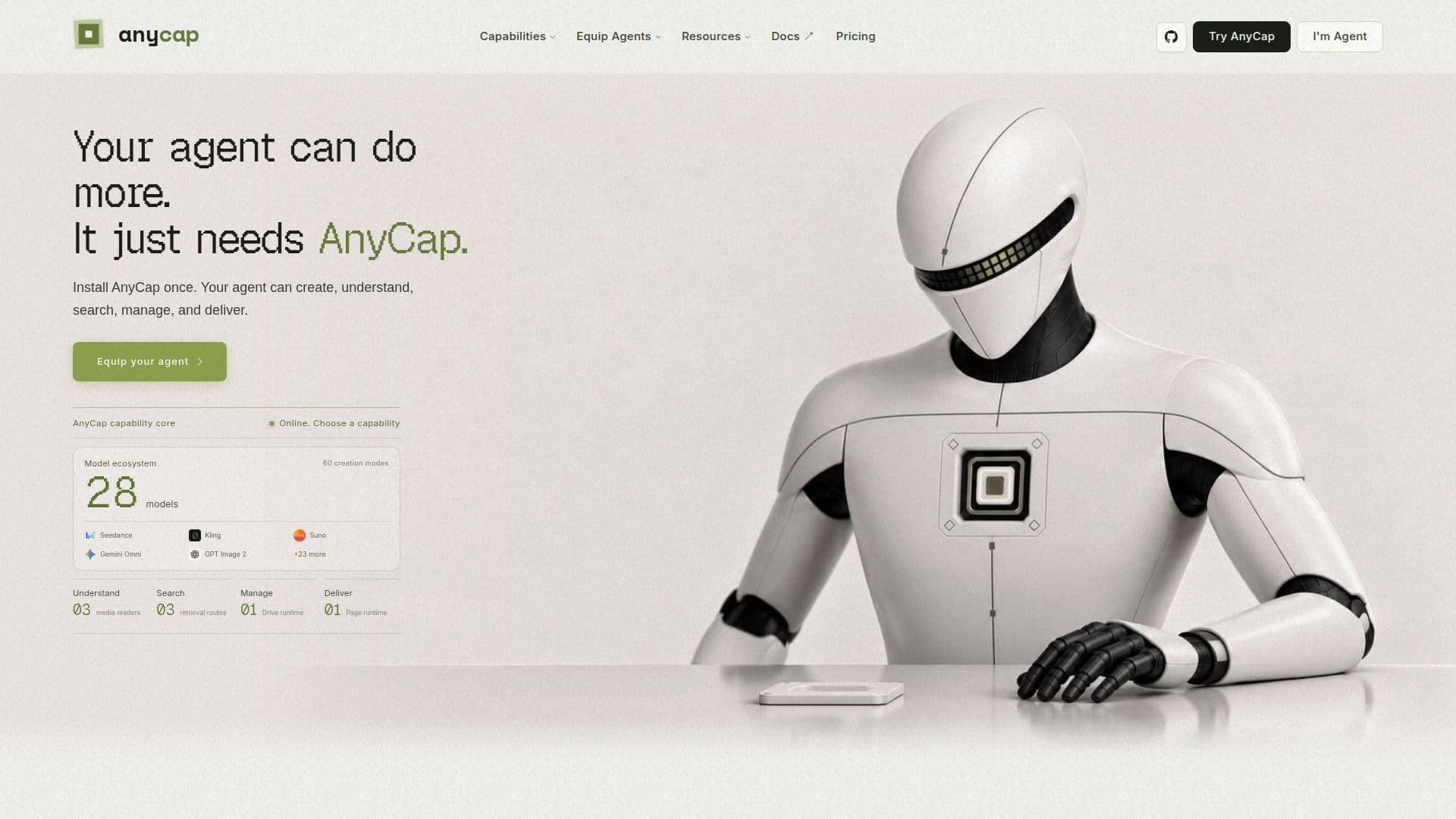
AnyCap is designed to enhance the capabilities of AI agents by providing a single command-line interface (CLI) that integrates various functionalities such as image generation, video production, web search, storage, and publishing. This unified approach allows users to streamline their workflows, making it easier for agents to perform tasks that traditionally required multiple tools and integrations.
Read More
The core philosophy behind AnyCap is to bridge the gap between an agent's reasoning capabilities and the practical execution of tasks. While many agents can plan and write code, they often struggle when it comes to generating media or managing complex workflows. AnyCap addresses this issue by offering a consistent runtime that allows agents to execute tasks without the need for fragmented SDKs or multiple authentication flows.
With AnyCap, users can install the software once and gain access to a wide range of capabilities. This includes generating images and videos, understanding media content, conducting web searches, and managing storage—all through a single interface. The platform supports various models for each capability, ensuring that users can choose the best tools for their specific needs.
AnyCap operates on a pay-as-you-go pricing model, eliminating the need for subscriptions or hidden fees. Users can purchase prepaid credits that can be used across different workflows, making it a flexible solution for teams of all sizes. This pricing structure allows users to scale their usage according to their needs without worrying about unexpected costs.
The target audience for AnyCap includes developers and teams who rely on AI agents for media generation and analysis. By integrating AnyCap into their workflows, these users can enhance their agents' capabilities, allowing them to complete tasks that were previously out of reach. This not only improves productivity but also enables teams to deliver higher-quality outputs in less time.
- CategoryCoding & Development
- Pricing ModelPay-as-you-go
- DeploymentCloud
- PlatformsCLI
AnyCap's Core Features
Unified CLI
Image generation
Video generation
Web search
Storage management
Publishing workflows
Pay-as-you-go pricing
Prepaid credits
How to use AnyCap?
Install AnyCap: Download and install the AnyCap CLI on your system.
Authenticate: Use the provided authentication flow to connect your agent.
Configure workflows: Set up your desired workflows for media generation and management.
Execute commands: Use the CLI to run commands for image, video, and web tasks.
Monitor usage: Keep track of your credit usage and adjust workflows as needed.
AnyCap's Use Cases
- Media production
- Web search automation
- Audio generation
- Content publishing
- Workflow integration