Description
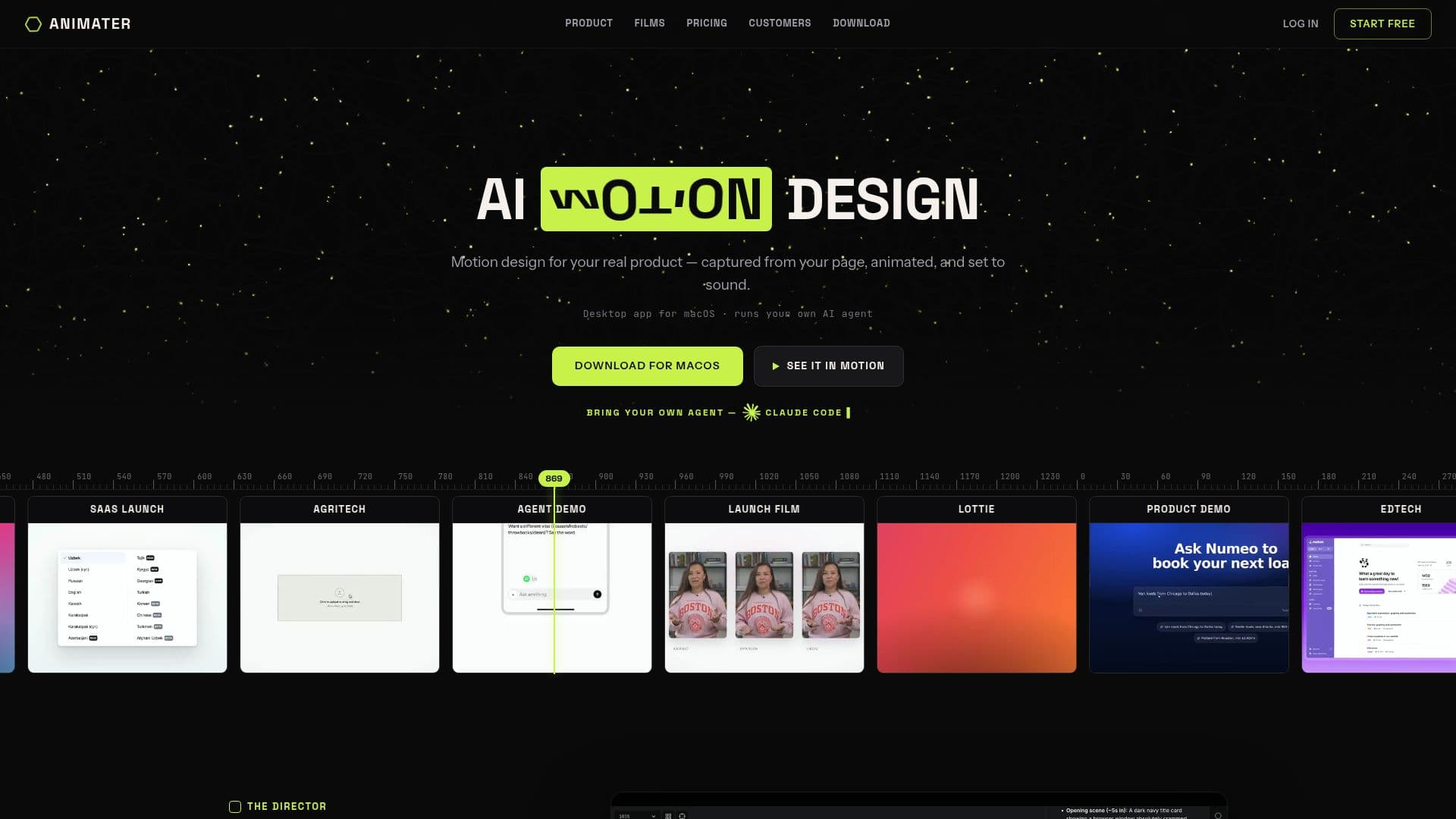
Animater is an AI motion designer designed for real products, providing a seamless way to create animated content. It captures your live page, ensuring that every element, from fonts to colors, is accurately represented. The tool allows users to animate these elements with precision, driven by a coding agent directly within the editor.
Read More
With Animater, you can layer in voiceovers, music, and sound effects, resulting in a polished final product that can be exported as an MP4 in either 1080p or 4K resolution. This makes it suitable for use on websites, social media platforms, or even for submission to the App Store.
The tool is equipped with a director's toolkit that incorporates real motion-design techniques. Users can utilize camera moves, isolate-and-animate features, mask reveals, staggered entrances, and film-grade finishes such as motion blur and depth of field. Animater applies ninety codified motion laws to every frame, ensuring a high-quality output.
Animater follows a structured approach to motion design, adhering to a launch-film grammar that includes a hook-to-CTA arc, 15/30/60-second playbooks, and a 14-scene menu. Each animation is scored and mastered to broadcast loudness, verified frame by frame before delivery. Users have reported that even their less visually appealing internal tools can be transformed into professional-looking animations in just minutes.
The pricing model is flexible, allowing users to bring their own AI, such as Claude or ChatGPT, without additional billing for AI usage. Various plans offer different audio credits for music and voiceovers, with options for unlimited exports in both 1080p and 4K. Users can also capture pages behind a login and receive priority support on higher-tier plans. Overall, Animater is a powerful tool for anyone looking to create high-quality animations efficiently.
- CategoryAI Animation Tools
- Pricing ModelBring-your-own-AI
- DeploymentLocal
- PlatformsWindows, Mac
Animater's Core Features
Unlimited animation
AI runs on your Claude/ChatGPT subscription
300 audio credits/month
1080p exports, unlimited
800 audio credits/month
4K exports, unlimited
Capture pages behind a login
2,000 audio credits/month
Priority support
How to use Animater?
Download: Grab the build for your platform and open it.
Create Account: Create your account or sign in to unlock the full studio.
Configure: Point your own Claude Code, Codex, or Cursor at Animater.
Use: Start capturing, animating, scoring, and exporting your content.
Animater's Use Cases
- Product Launch Videos
- Social Media Content
- Promotional Materials
- Internal Tool Demonstrations
- App Store Previews