


Description
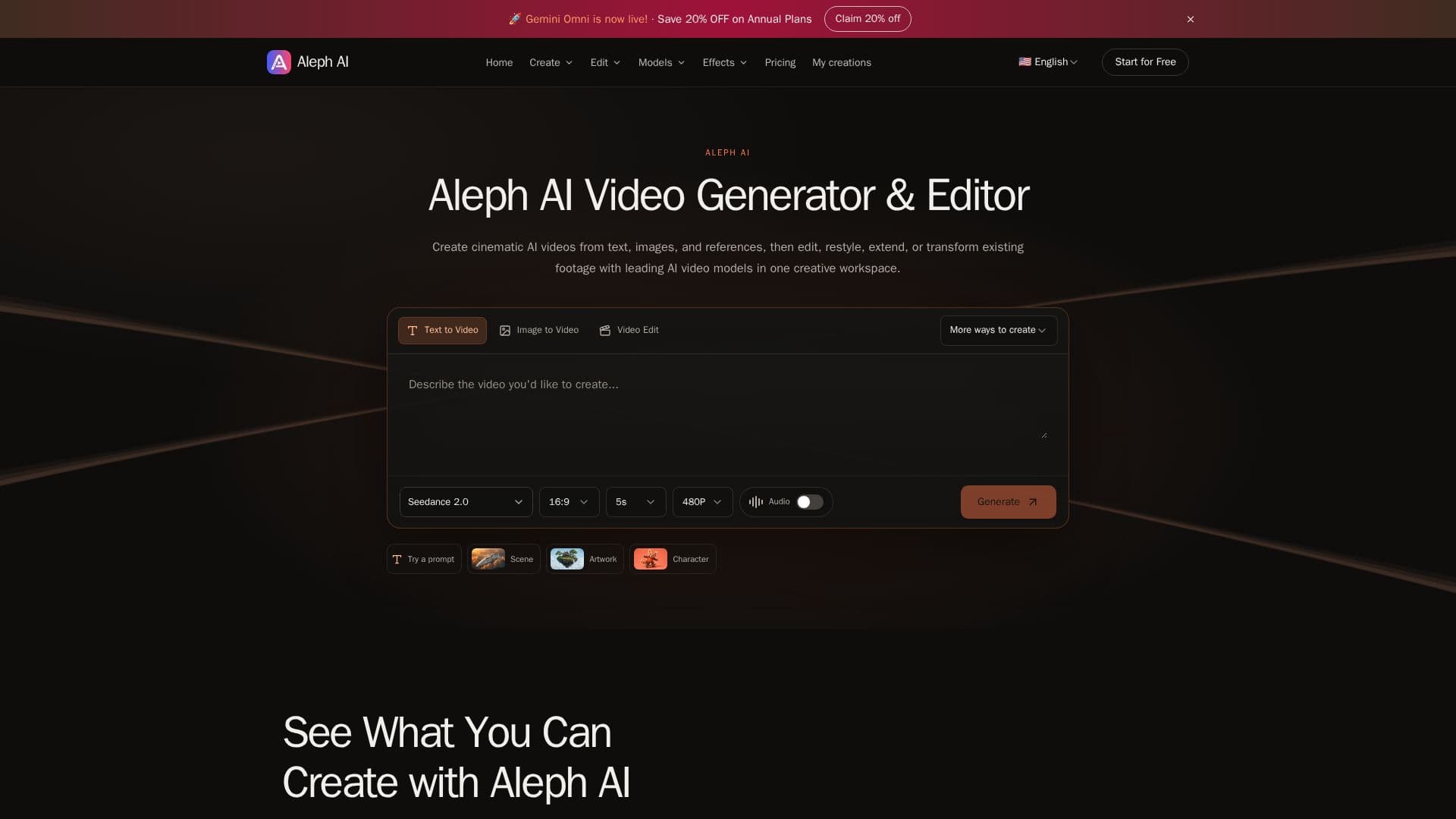
Aleph AI is an innovative platform designed for creating and editing AI-generated videos. It provides users with the ability to transform text, images, and references into cinematic videos using advanced AI video models. Users can create scenes from prompts, animate product photos, or restyle existing footage. The platform supports text-to-video and image-to-video generation, allowing for the creation of dynamic clips from written ideas or still images.
Aleph AI offers a comprehensive suite of editing tools, including prompt-based video editing, style transfer, and video extension. Users can change backgrounds, add or remove objects, and restyle videos to achieve the desired aesthetic. The platform integrates various AI video models like Seedance 2.0 and Kling 3.0, each offering unique capabilities for video generation and editing.
The pricing structure of Aleph AI includes a free trial with credits, followed by subscription plans such as Basic, Pro, Max, and Hobby, catering to different usage needs. Each plan offers a specific number of credits and features like priority generation queues and commercial licenses.
Aleph AI is ideal for content creators, marketers, and businesses looking to produce high-quality video content efficiently. It bridges the gap between video creation and editing, providing a seamless workflow for users to generate, edit, and extend videos in one platform. With its robust features and flexible pricing, Aleph AI is a valuable tool for anyone looking to leverage AI in video production.
Aleph AI Video Generator's Core Features
Text to Video Generation
Image to Video Animation
AI Video Style Transfer
Background Change
Object Addition/Removal
Video Extension
Prompt-Based Editing
Multimodal References
How to use Aleph AI Video Generator?
Start with your idea: Write a prompt, upload an image, or add a video.
Shape your video: Choose your model and settings.
Generate and make it yours: Preview and download the result.
Refine your prompt or continue editing for another version.
Aleph AI Video Generator's Use Cases
- Cinematic Videos
- Product Animation
- Social Media Clips
- Video Restyling
- Background Change